Positive Pay
Q&A related to the Positive Pay feature.
Q&A related to the Positive Pay feature.
Check issues must be submitted by 9:45 PM ET Monday – Friday, excluding bank holidays, to be included in the current day’s file.
All Positive Pay issues submitted during the day are sent to the bank once daily at 9:50 PM ET.
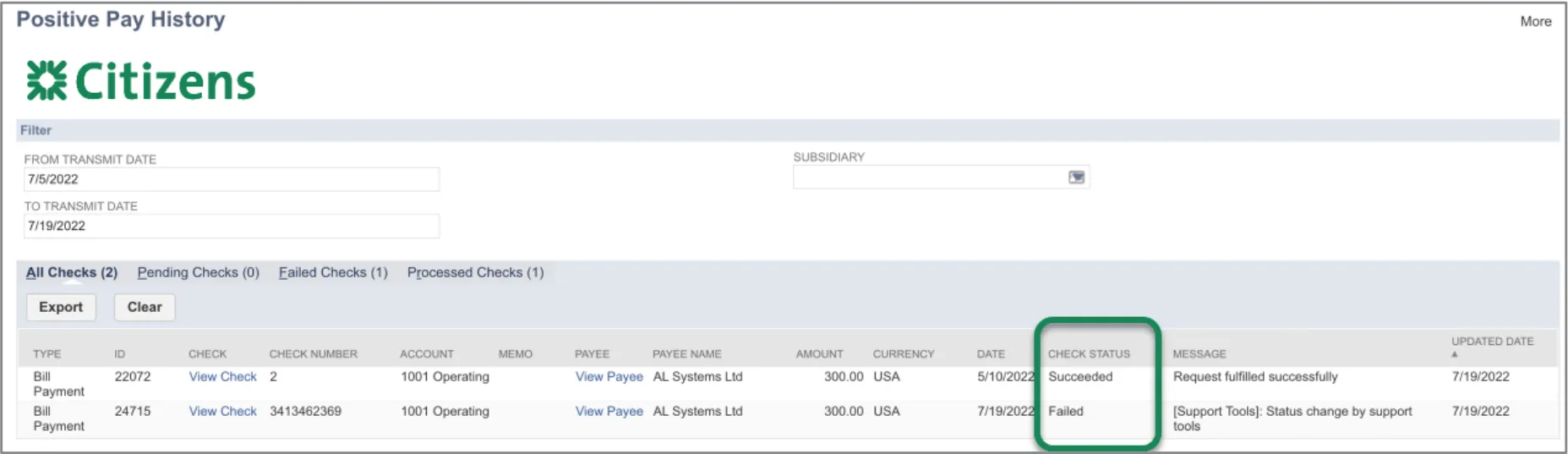
Each time you submit issued checks, a “Checks Successfully Transmitted” banner will display. To see if there were any validation error(s), navigate to Positive Pay → History in ERPConnect and look at the ‘Check Status’ for the submitted item(s). If there is an error listed there, you can resubmit the issue.