Creating Purchase Invoices (Business Central)
Follow these steps to create purchase invoices in Business Central.
Create a Purchase Invoice
On the Vendor card, select New Document → Purchase Invoice to create an invoice.
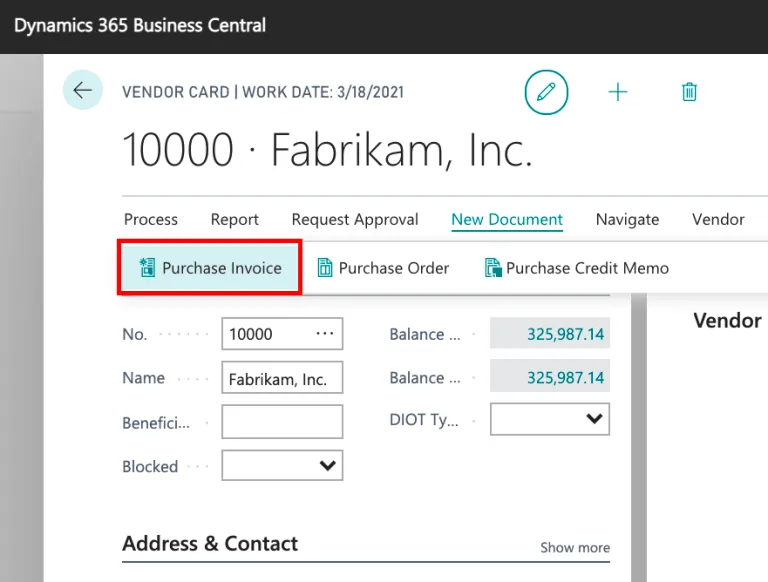
Go to Purchase Invoice
Alternatively, on the home page, select Purchasing → Purchase Invoices → New.
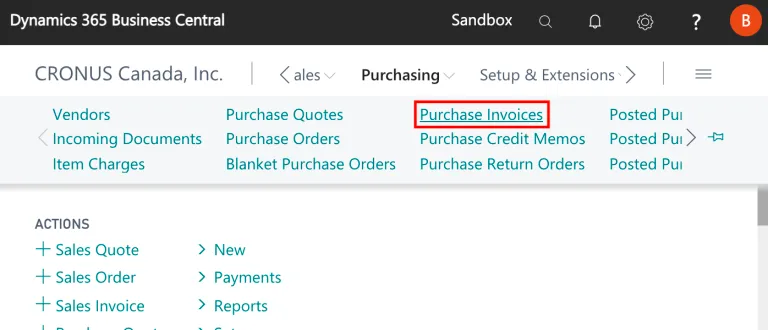
Create a New Purchase Invoice
Post Invoice
Post the invoice when complete by selecting the Posting tab and selecting Post.
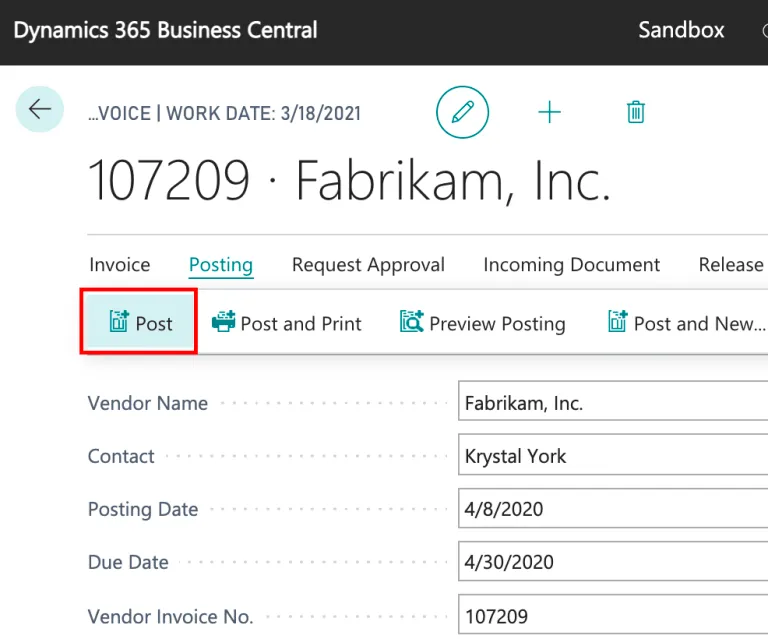
Post Invoice
On the Purchasing tab, the invoice is moved from the Purchase Invoices header to the Posted Purchase Invoices header.