Product Assistant
Product Assistant helps you get fast, reliable answers about your plugin experience without leaving the page you are working on. Use it to learn how features work, find guidance for common tasks, and review trusted documentation sources behind each answer.
Overview
Product Assistant is an in-plugin help experience designed to answer questions about the plugin and related workflows. It gives you a simple way to ask how-to questions, understand available functionality, and find relevant product guidance while you work.
Product Assistant is built to search and summarize trusted Product Guide content. It can help explain features, clarify setup steps, and point you to the source material used to generate an answer.
Product Assistant also uses the current conversation to give better follow-up responses. That means you can ask a question, continue the conversation, and refine your request without needing to repeat everything from the beginning.
NOTE: Product Assistant does not make changes in your environment. It is a guidance tool only.
Product Assistant Setup
Use these steps to open Product Assistant and complete the first-time onboarding flow.
Open Product Assistant
Open the Product Assistant panel from within your plugin.
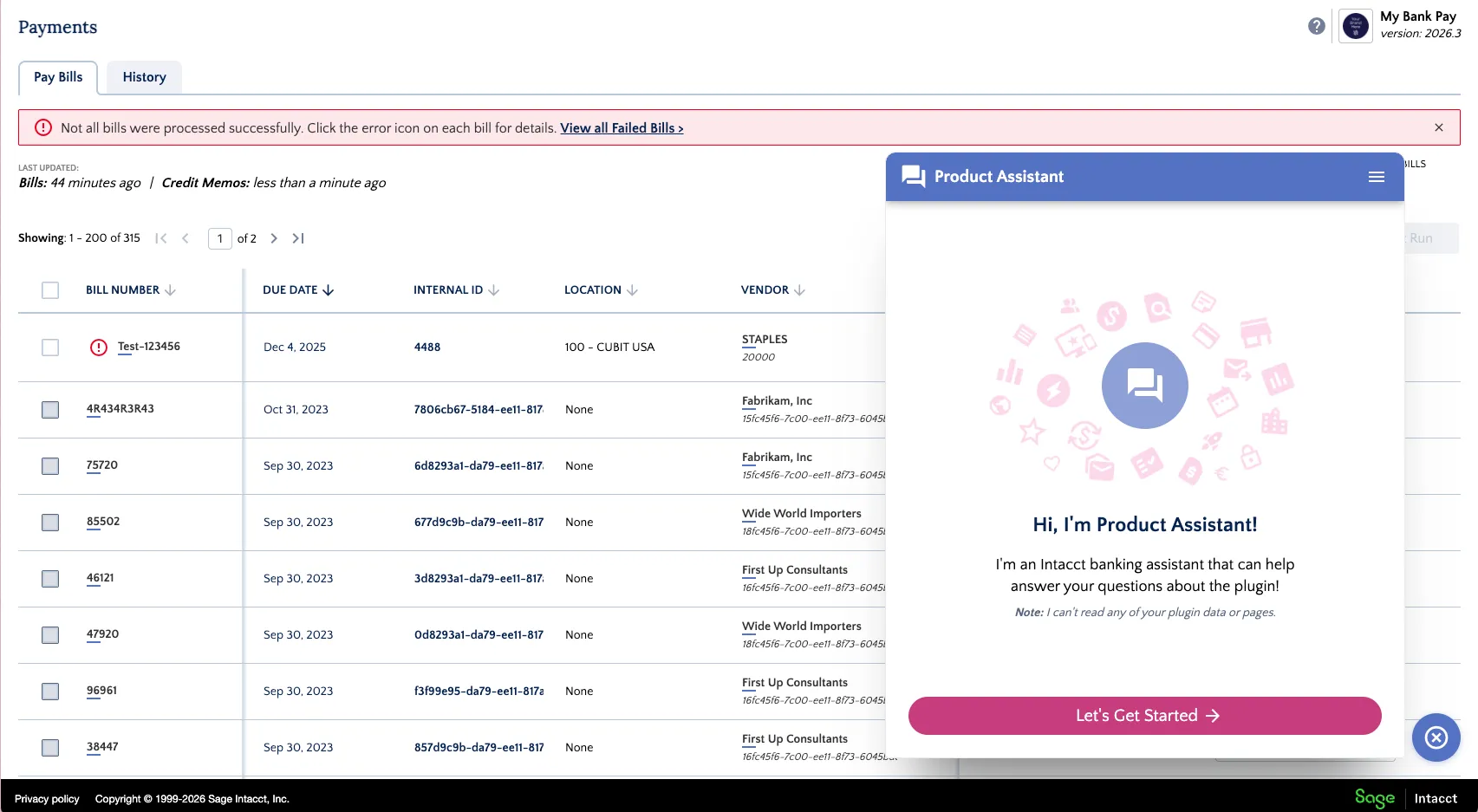
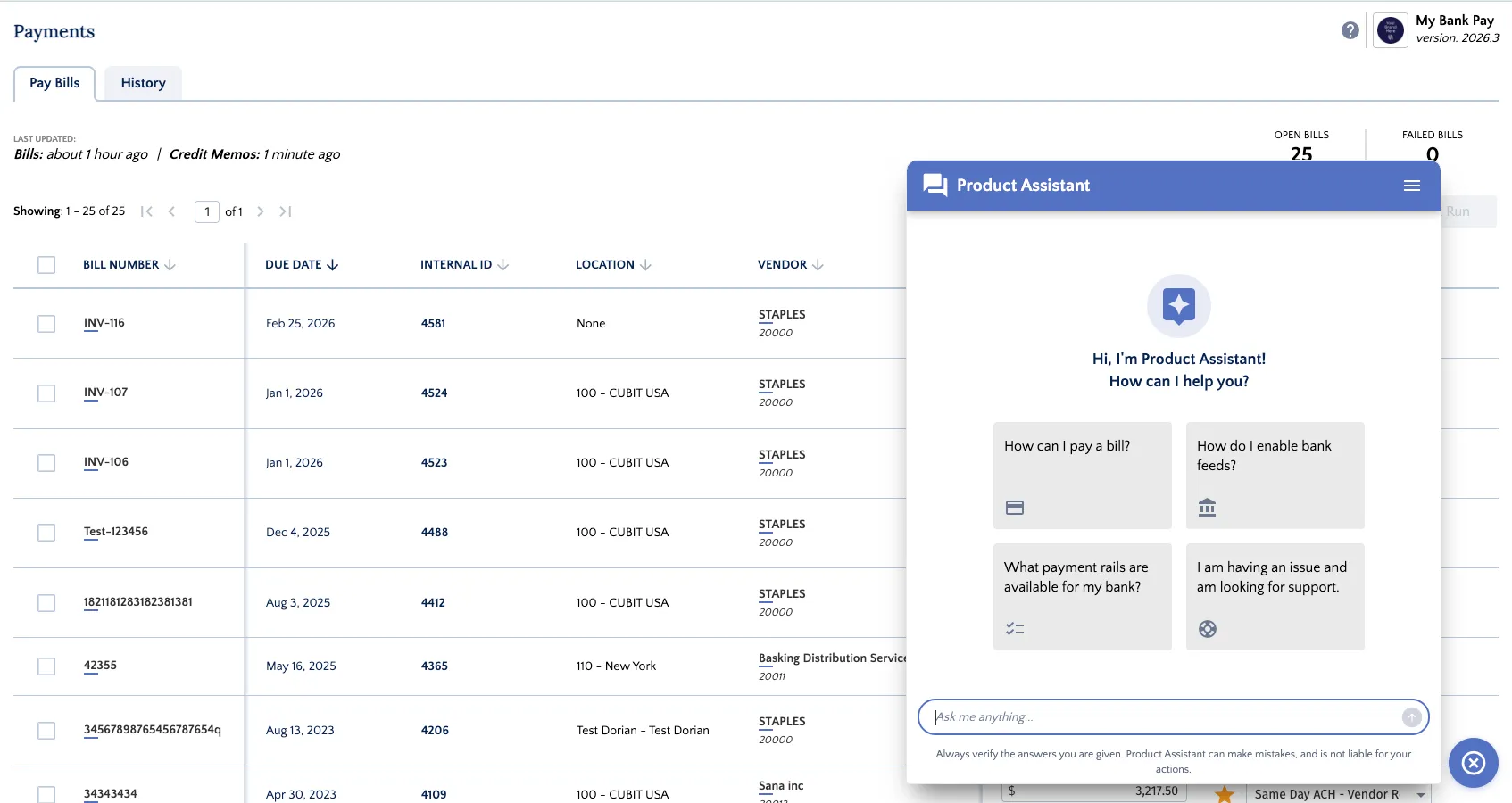
When you open it for the first time, you will see a welcome screen that introduces the assistant and explains that it can answer questions about the plugin.
Select Your Role
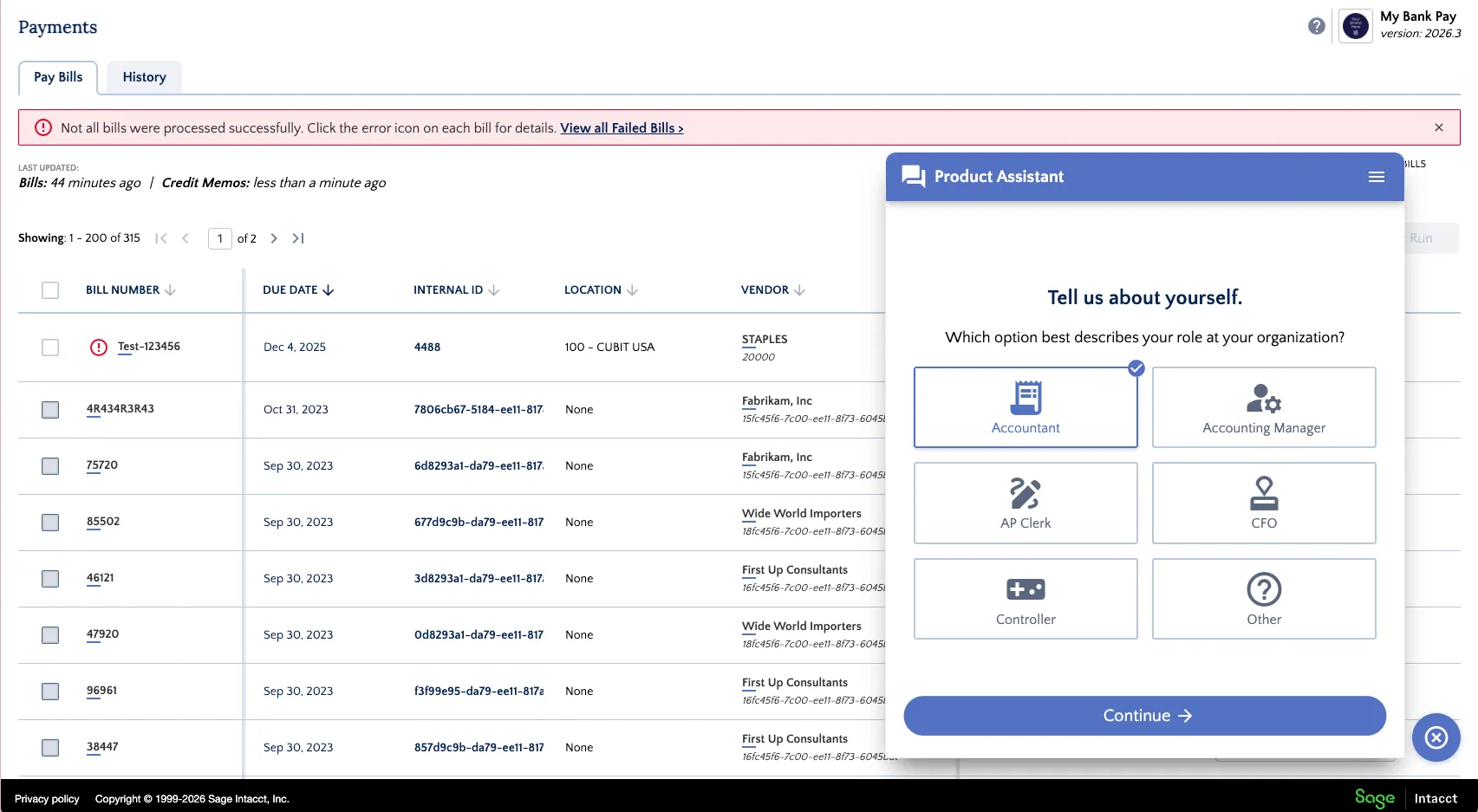
Choose the option that best matches your role at your organization.
Examples may include:
- Accountant
- Accounting Manager
- AP Clerk
- CFO
- Controller
- Other
Choose Your Experience Level
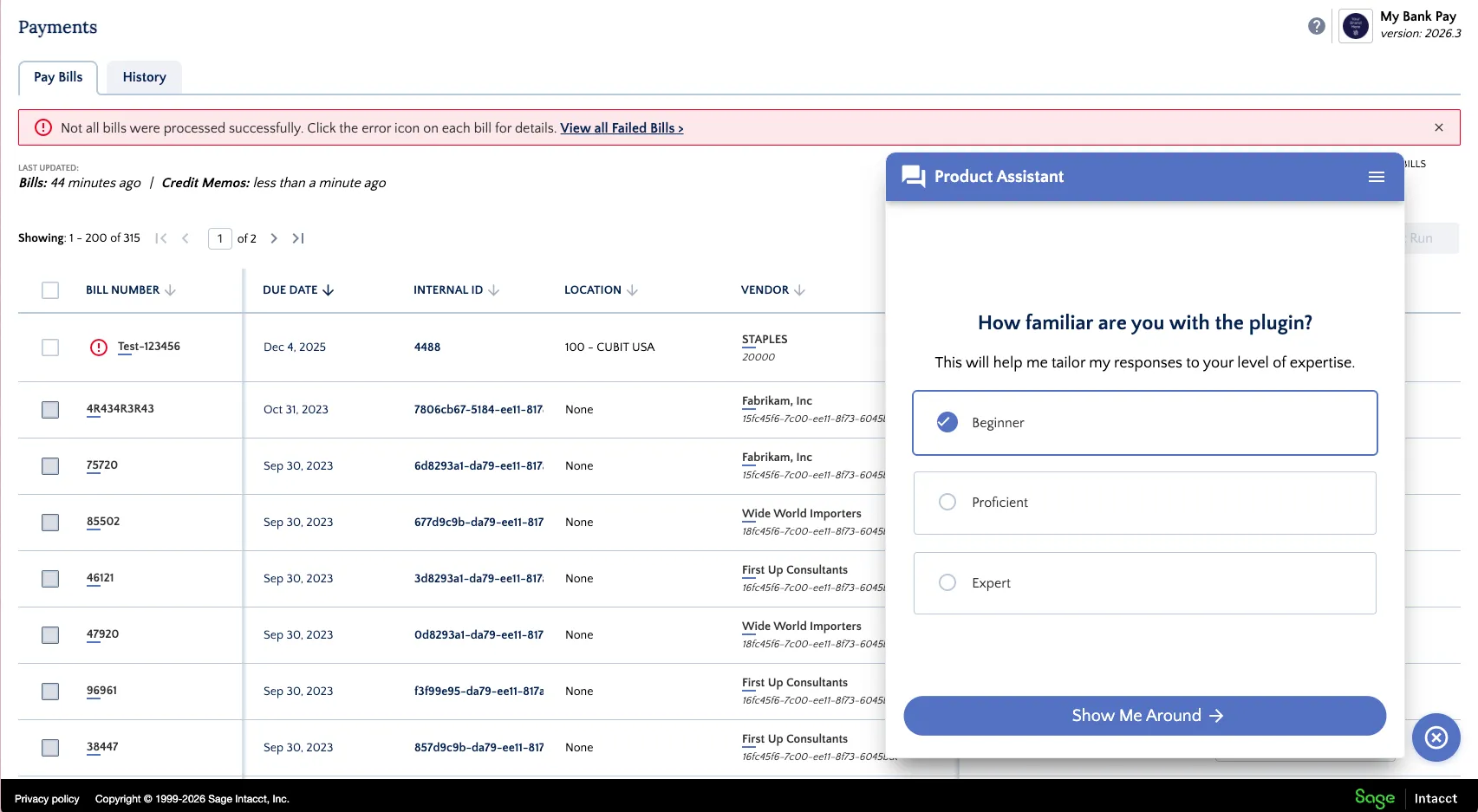
Select how familiar you are with the plugin:
- Beginner
- Proficient
- Expert
Start the Guided Tour
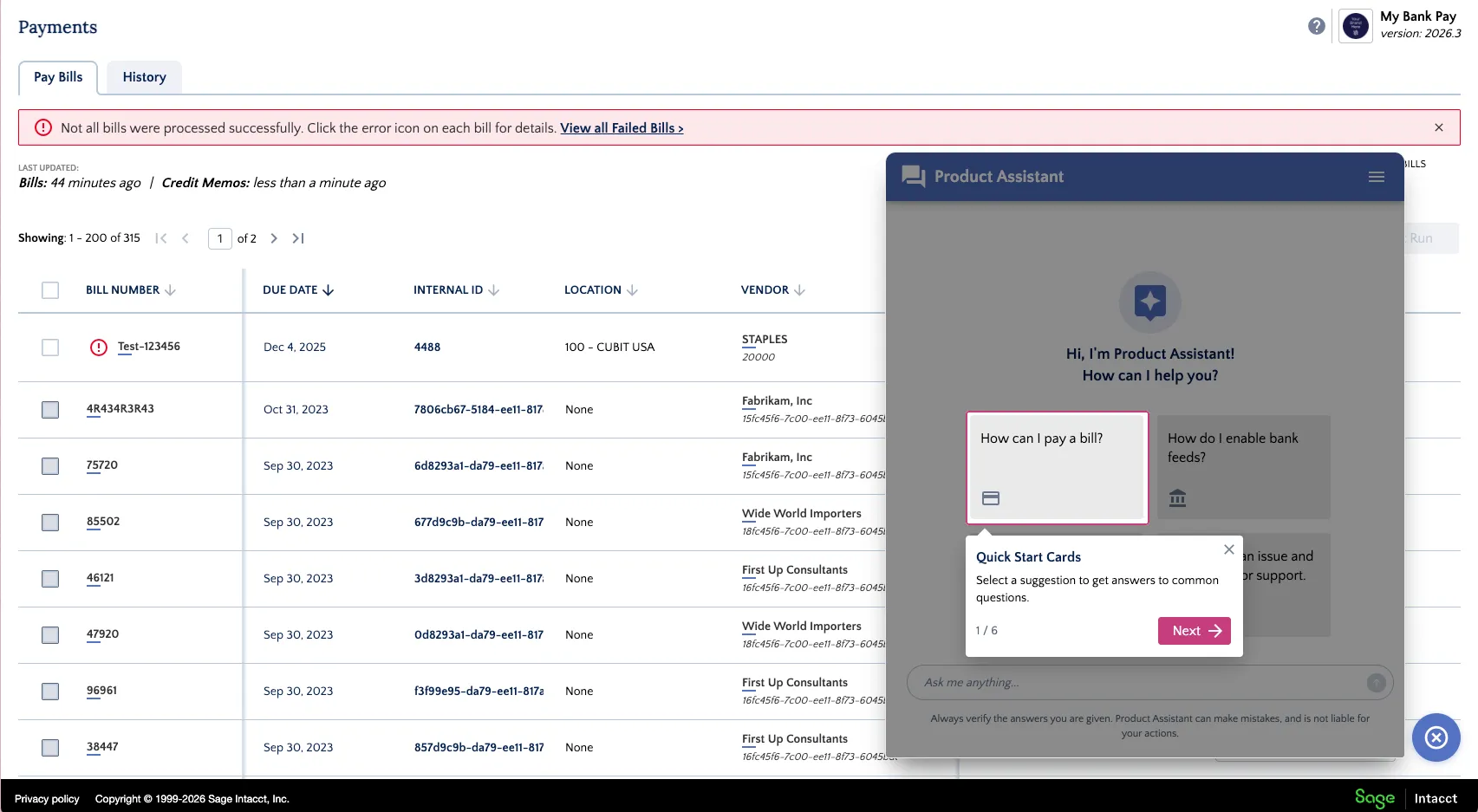
Click Show Me Around to begin a short walkthrough of the Product Assistant interface.
The guided tour introduces the quick-start questions, the message area, source indicators, and the input field where you can type your own questions.
Use the Assistant
Start with a Suggested Question
On the home screen, Product Assistant may show quick-start cards for common topics.
These suggested prompts help you get started with questions such as:
- How to complete a payment-related task
- How to enable a feature
- What options are available for your bank
- Where to go for support
Or Ask Your Own Question
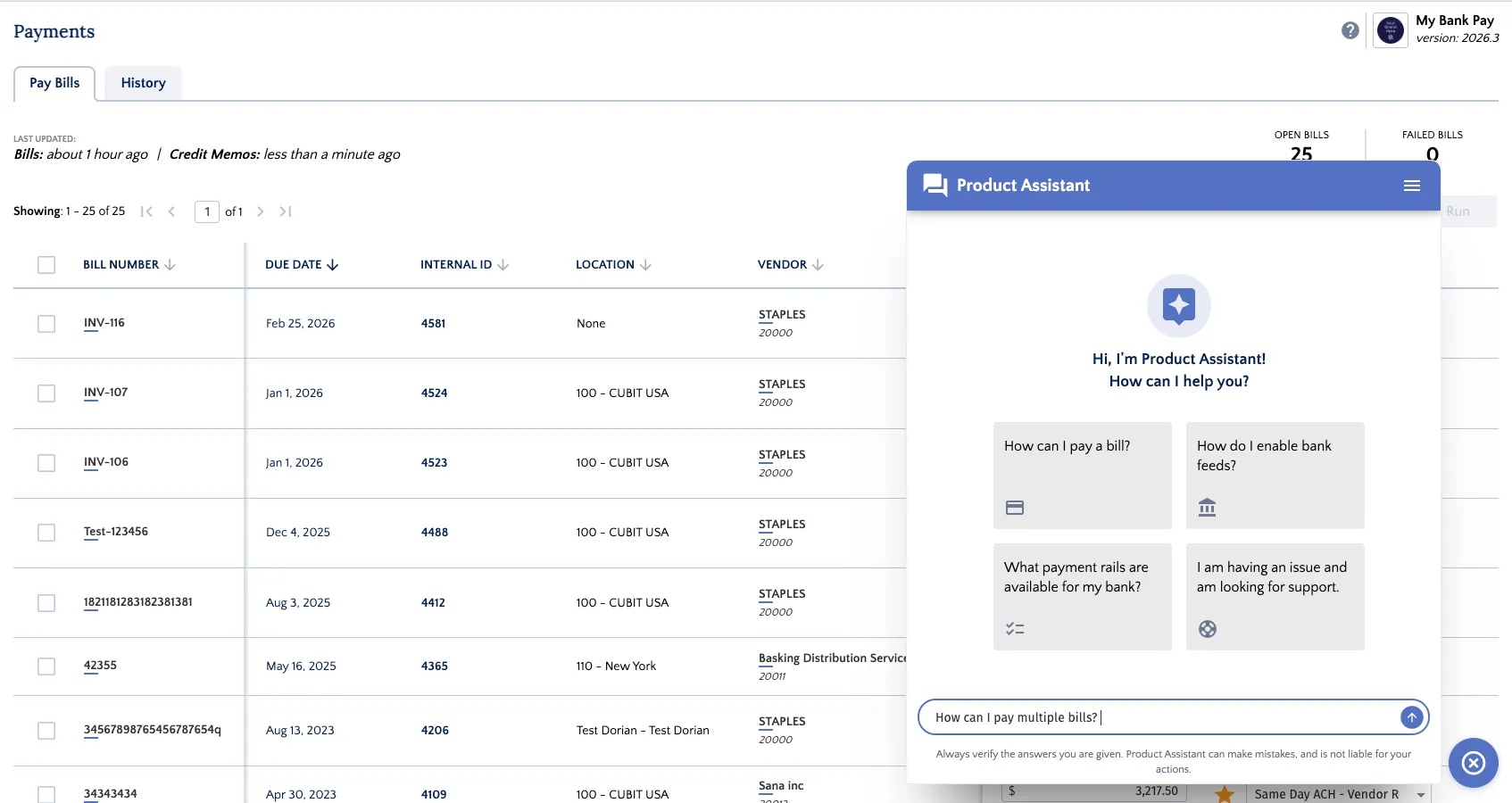
Type your question into the Ask me anything... field and submit it.
You can ask straightforward how-to questions, follow-up questions, or more specific questions related to your workflow.
Review the Response
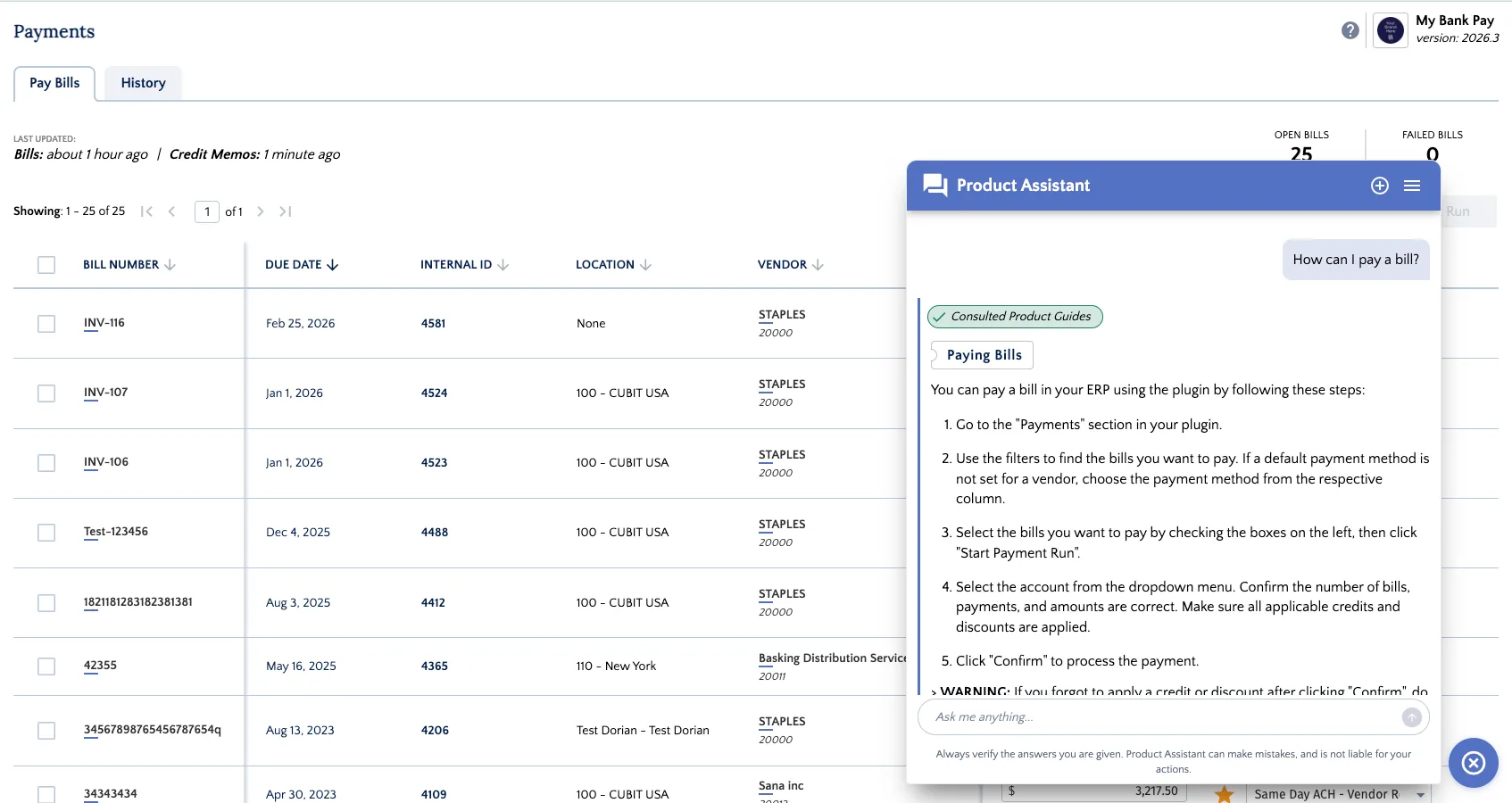
Product Assistant will reply directly in the conversation panel.
Responses may include:
- Step-by-step guidance
- Feature explanations
- Product Guide references
- Links to relevant documentation
Continue the Conversation
You can ask follow-up questions in the same thread to get more targeted help.
Because Product Assistant uses the current conversation as context, it can often understand what you are referring to without requiring you to repeat earlier details.
Understand Trusted Answers
Check the Status Indicator
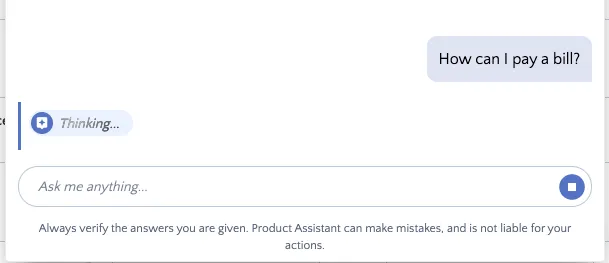
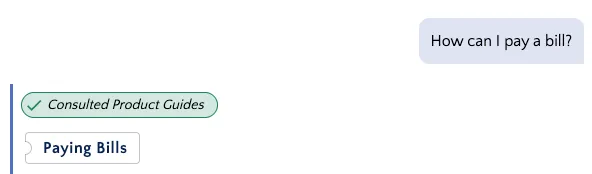
While preparing a response, Product Assistant may show a status such as Thinking... or indicate that it is consulting trusted documentation.
This gives you visibility into when the assistant is working on an answer or checking a source.
Review Trusted Source Links
Each response may include source links to help you understand whether Product Assistant referenced trusted documentation.
Use these source links to review the underlying documentation and confirm that it matches your question.
Verify Important Answers
Product Assistant is designed to be helpful, but like any AI tool, it can occasionally return incomplete or incorrect information.
Before taking action, especially for important tasks or configuration decisions, confirm the answer against the cited documentation.
Manage Conversations
Use Conversation History
Product Assistant can support multiple conversations, making it easier to separate different questions or workflows.
This is helpful if you want to keep one thread for payments, another for setup questions, and another for support-related topics.
Switch Between Conversations
Use the conversation menu to move between previous Product Assistant threads.
This allows you to return to an earlier discussion and continue where you left off.