Mapping Bank Accounts (Business Central)
Once the MUFG Connect installation and setup are completed, you are still able to map any new bank accounts that are added to the plugin.
Log in to Portal
Head to the FISPAN Production Portal or FISPAN Sandbox Portal you used to register for an account with FISPAN when you installed the plugin.

Go to FIPSAN Portal
Log in to the portal with the email and password you used to register.
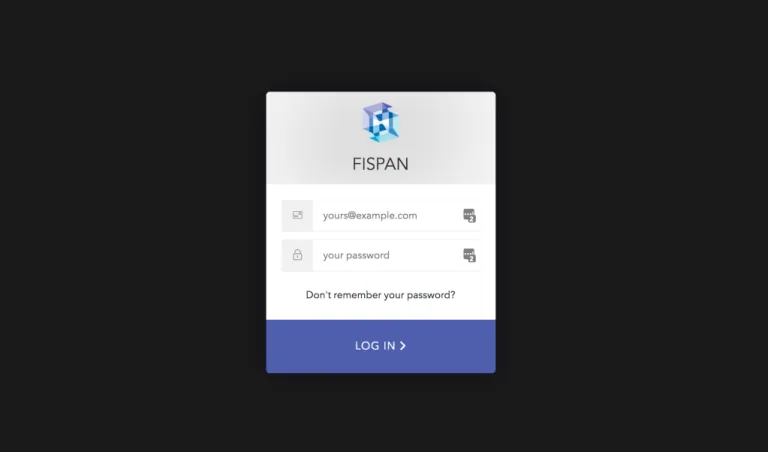
Log In
Go to Accounts
Select Associate Accounts and map the accounts you would like to map.
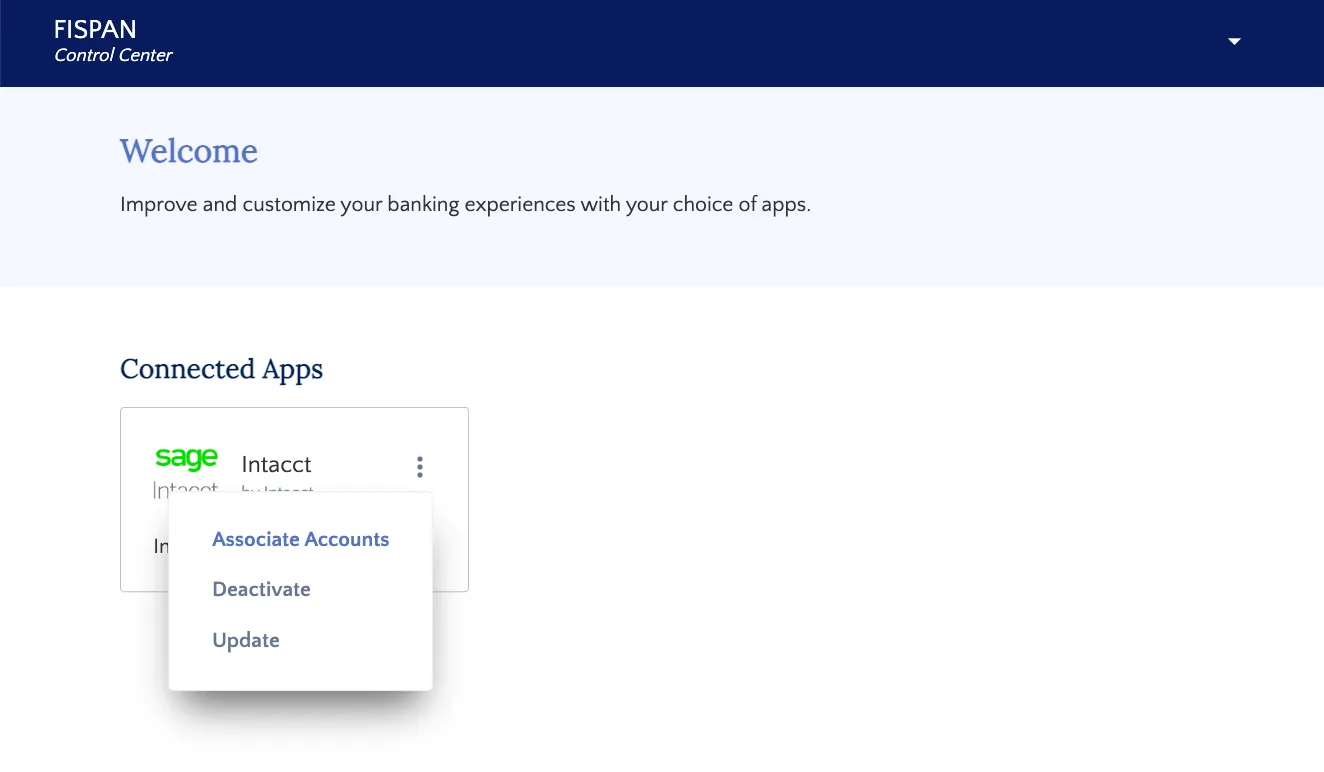
Select Associate Accounts
Match your ERP Accounts with the appropriate Bank Account. Simply drag the ERP Account from the left and drop it onto the bank account you would like it to be tied to. Once you have successfully matched your accounts, select Save & Finish.
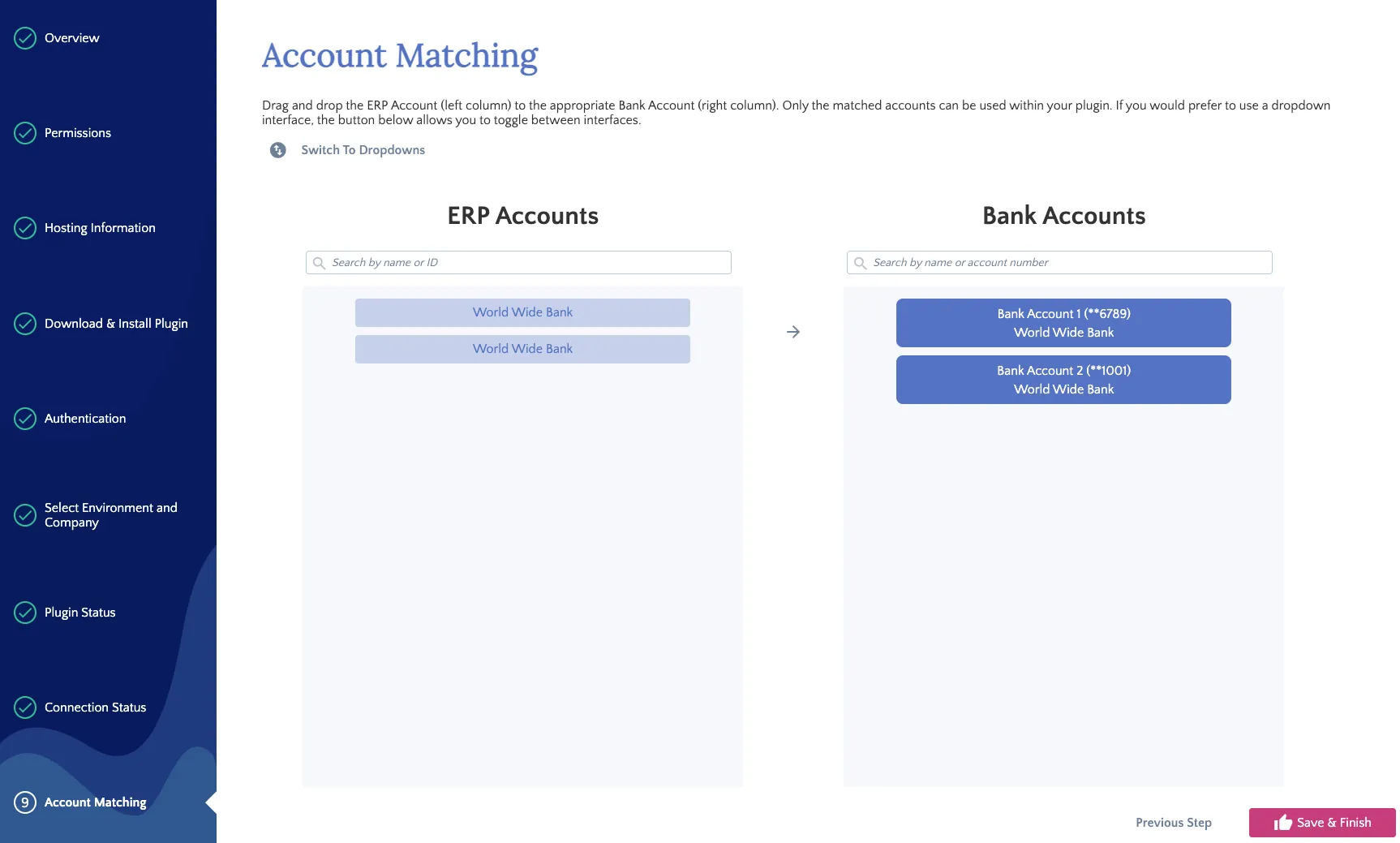
Match Your Accounts