Step 10.2: Update Bank Accounts (Workday)
3 min
To pay suppliers through FISPAN Sync, FISPAN Payments must be an allowed payment type on the bank accounts you use to pay suppliers. In this step, you add it to those bank accounts in Workday.
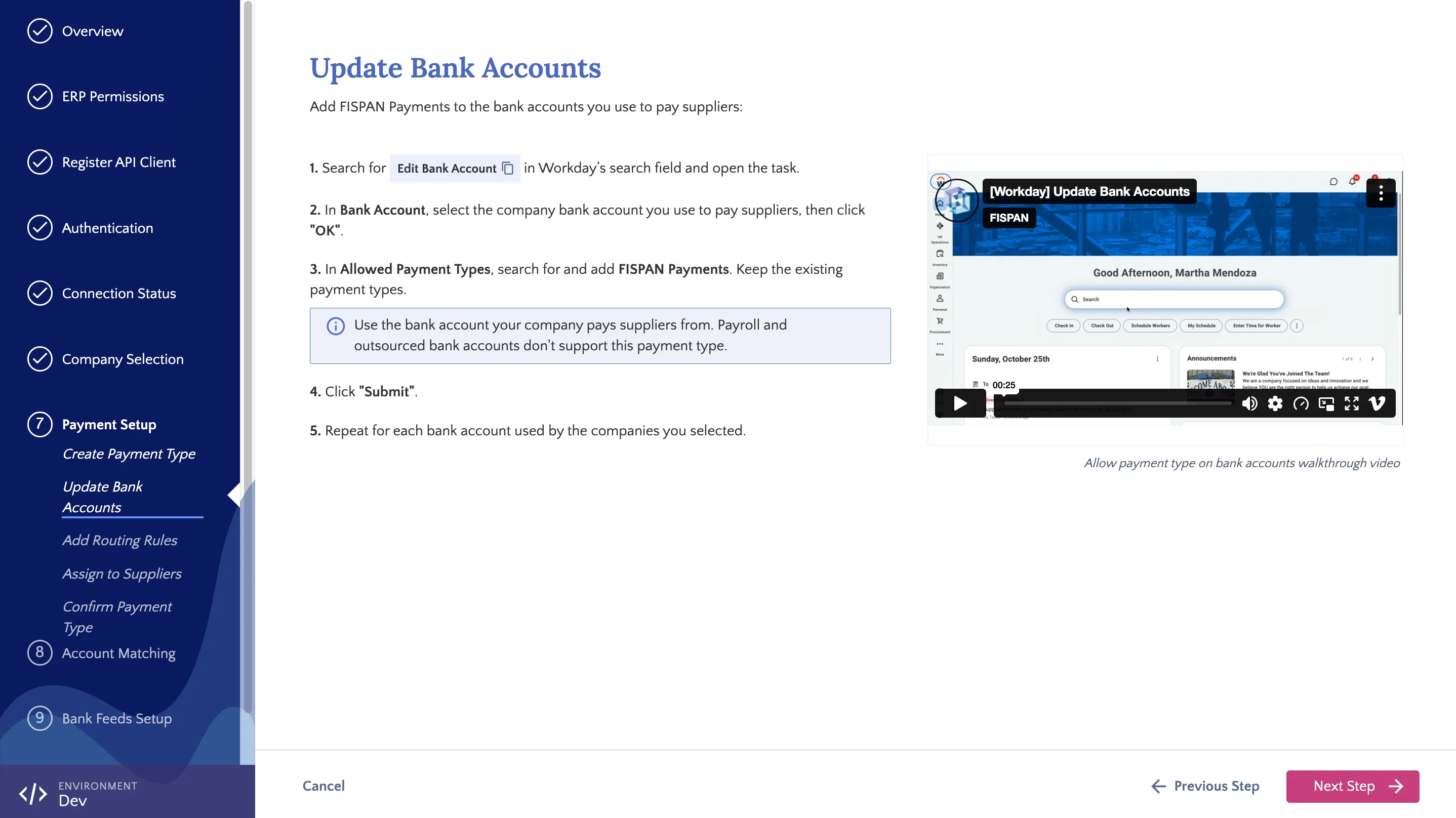
Update Bank Accounts Step
Updating Bank Accounts
Follow these steps in Workday for each bank account your selected companies use to pay suppliers.
Open Edit Bank Account
In Workday’s search field, type Edit Bank Account and select the task from the results.
Select Bank Account
In Bank Account, select the company bank account you use to pay suppliers, then click OK.
Repeat for Each Bank Account
Repeat steps 1 to 3 for each bank account your selected companies use to pay suppliers. These are the bank accounts you’ll match in Step 11: Account Matching. Once complete, return to the installation wizard and click Next Step.