Step 10.1: Create Payment Type (Workday)
In this step, you set up the payment type that FISPAN Sync uses to identify which supplier invoices to pay. You create a payment type called FISPAN Payments Workday’s Manual payment method, add it to your bank accounts, bank routing rules, and suppliers, then confirm it in the installation wizard.
FISPAN Sync uses a Manual payment type to identify which supplier invoices to pay. In this step, you create that payment type in Workday.
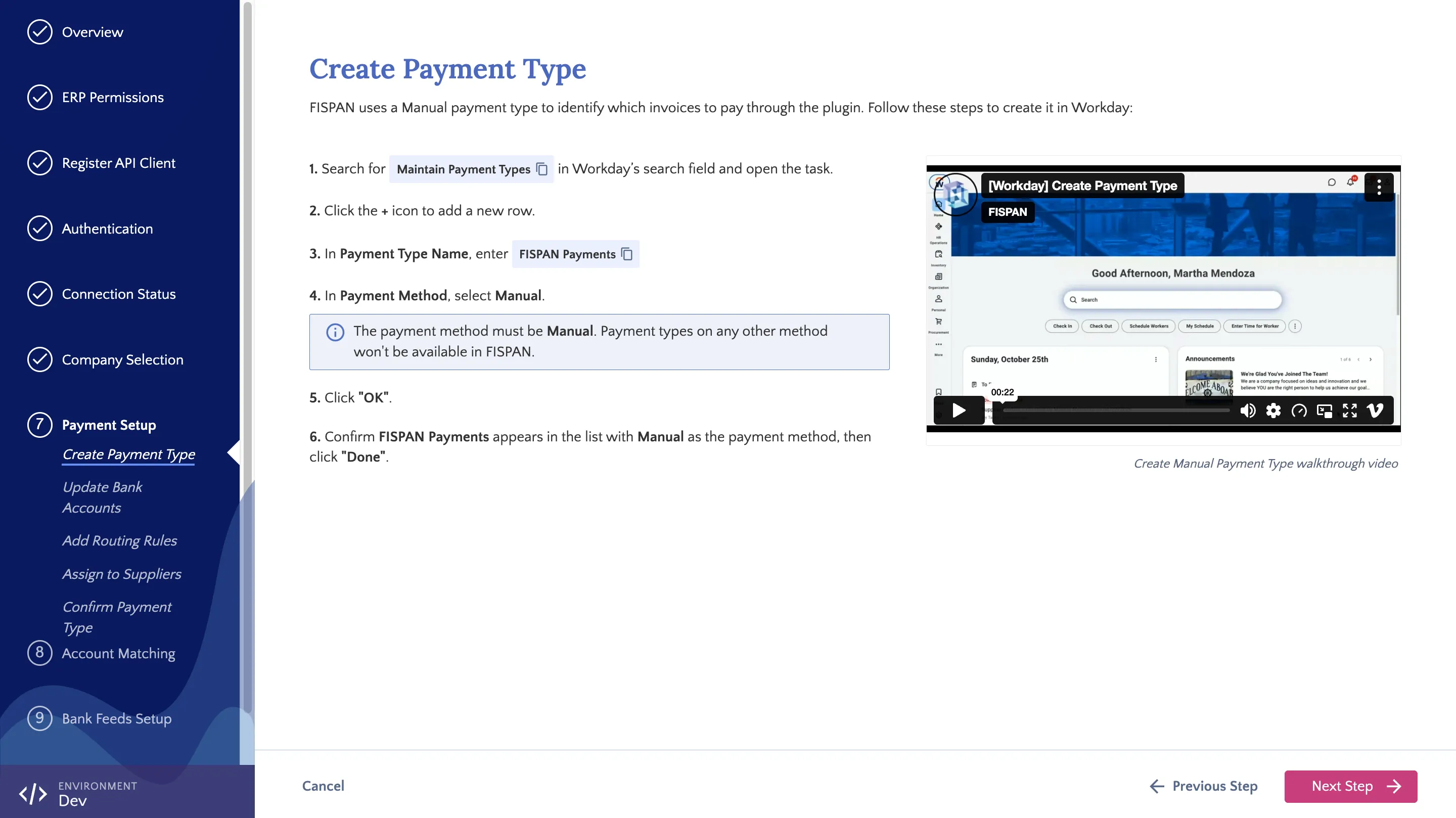
Creating the Payment Type
Follow these steps in Workday to create the FISPAN Payments payment type.
Open Maintain Payment Types
In Workday’s search field, type Maintain Payment Types and select the task from the results.
Add Payment Type
Click the + icon to add a new row, then enter the following:
- Payment Type Name: Enter a name for the manual payment type (recommended: FISPAN Payments)
- Payment Method: Manual
NOTE: We recommend the name FISPAN Payments. You can use a different name, such as one that includes your bank’s name, as long as the payment method is Manual. If you do, use that name wherever this guide refers to FISPAN Payments.
IMPORTANT: The payment method must be Manual. Payment types on any other method won’t be available in FISPAN Sync.
Save Payment Type
Click OK. Confirm that FISPAN Payments appears in the list with Manual as the payment method, then click Done.
Once complete, return to the installation wizard and click Next Step.