Making International FX Payments (NetSuite)
Learn how to process International Wire payments in NetSuite using the CNB Pay plugin by following this guide.
The current list of available countries for International Wires are as follows:
Countries Available | | |
|---|---|---|
Albania | Guinea-Bissau | Portugal |
Argentina | Hong Kong | Rwanda |
Armenia | Hungary | Serbia |
Australia | India | Seychelles |
Austria | Indonesia | Sierra Leone |
Barbados | Ireland | Singapore |
Belgium | Israel | South Africa |
Bosnia & Herzegovina | Italy | South Korea |
Botswana | Jamaica | Spain |
Brazil | Japan | Sri Lanka |
Canada | Jordan | Sweden |
Central African Republic | Kenya | Switzerland |
Chad | Kyrgyzstan | Tanzania |
Chile | Liechtenstein | Thailand |
China | Lithuania | Togo |
Colombia | Luxembourg | Turkey |
Costa Rica | Malawi | Uganda |
Czech Republic | Mexico | Ukraine |
Denmark | Mongolia | United Arab Emirates |
Democratic Republic of Congo | Mozambique | United Kingdom |
Egypt | Namibia | Vietnam |
Equatorial Guinea | Nepal | Zambia |
Estonia | Netherlands | Zimbabwe |
France | New Zealand | |
Gabon | Niger | |
Gambia | Nigeria | |
Germany | Norway | |
Ghana | Papua New Guinea | |
Greece | Philippines | |
Guatemala | Poland | |
More information can be found about country-specific requirements here.
Making an International FX Payment
Go to International FX Payments
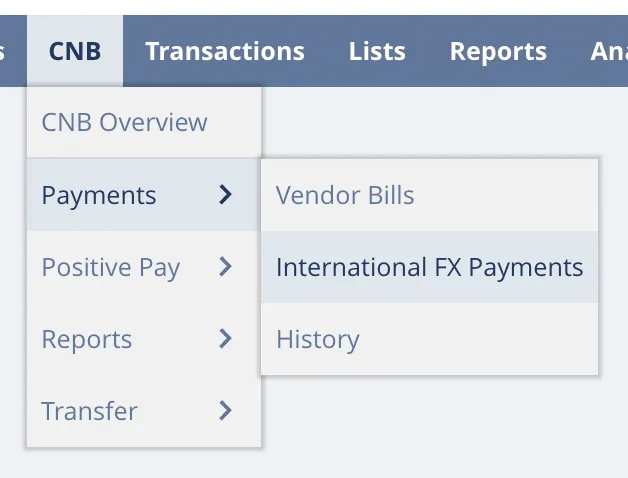
Go to CNB → Payments → International FX Payments.
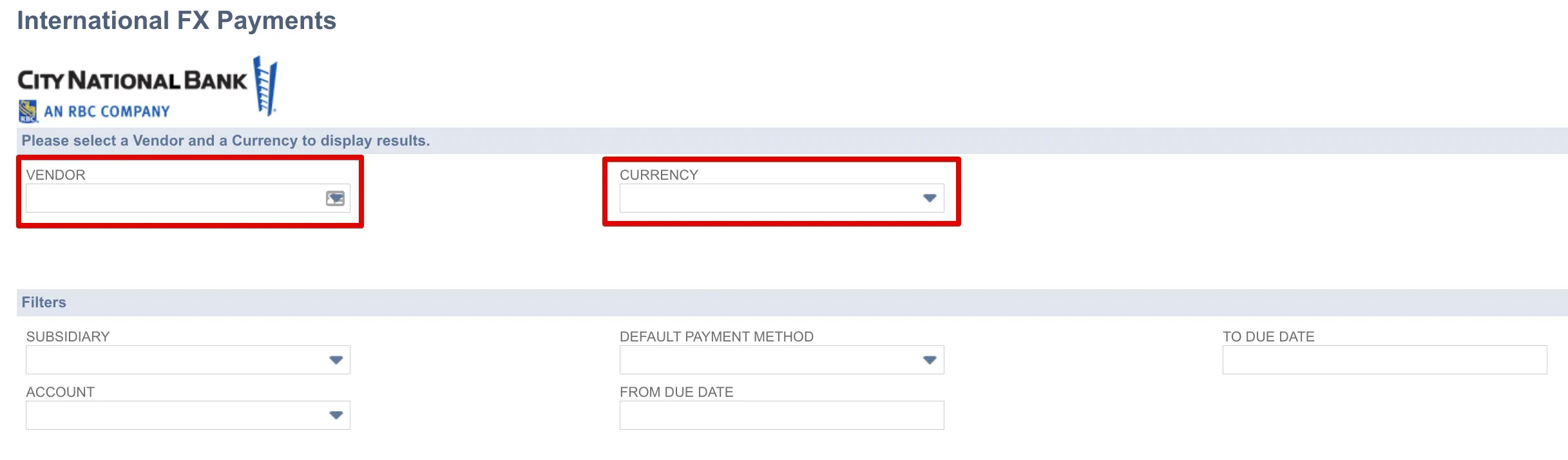
Filter by Vendor and Currency
Select your Vendor and the specific Currency to load the relevant pending bills.
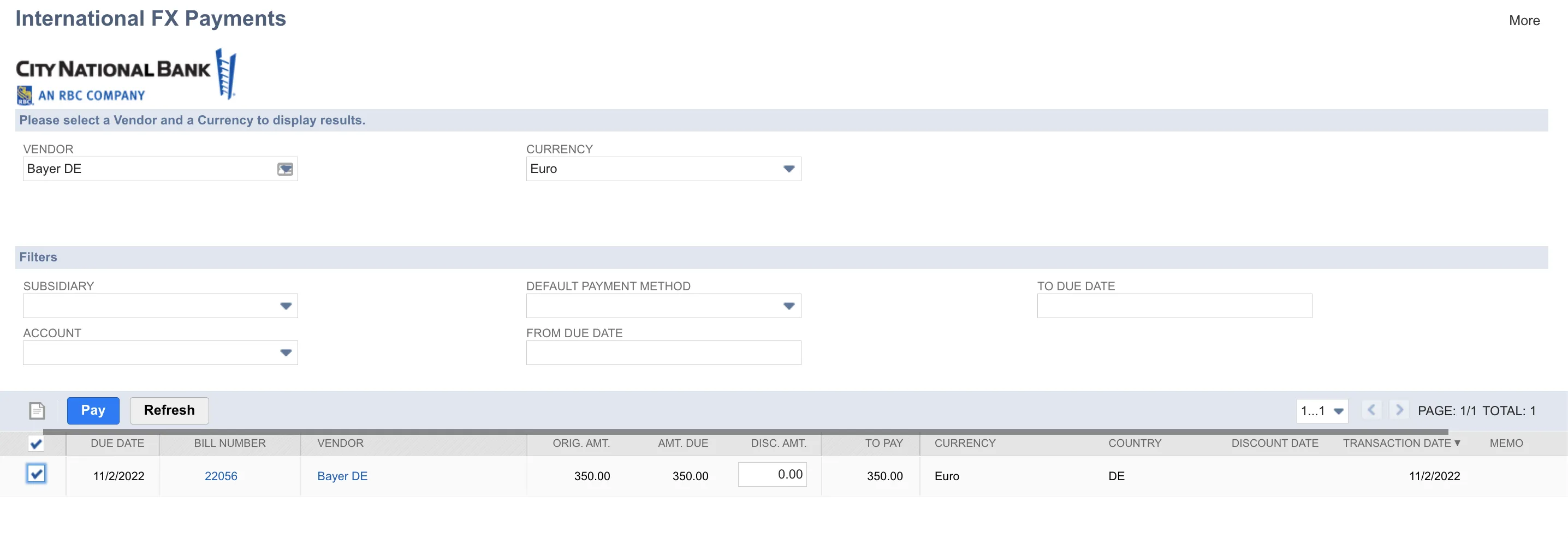
Select Bills
Review the results table and check the boxes for the bills you wish to pay. Then, click Pay.
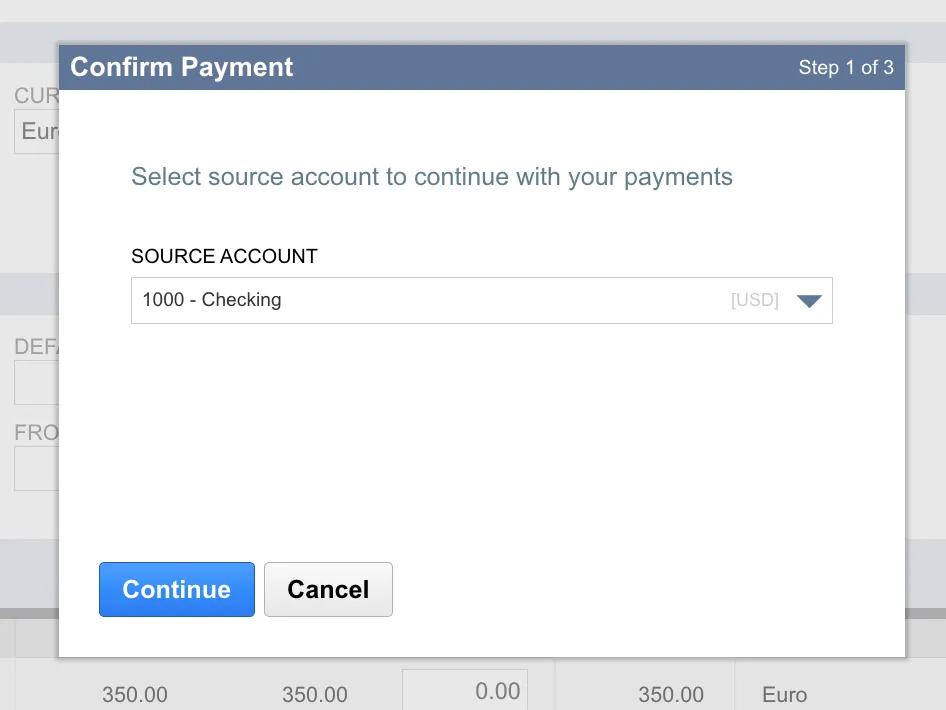
Select Source Account
Choose the source account to make payments with using the dropdown. All selected bills in a batch must share the same source account.
Set the Exchange Rate
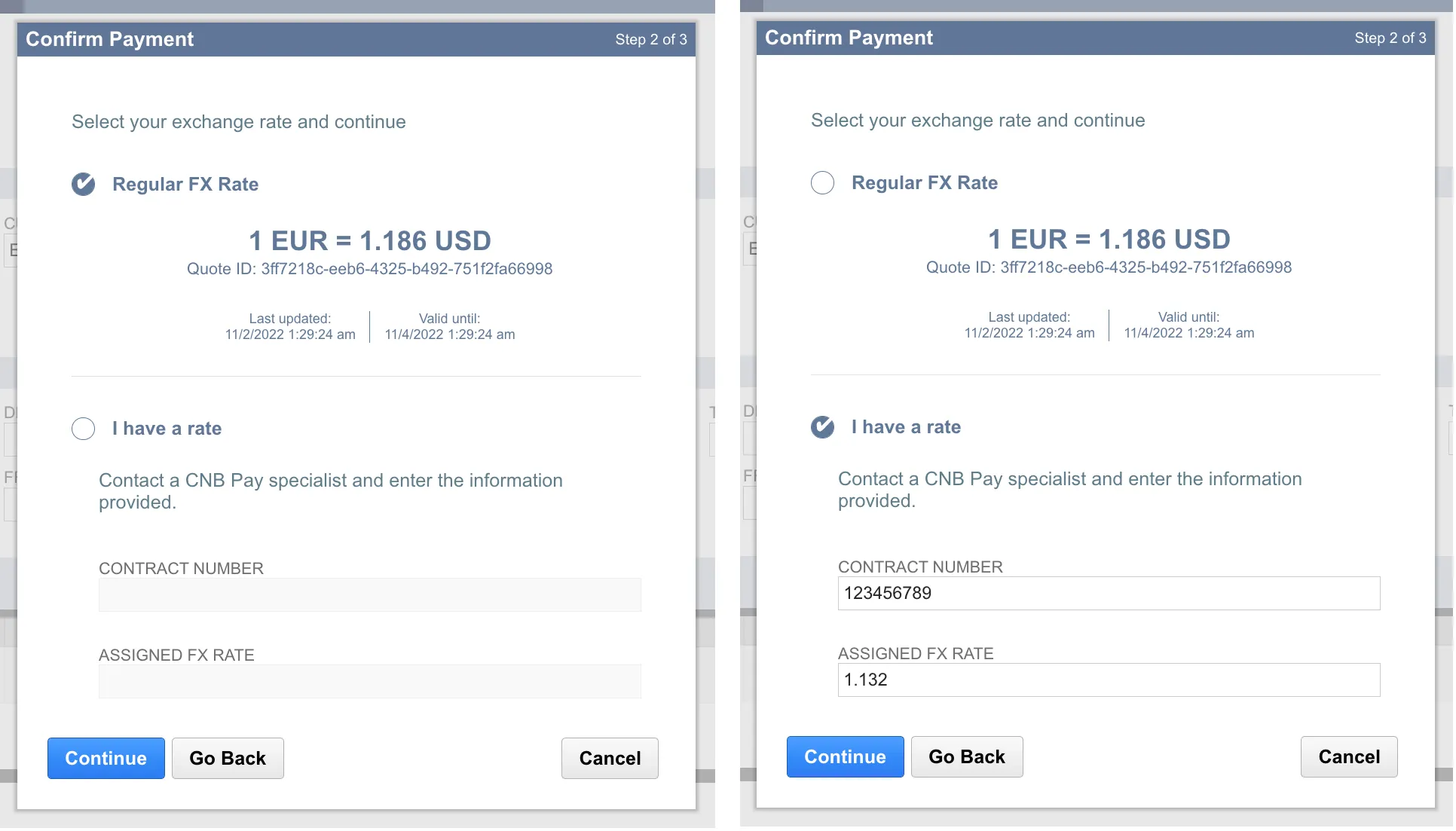
Choose between the Regular FX Rate or a Trade Control Number (TCN). If using a TCN, enter the number and the Assigned FX Rate in the designated fields.
Confirm Payment
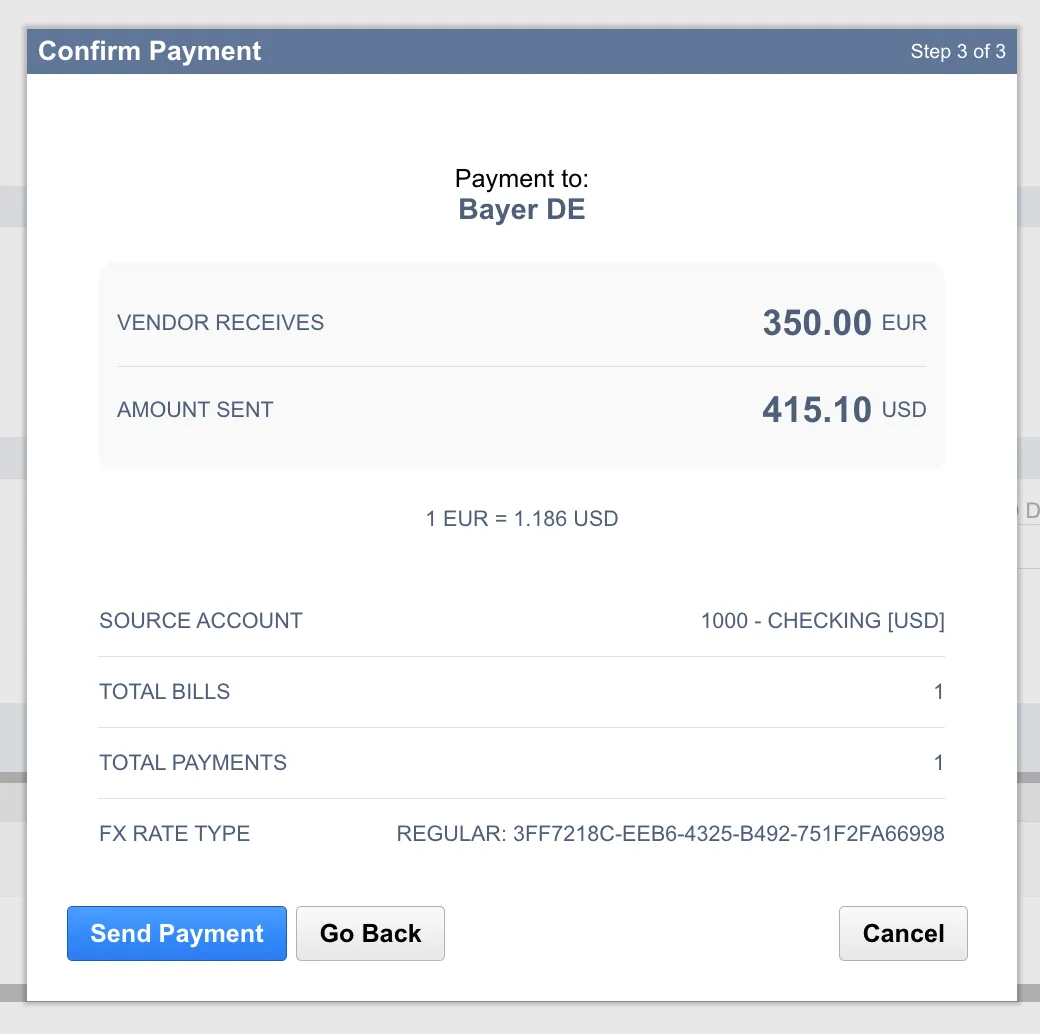
Confirm the payment information is correct and click Send Payment.
Confirm Status
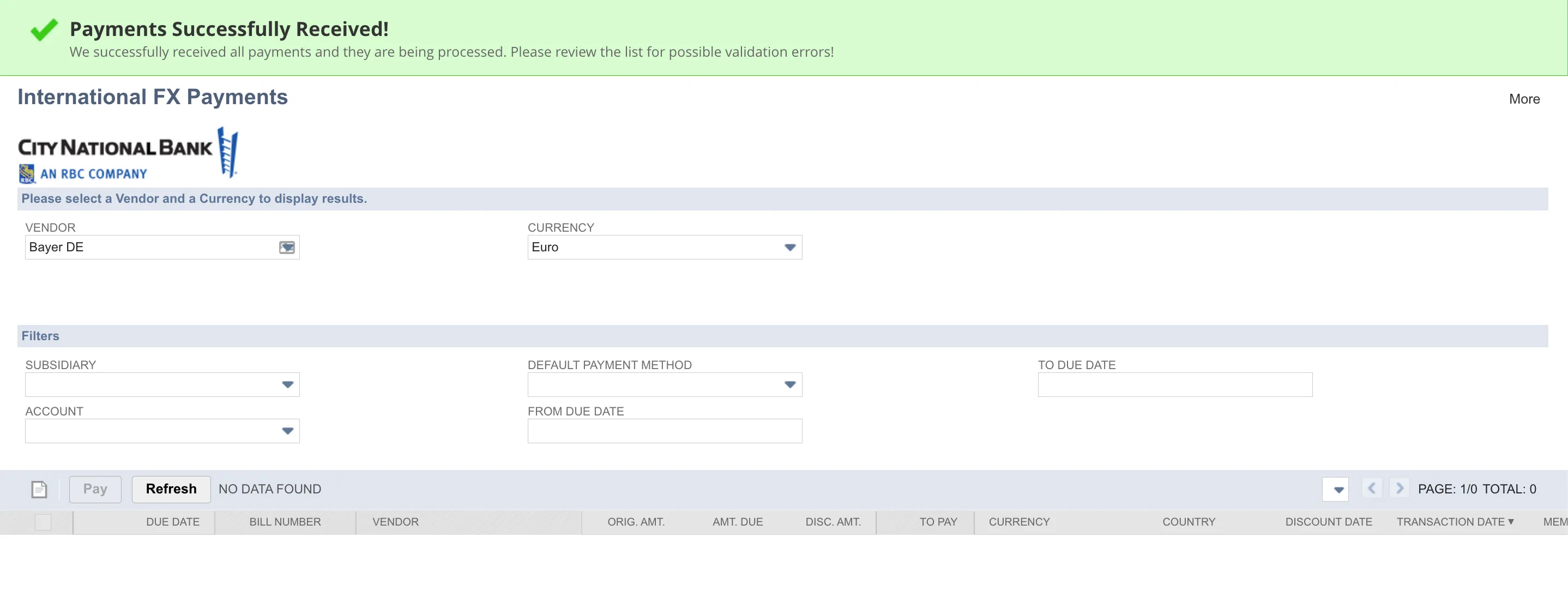
Look for the confirmation banner at the top of your screen to ensure the payment has been sent.
International FX Payment Exchange Rate
Find the exchange rate and the amount paid in USD for completed FX payments.
Go to Bill History
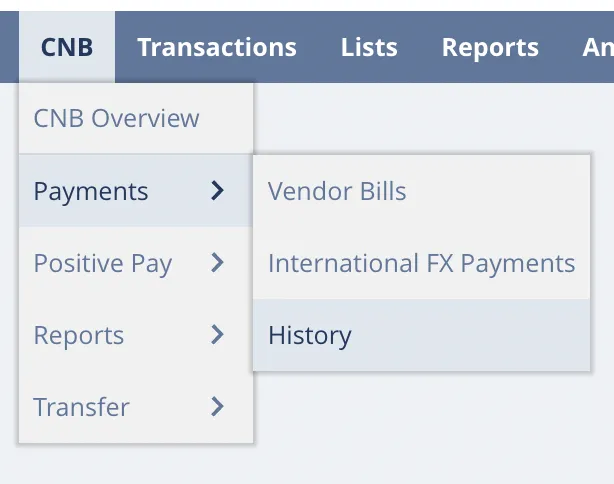
Go to CNB → Payments → History.
Select a Bill
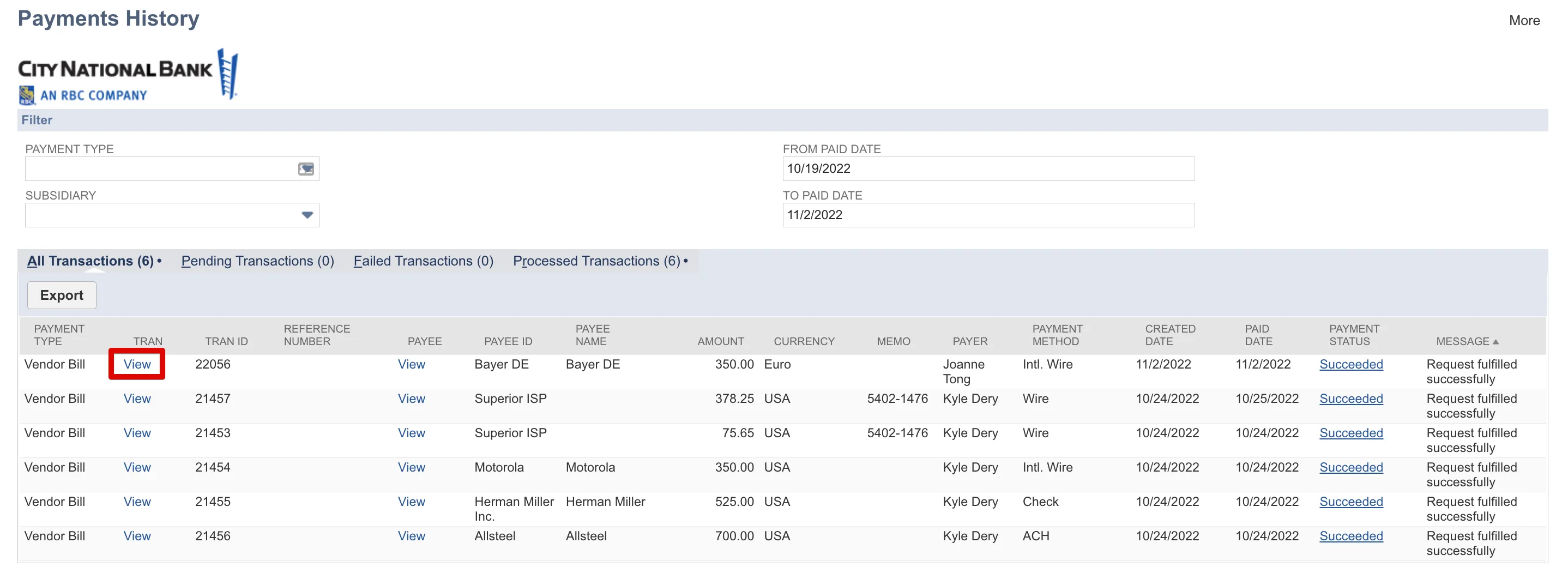
Find the bill you paid using the International FX Payments module and select View.
View Amount Paid in USD
To see the amount paid in USD (or your source account's currency), navigate to History -> Payments on the bill record. You will see a Bill Payment entry, in the example below, this amount is shown in USD.
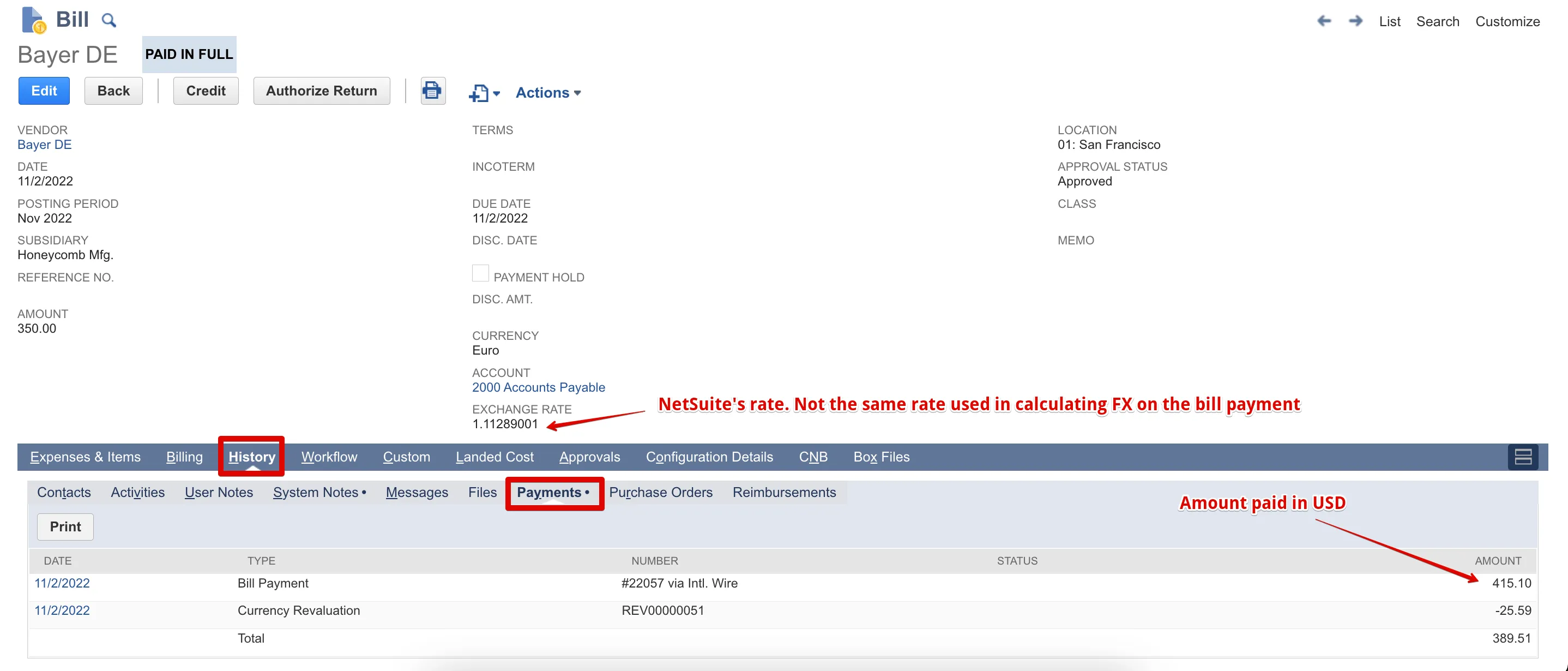
Note that the exchange rate displayed on the bill record is a NetSuite calculation and may differ from the actual bank-provided rate used for the payment.
View the Foreign Exchange Rate
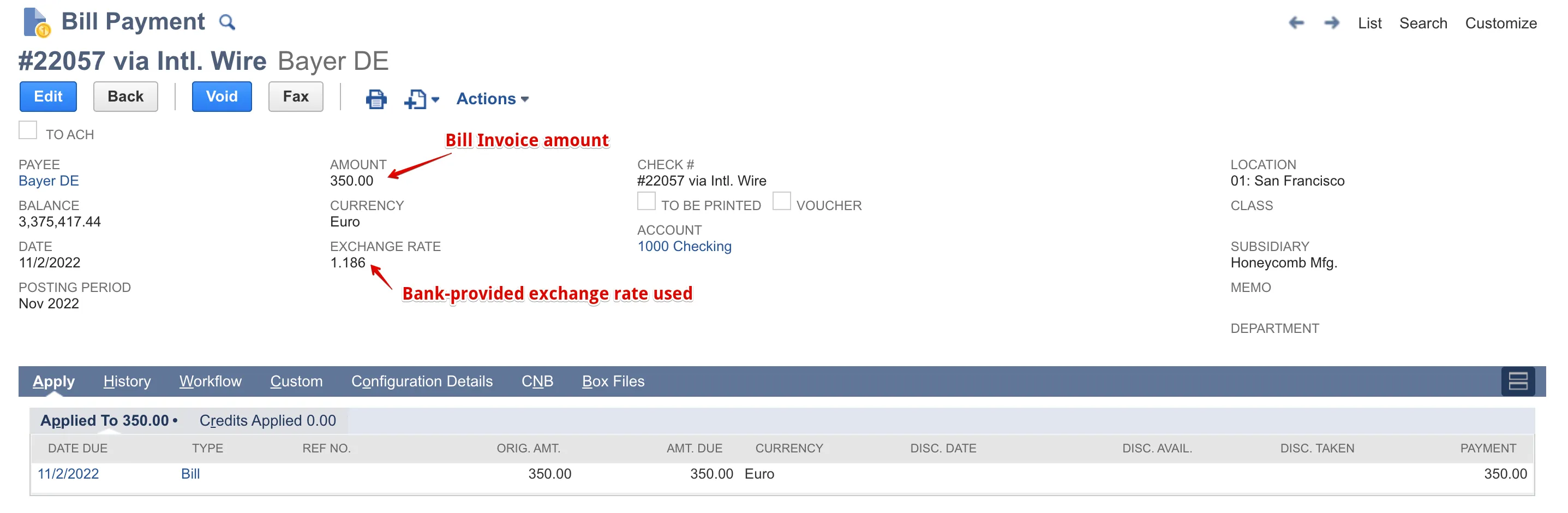
To view the foreign exchange (FX) rate for this bill payment, click the Bill Payment link under the Date column.
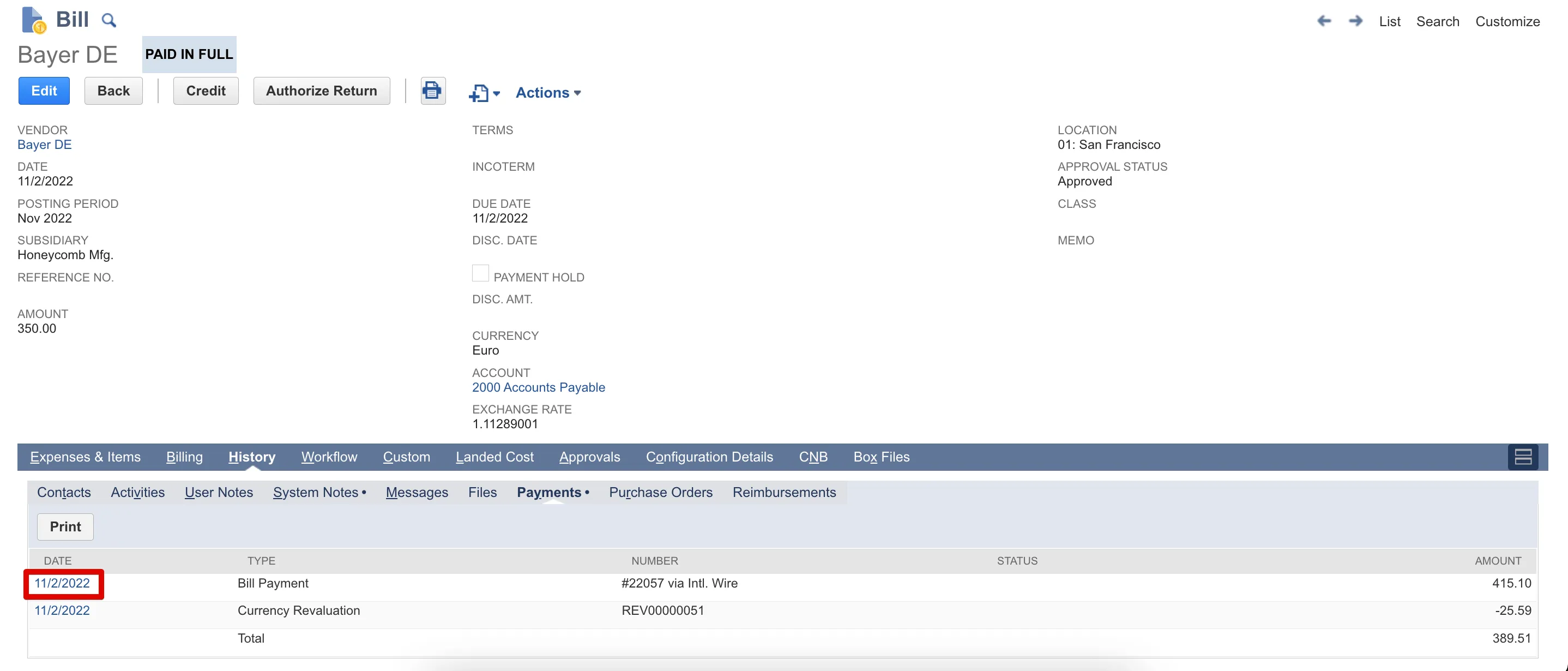
This record displays the invoice Amount in the original currency for the bill. The Exchange Rate listed is the actual bank-provided FX rate that was applied when processing the vendor bill payment.