Viewing Bill History (Workday)
The Payment History page in Workday FISPAN Sync is your central hub for tracking the status and outcome of all bill payments. Follow the steps to find your payment history.
Go to History
From FISPAN Sync's Navigation Bar, select Payments → Payment History.
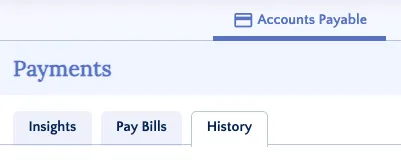
View Bill History
Bill Payments that are processed through Workday FISPAN Sync will appear on the History tab.
NOTE: As soon as a payment is initiated in FISPAN Sync, the associated bills are automatically marked as PAID in your accounting software, and a Bill Payment record is created against the Supplier Invoice.
- If the payment is successful, the bill status is finalized as PAID.
- If the payment fails (e.g., bounces from the bank): FISPAN automatically voids the Bill Payment, reopens the bills in your accounting software, and displays the error code on the Payment History page.
Filter by Status
Use the filters on the Payment History page to quickly locate relevant payments. To view more details and the current status of any payment, simply expand the payment row.
Status | Description |
|---|---|
Received | The bill payment has been successfully received by FISPAN Sync but has not yet been sent to your bank for processing. |
Sent to Processing | The bill payment has been batched and sent to your bank for final processing. |
Completed | The bill payment has been fully processed and accepted by your bank. |
Failed | The bill payment could not be processed due to a validation issue or bank rejection. |
Cancelled | The bill payment was successfully cancelled. |