Check Delivery Code (Intacct)
NOTE: For Payables 2.0 users, the Payment Methods button will appear as Payment Methods (beta) in the navigation menu.
Follow these steps to change the check delivery option for a vendor.
Go to Payment Methods
Click on the Citizens and then select Payment Methods.
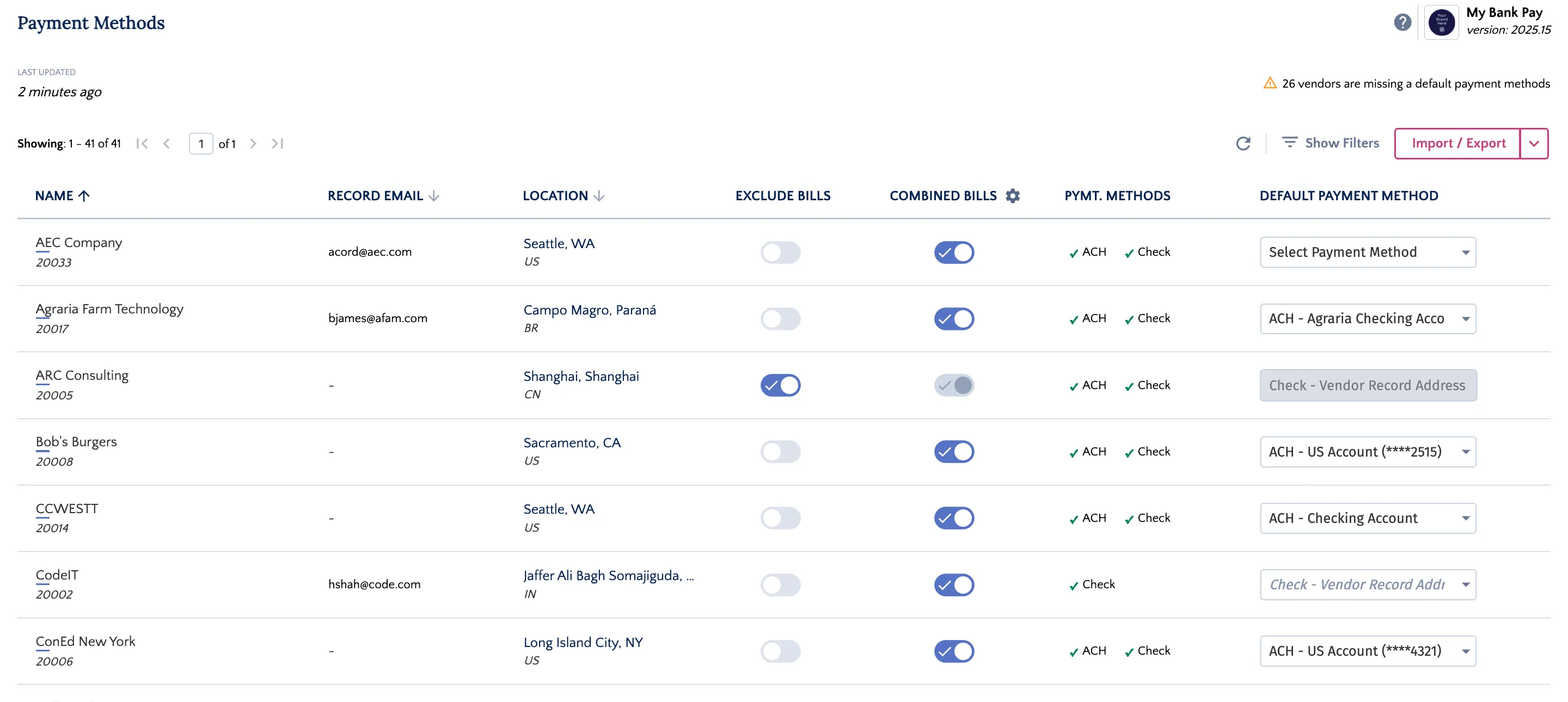
Open Vendor Details
Click any vendor row to open the vendor details panel, where you can set the check delivery method.
Select Vendor
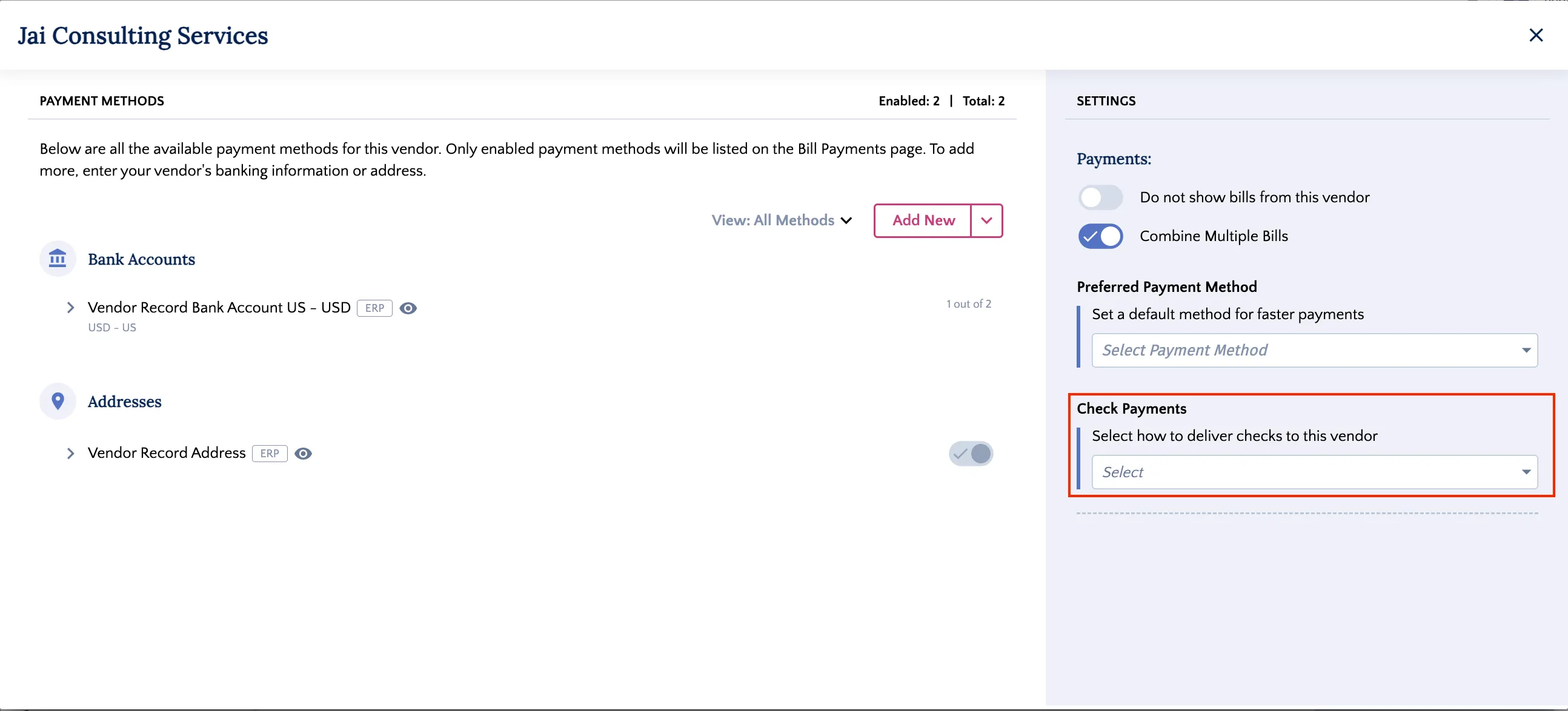
Set Check Payment Method
In the Settings panel, click the Check Payments dropdown to select the delivery method for the vendor's check payments.
Set Check Delivery Code
The following check delivery options are available for the Citizens: