Adding Accounts to Bank Feeds (Intacct)
If you have already enabled bank feeds and are using this for some of your existing accounts already, use this procedure to add and set up additional accounts to use bank feeds.
Set Up Multi-Account Bank Feeds
Bank Feeds allows you to connect multiple accounts to the plugin. Once one bank account has been connected to Bank Feeds by following the Enabling Bank Feeds page, other accounts can be connected simultaneously through a financial institution connection.
NOTE: Before you set up the Financial Institution, ensure that both Cash Management and Sage Cloud Services are enabled in the Subscriptions section. In the Sage Cloud Services configuration, confirm the Enable Bank Feeds checkbox is checked as per the Enabling Bank Feeds page. If this does not work, please contact Sage support and ask to get access to the Financial Institution.
Follow the steps below to set up multiple accounts for Bank Feeds.
Set up a Financial Institution
Go to Cash Management → Set up → Financial Institution and create a new Financial Institution.
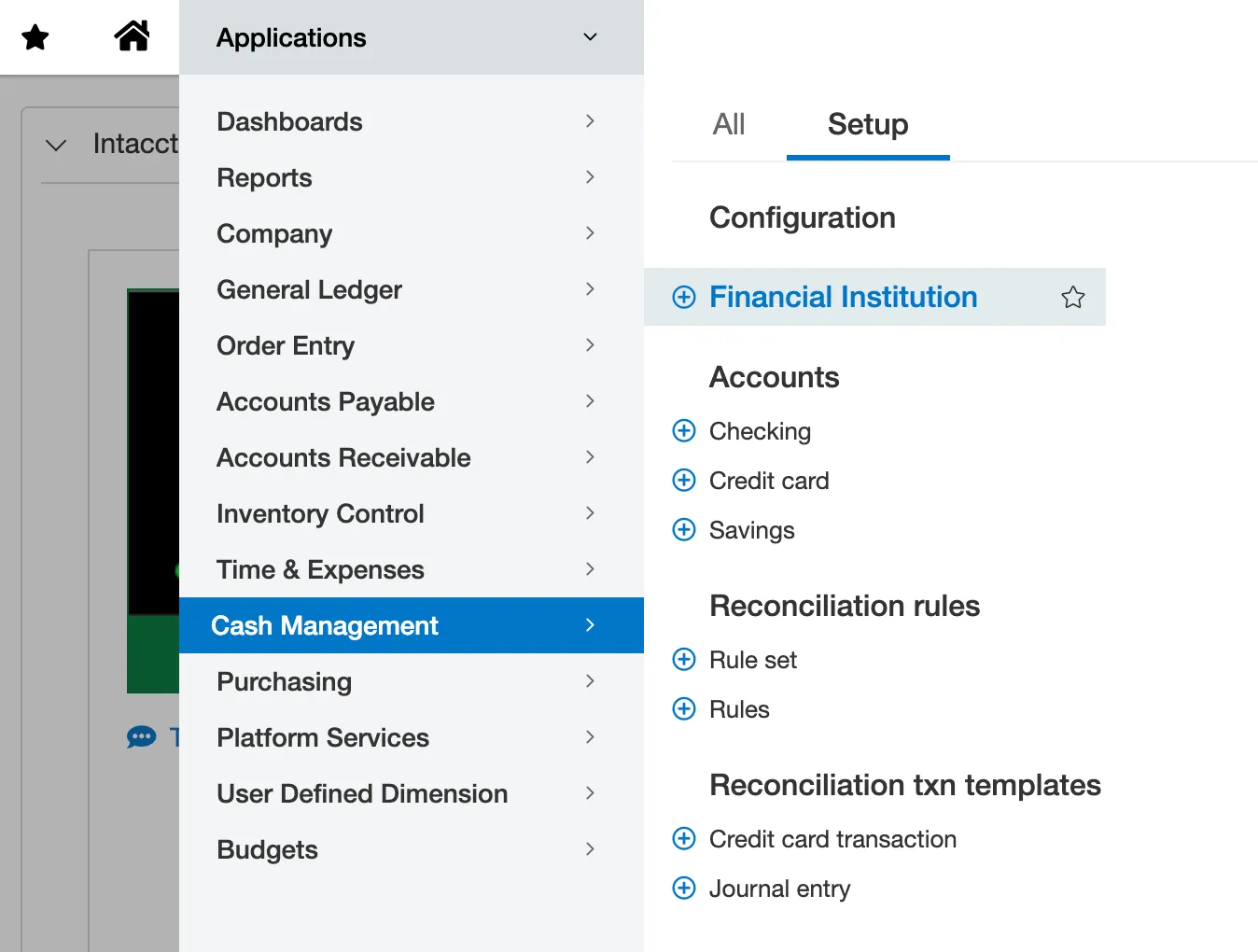
This allows you to create a connection to the bank. Create the ID and Name as desired.

Map Accounts for Bank Feeds
Select Map Accounts and choose which accounts you would like to enable on Bank Feeds.

NOTE: You must complete account matching within 60 minutes; otherwise, the installation wizard will time out, the connection will fail, and the account will remain Pending with no transactions coming in.
To retry, disable the account(s) under the Accounts table and reinitiate the mapping process.

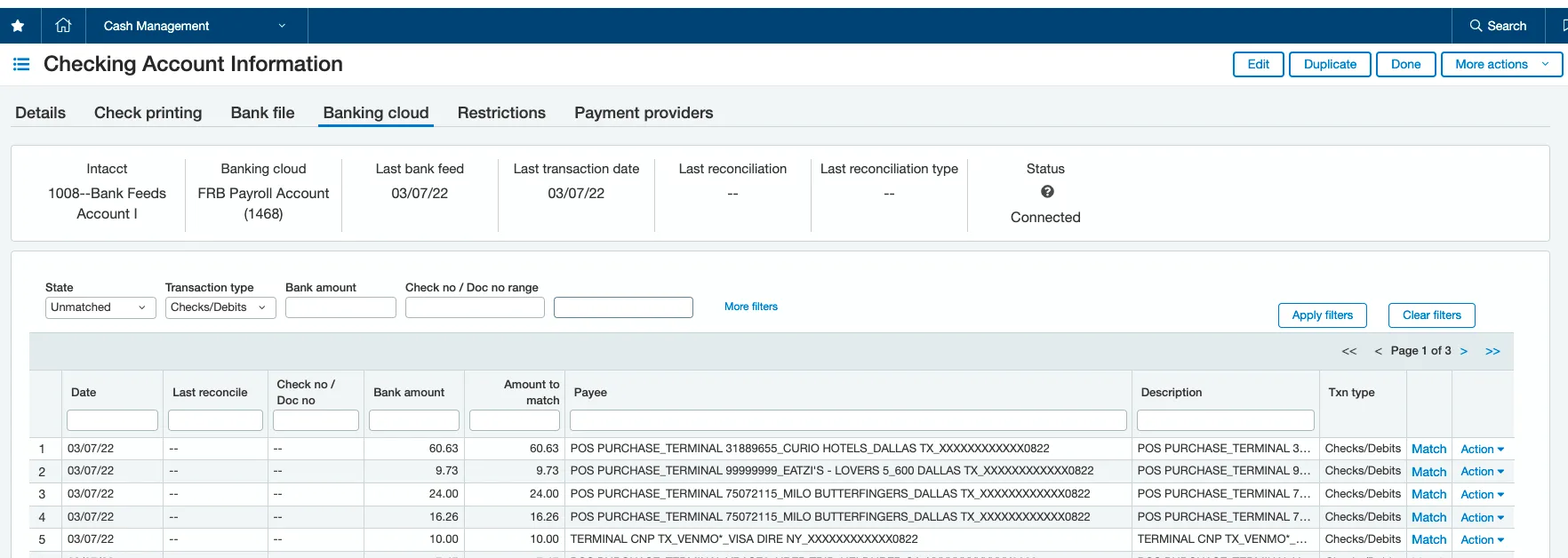
After mapping the accounts, the Banking cloud statuses can be seen in the Accounts tab.

To view your account information, click Bank Transactions in the Cash Management module. You can also view this information through the Reconciliation module.