Viewing Bill History (QBO)
The Payment History page in FISPAN Sync is your central hub for tracking the status and outcome of all bill payments. Follow the steps to find your payment history.
Go to History
Navigate to the History tab to track the status.
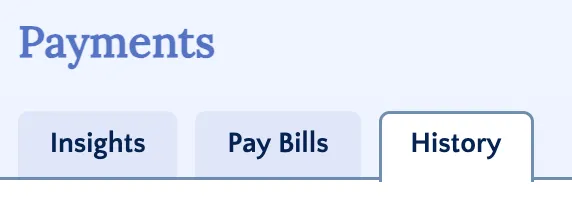
View Bill History
Bill Payments that are processed through FISPAN Sync will appear on the History tab.
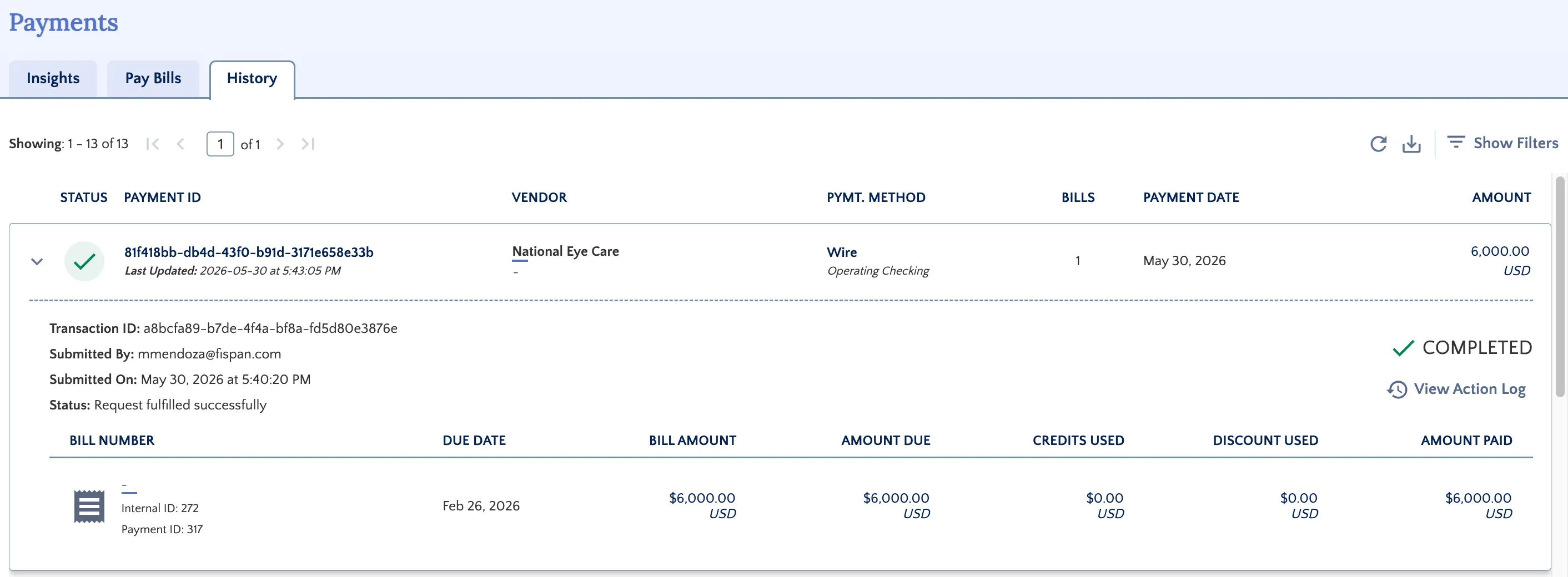
NOTE: As soon as a payment is initiated in FISPAN Sync, the associated bills are automatically marked as PAID in your accounting software, and a Bill Payment record is created against the Vendor Bill.
- If the payment is successful, the bill status is finalized as PAID.
- If the payment fails (e.g., bounces from the bank): FISPAN automatically voids the Bill Payment, reopens the bills in your accounting software, and displays the error code on the Payment History page.
View Action Log
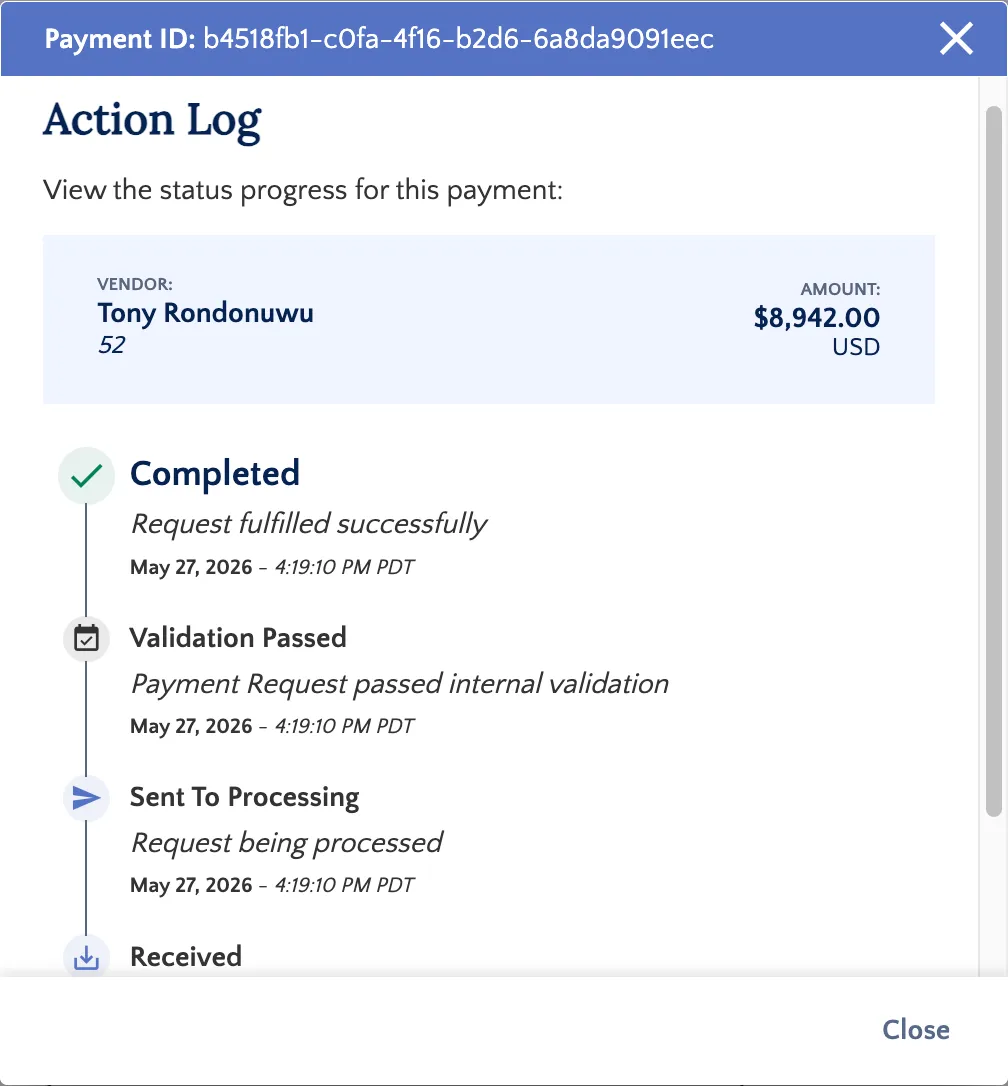
Click the Action Log on any record within the History tab to view a comprehensive audit trail for that specific payment.
Filter by Status
Use the filters on the Payment History page to quickly locate relevant payments.
Payment Statuses
The status will appear as Received until the payment has been Sent for Processing. Once the payment is complete, the status will display as Completed.
If any payment fails during the run, a banner on the Payments page will alert you immediately.

Processing Payment Statuses
A processing status indicates that a payment has been submitted for approval and is awaiting release.
- RECEIVED: The bill payment has been successfully received by FISPAN Sync but has not yet been sent to your bank for processing.
- SENT FOR PROCESSING: Payments enter this state immediately after they have been submitted for payment via the FISPAN Sync.
- PROCESSING: Payments will enter this state once they have been approved and released.
Terminal Payment Statuses
A terminal status indicates a final state. In most cases, payments will not automatically change from these states unless intervention is applied by the support team.
- COMPLETED: This is a final status. Some payments are marked as autocomplete based on the payment network's handling. This status should not change.
- FAILED: Payments that fail to be processed enter this status. Failure can occur due to various reasons, such as initial validation issues (missing or inappropriate information) or failure within the payment network (e.g., the destination bank account is closed).
- CANCELLED: This status indicates that the payment was rejected in the bank approval portal or cancelled directly within the platform.
Handling Failed Payments
A failed bill remains open on the Payments page and can be resubmitted for payment.
If a bill payment has a Failed status, you must verify the reason for the failure and correct the related information before submitting a new payment. Submitting a new payment without correcting the error will create an additional, unnecessary bill payment record in both FISPAN Sync and your accounting software.