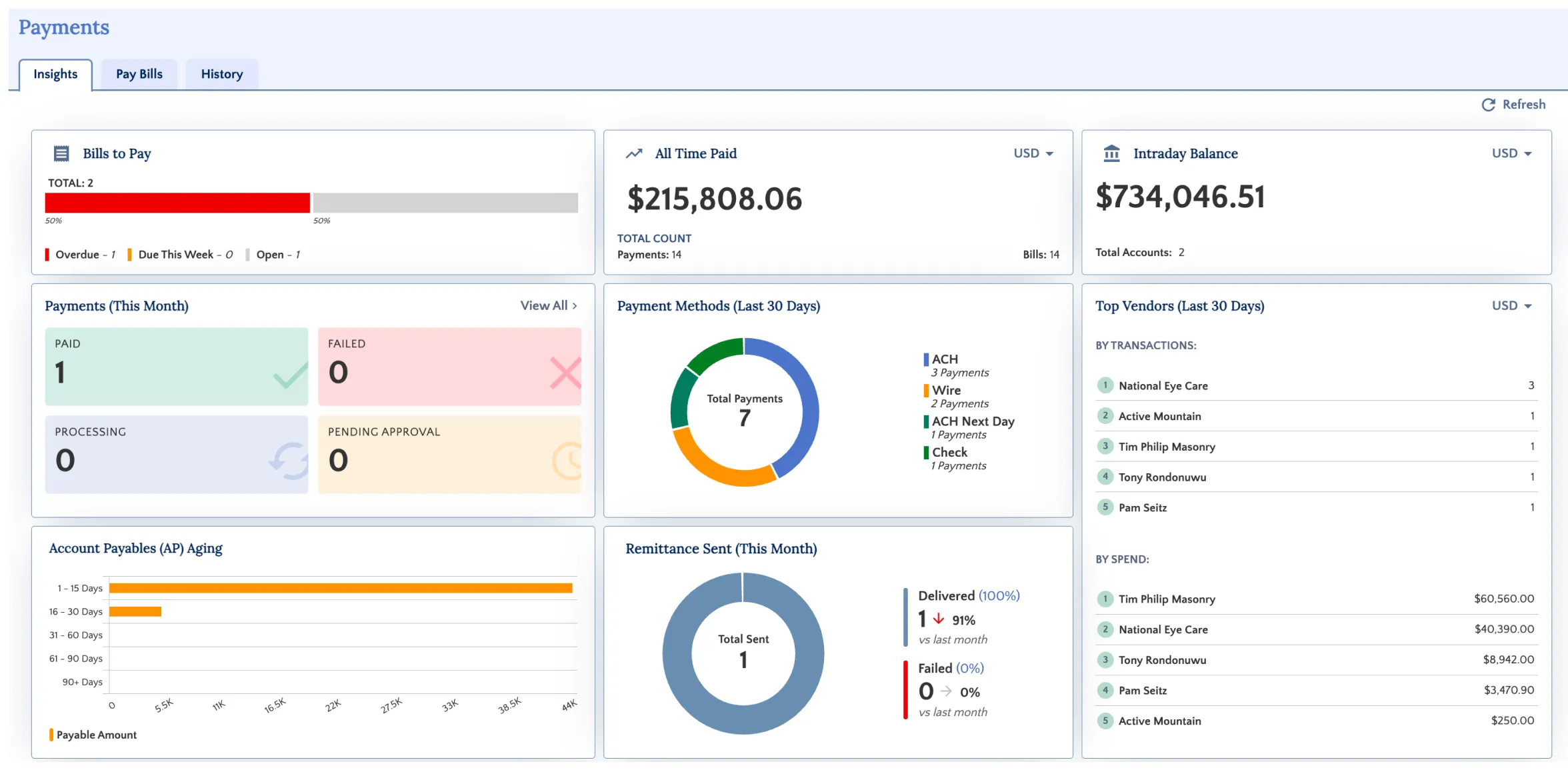
Using Login with Workday
Login with Workday allows users to sign in to Workday FISPAN Sync using their existing Workday credentials. This method removes the need for a separate FISPAN password and directs users through Workday-based authentication.
Enter Your Email Address
Enter the email address associated with your account, then select Login.
The system automatically identifies your authentication method as Log in with Workday and guides you through the sign-in flow.
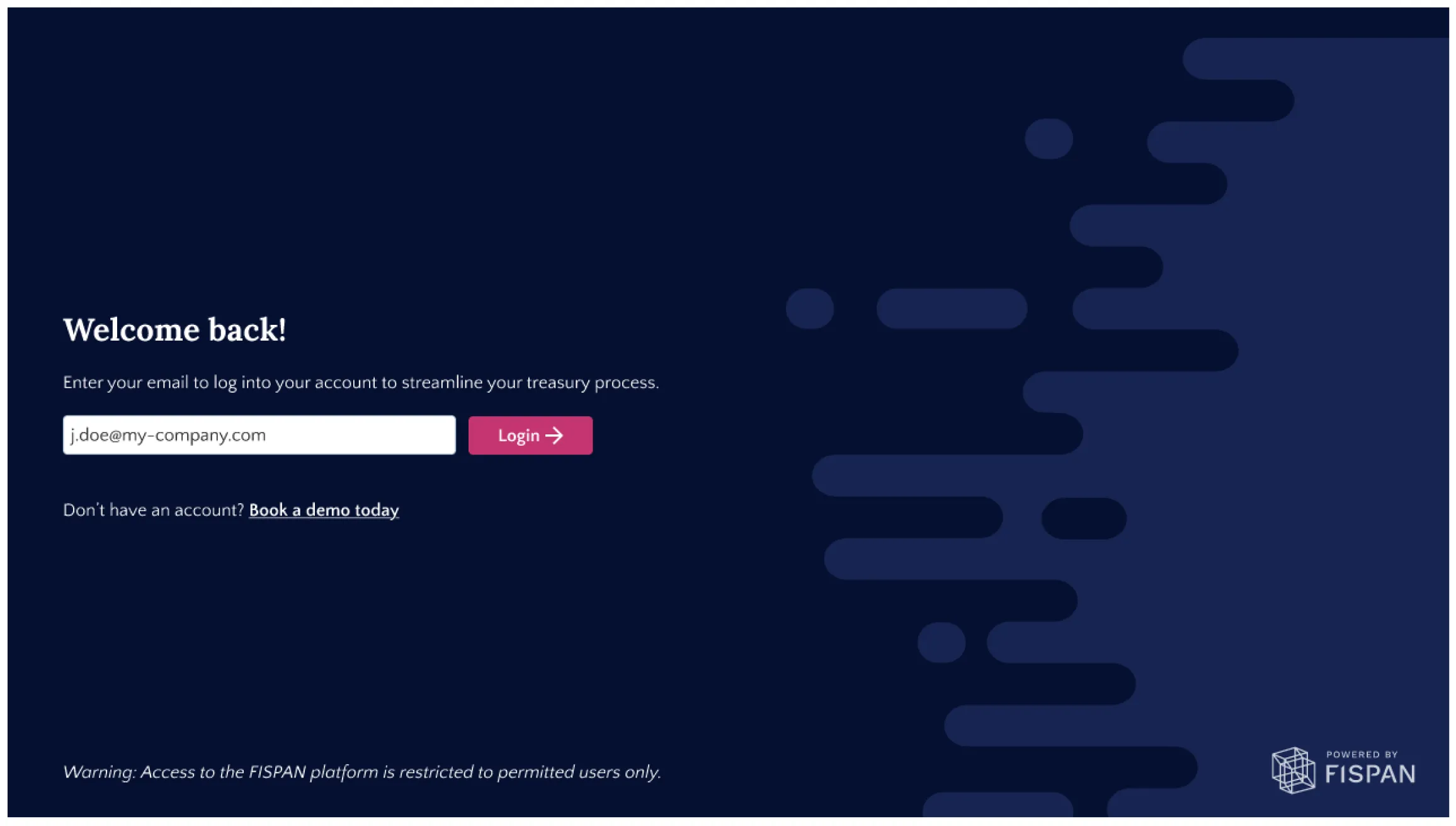
IMPORTANT: The "Log in with Workday" option requires the Workday email and the email added to the FISPAN Portal match exactly. If they differ, the connection won't be recognized and login will fail.
Login with Workday
When Login with Workday is your assigned authentication method, you're automatically redirected to Workday to authenticate.
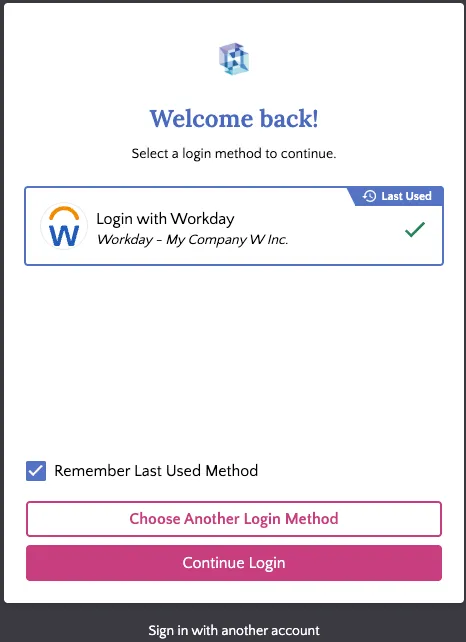
- Select Continue Login.
Save Your Preferred Authentication Method (Optional)
To speed up future sign-ins, select Remember Last Used Method when choosing your authentication method. When enabled:
- Your preferred authentication method is saved in the current browser.
- Future sign-in attempts automatically redirect to the saved authentication method.
- A countdown timer allows you to cancel the automatic redirect and select a different authentication method if needed.
This keeps sign-in quick while still letting you switch methods when you need to.
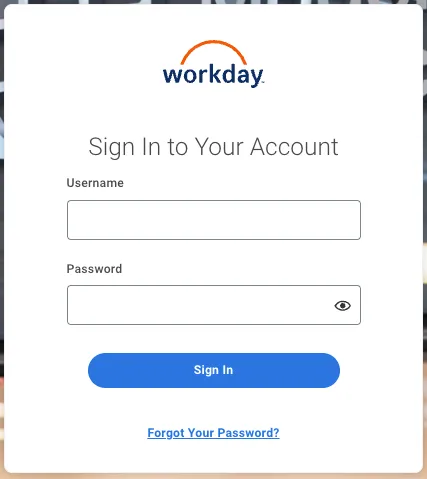
Enter your Workday credentials (if prompted)
If you don't already have an active Workday session, enter your Workday credentials when prompted. If you're already signed in to Workday, you can skip this step, you won't be asked for credentials.
Access Workday FISPAN Sync
After authentication succeeds, you're redirected back to Workday FISPAN Sync and granted access. If you already had an active Workday session, you're taken directly to the FISPAN Sync Insights page.