Step 8: Configure NetSuite Features
Please follow the steps below to enable the required features.
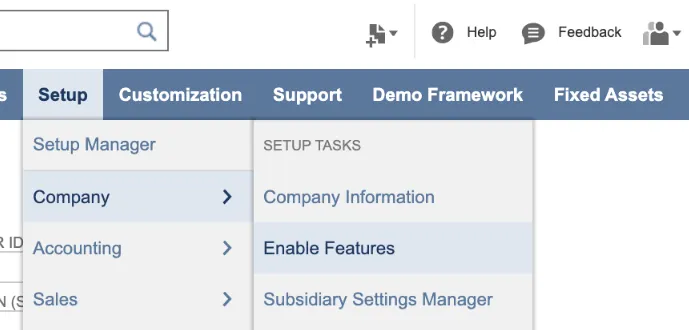
Navigate to Enable Features
In NetSuite, go to Setup → Company → Enable Features.
Enable Multiple Currencies
Under the Company tab, select Multiple Currencies.
Enable Expense Reports
Under the Employees tab, enable Expense Reports (This is required for Apply Bill Credits functionality).
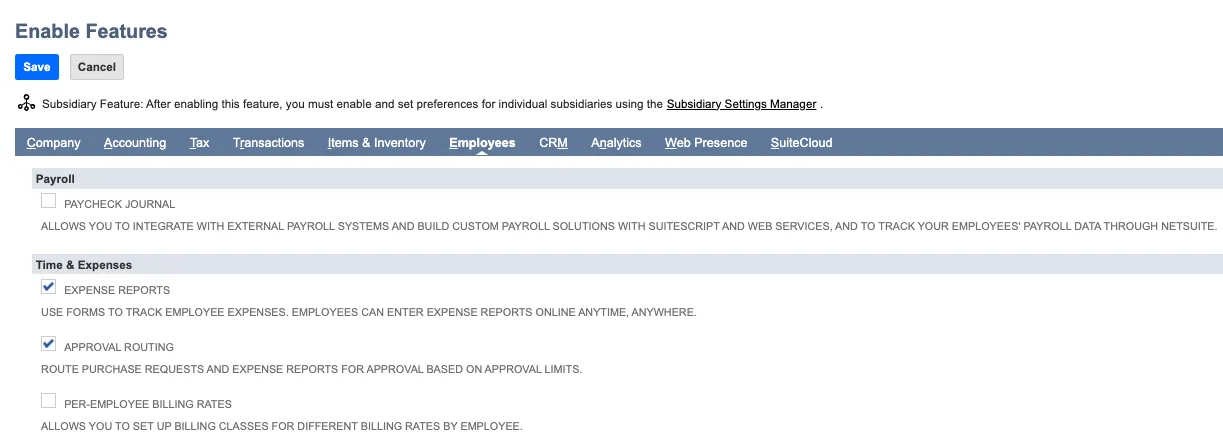
Enable Expense Reports
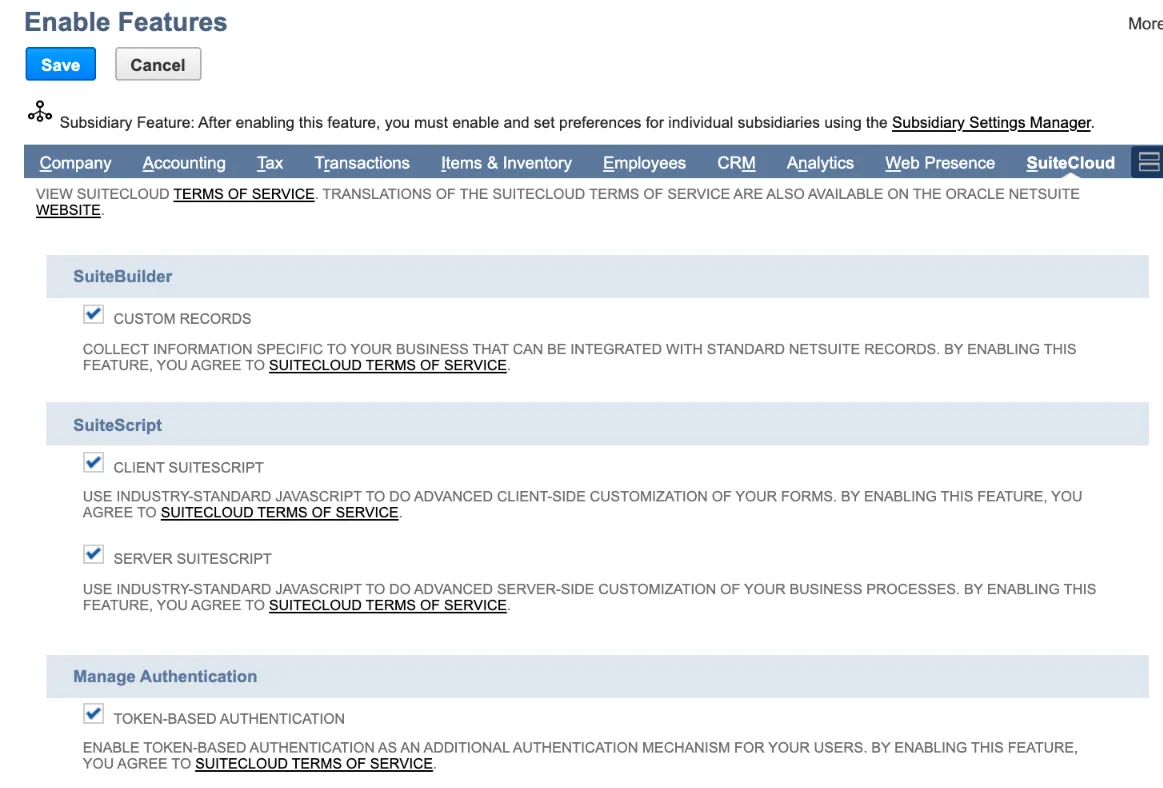
Enable SuiteCloud
Under the SuiteCloud tab, select the following items:
- Custom Records
- Client SuiteScript
- Server SuiteScript
- Token-Based Authentication
- REST Web Services
Click Save.
Set Up Accounting Preferences
Go to Setup → Accounting → Accounting Preferences.
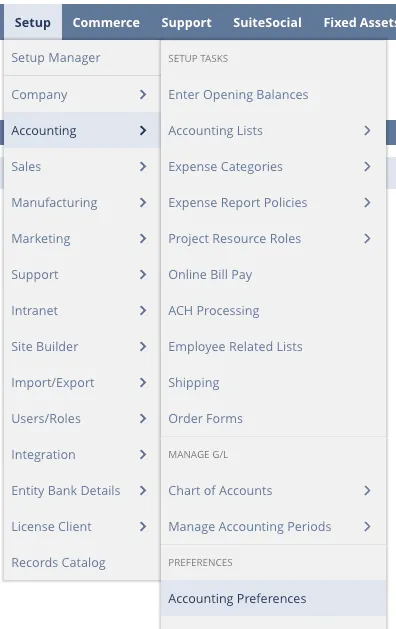
Navigate to Accounting Preferences
Enable Account Numbers
Under the General tab, select the Use Account Numbers checkbox.
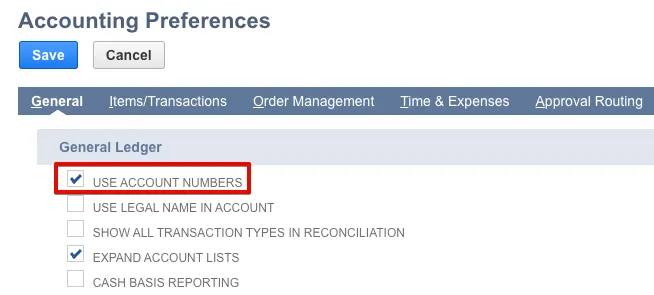
Enable "Use Account Numbers"
Click Save.