Step 12: Enable Bank Feeds
Bank feeds let your settled bank transactions flow automatically into your ERP for reconciliation, removing the need to export and import bank statements manually.
Follow the instructions below to connect your bank for automatic transaction syncing.
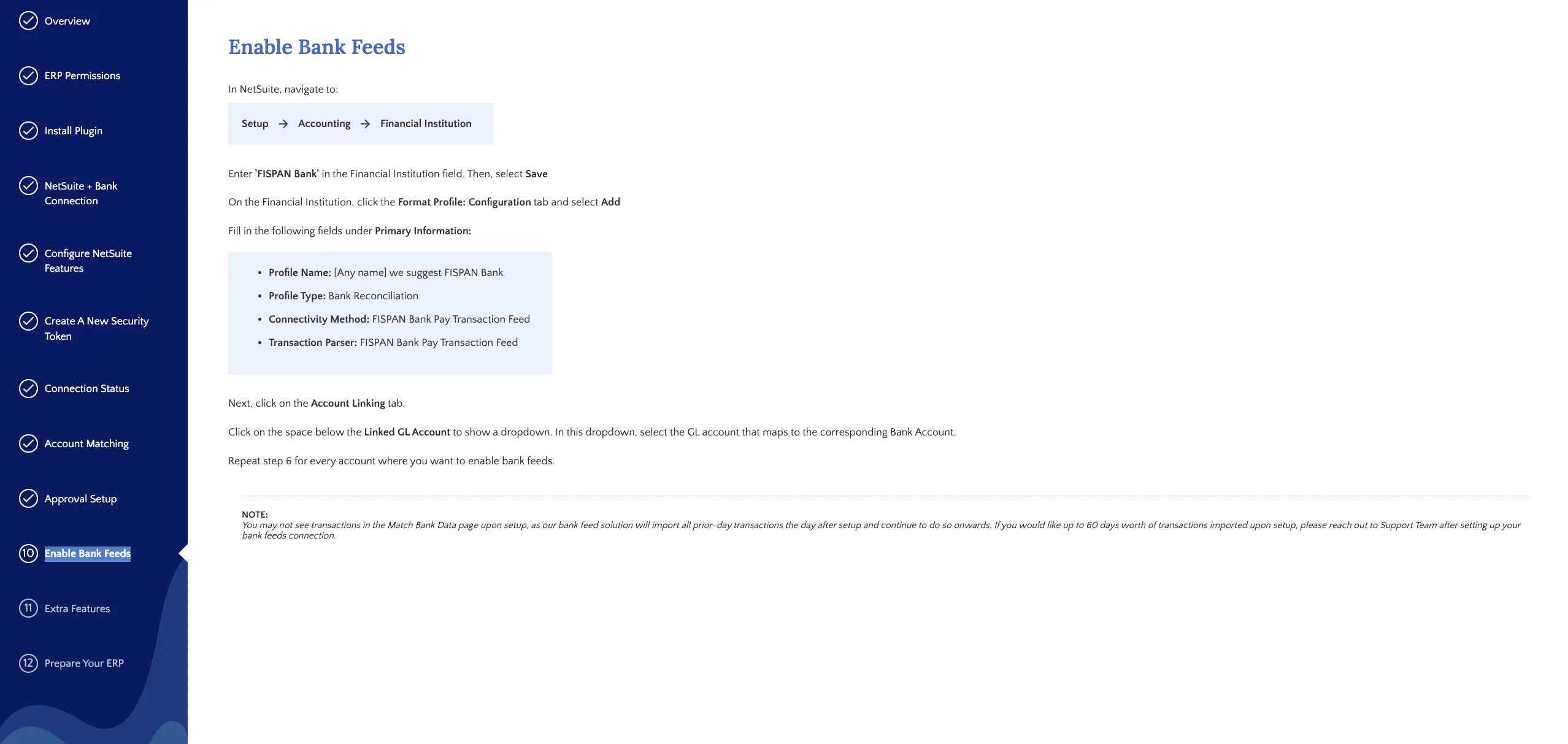
Enable Bank Feeds Step
Enabling bank feeds gives you a reliable, secure flow of transactions from your bank into your ERP, so you can say goodbye to manual imports and statement formatting.
On the Enable Bank Feeds page
In-ERP setup instructions
The page provides a step list and a link to the relevant ERP page. Complete the steps in your ERP, then return to the wizard.
NOTE: Bank feed setup steps vary by bank and ERP. If you don't see an option described here or need help, please contact HSBC Support.