Using Login with FISPAN
Login with FISPAN allows users to sign in to Workday FISPAN Sync using their FISPAN credentials.
Enter Your Email Address
Begin the sign-in process by entering the email address associated with your account.
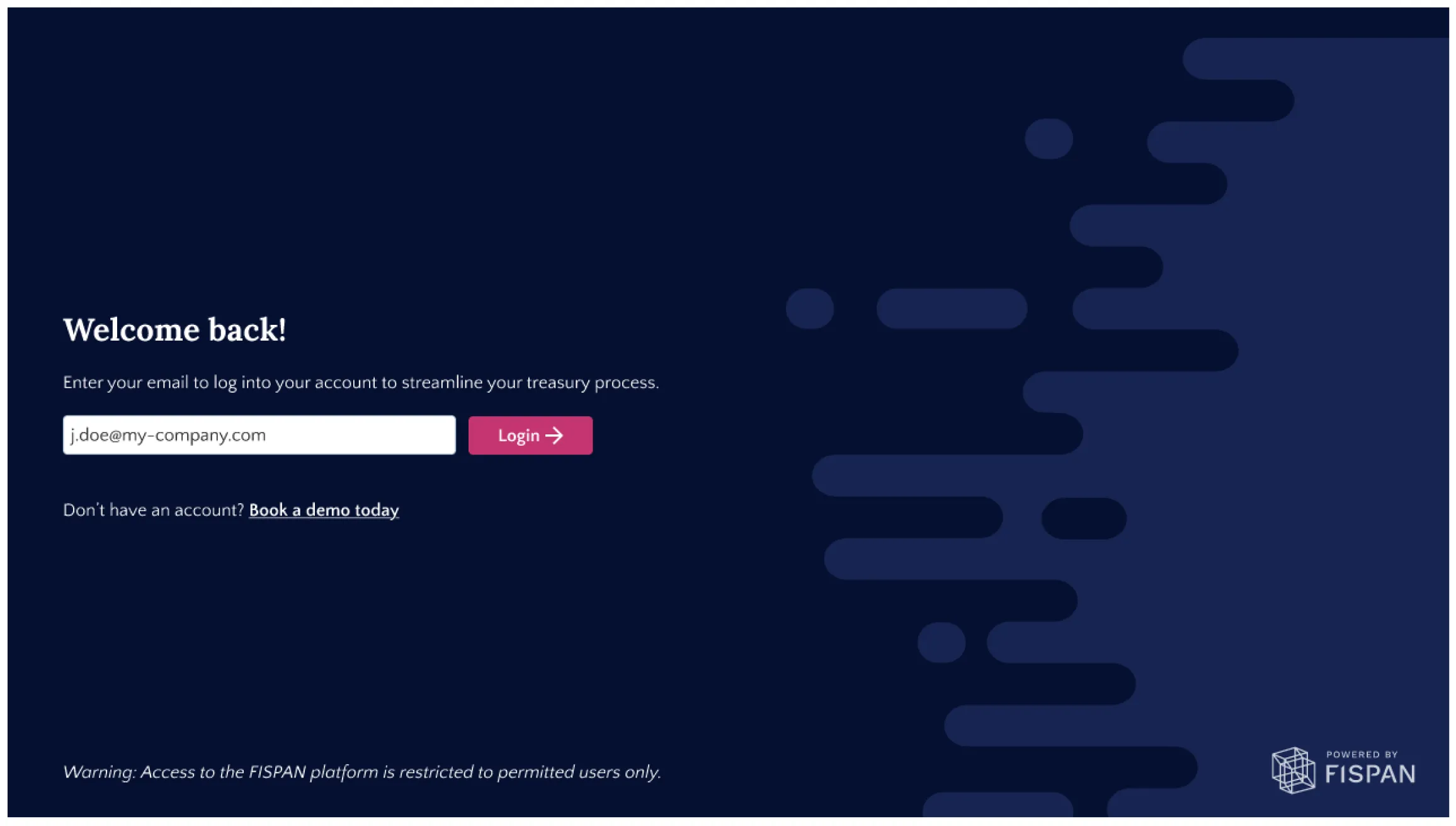
Select Login.
The system automatically identifies the authentication method as Login with FISPAN and guides you through the sign-in flow.
Login with FISPAN
If Login with FISPAN is the assigned authentication method, you are automatically redirected to Workday for authentication.
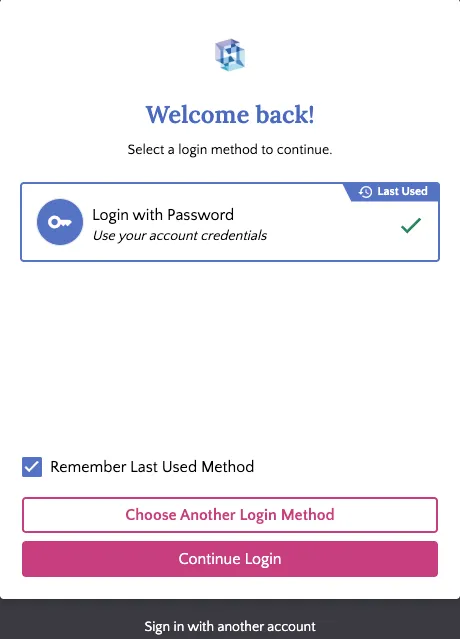
- Select Continue Login.
Save Your Preferred Authentication Method
To simplify future sign-in attempts, select Remember Last Used Method when choosing an authentication method.
When enabled:
- Your preferred authentication method is saved in the current browser.
- Future sign-in attempts automatically redirect to the saved authentication method.
- A countdown timer allows you to cancel the automatic redirect and select a different authentication method if needed.
This setting helps reduce repetitive sign-in steps while maintaining flexibility.
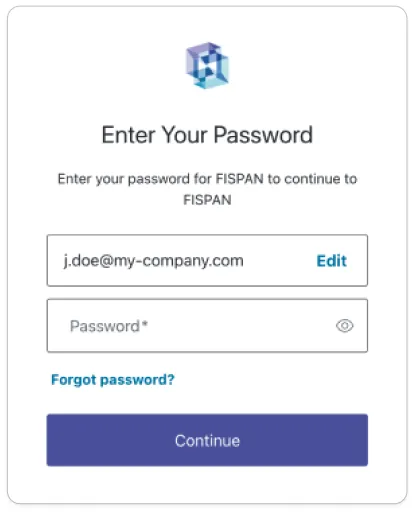
Enter FISPAN Credentials
Enter your FISPAN credentials when prompted.
Access Workday FISPAN Sync
Once authentication is successful, you are redirected back to Workday FISPAN Sync and granted access.