Updating the Plugin (Intacct)
Keeping the CNB Pay up to date with the latest version is crucial for ensuring you have access to all the newest features, important bug fixes, and updates. To update, please follow these steps.
Log In to FISPAN Portal
To update the plugin in your Production environment, please go to sys.fispan.live and log in.
If you are updating the plugin in your Sandbox environment, please go to sandbox.fispan.cloud and log in.
Update Plugin
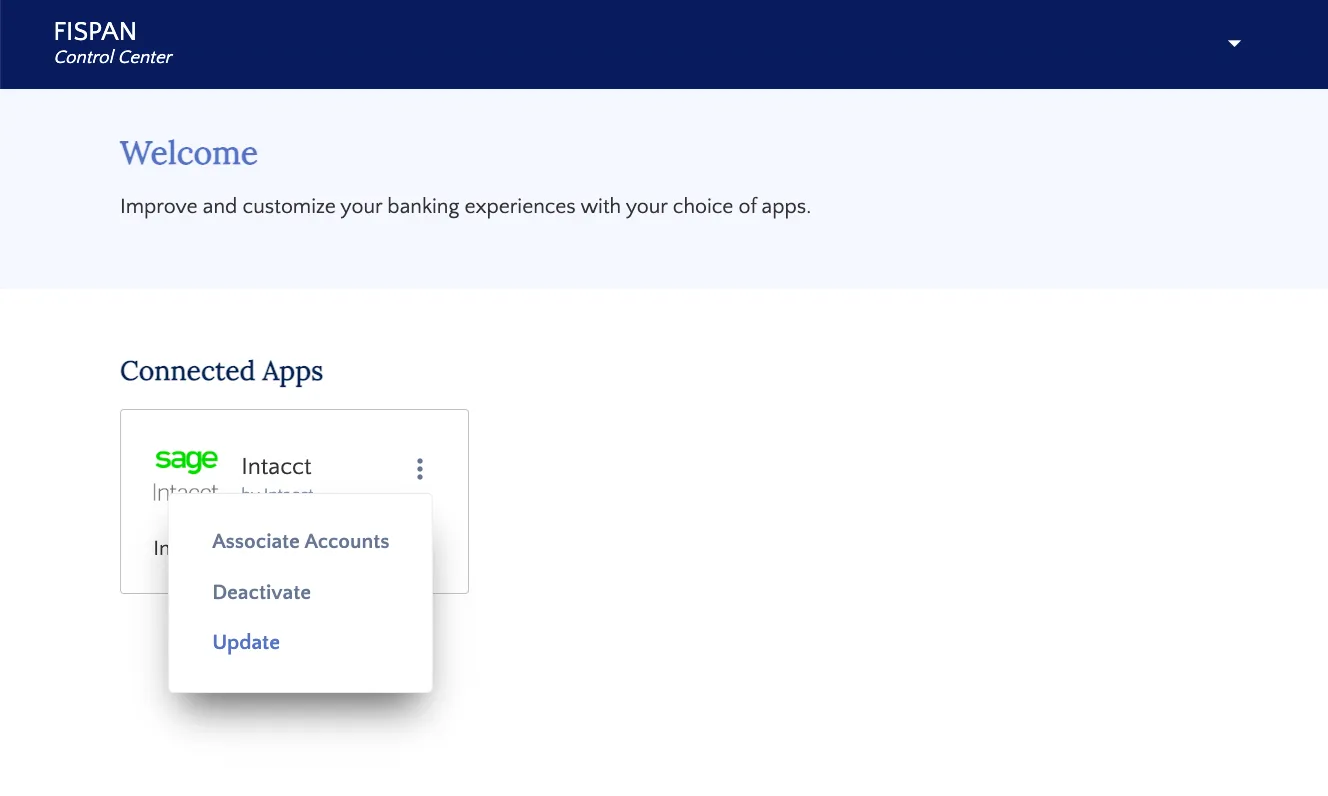
Select the 3-dot action button in the top right corner of Intacct. Then, select Update in order to update the plugin.
Automatically Install
To install the updated plugin, select the Automatic Install button.
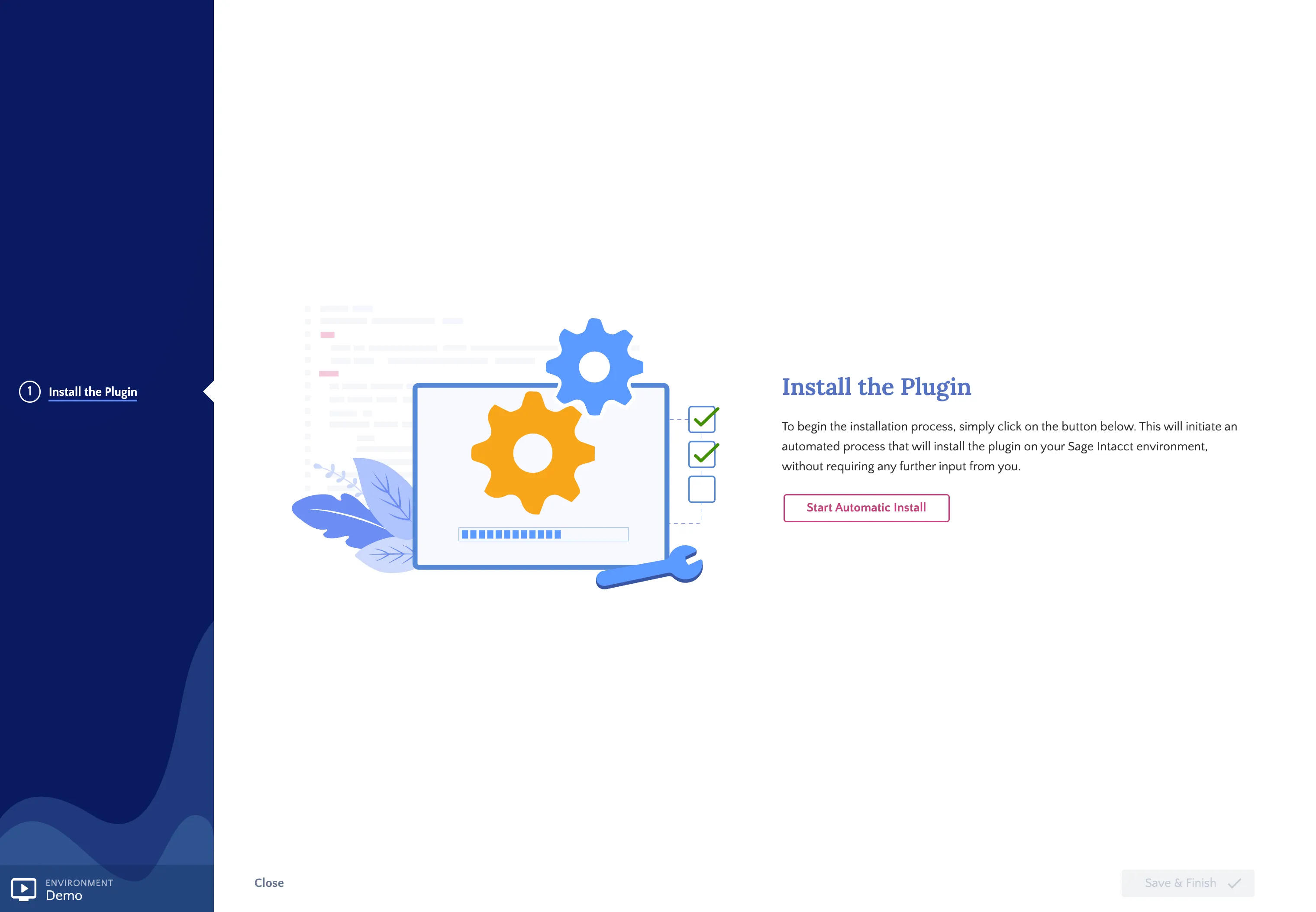
You have now successfully updated the plugin!
Manual Install
If automatic installation fails, you can manually install the updated plugin by downloading the plugin XML file using the link in the installation wizard.
Download XML File
From the error page displayed in the installation wizard, select here to download the XML file.
Once the XML file pops up, save it to your computer.
Go to Applications
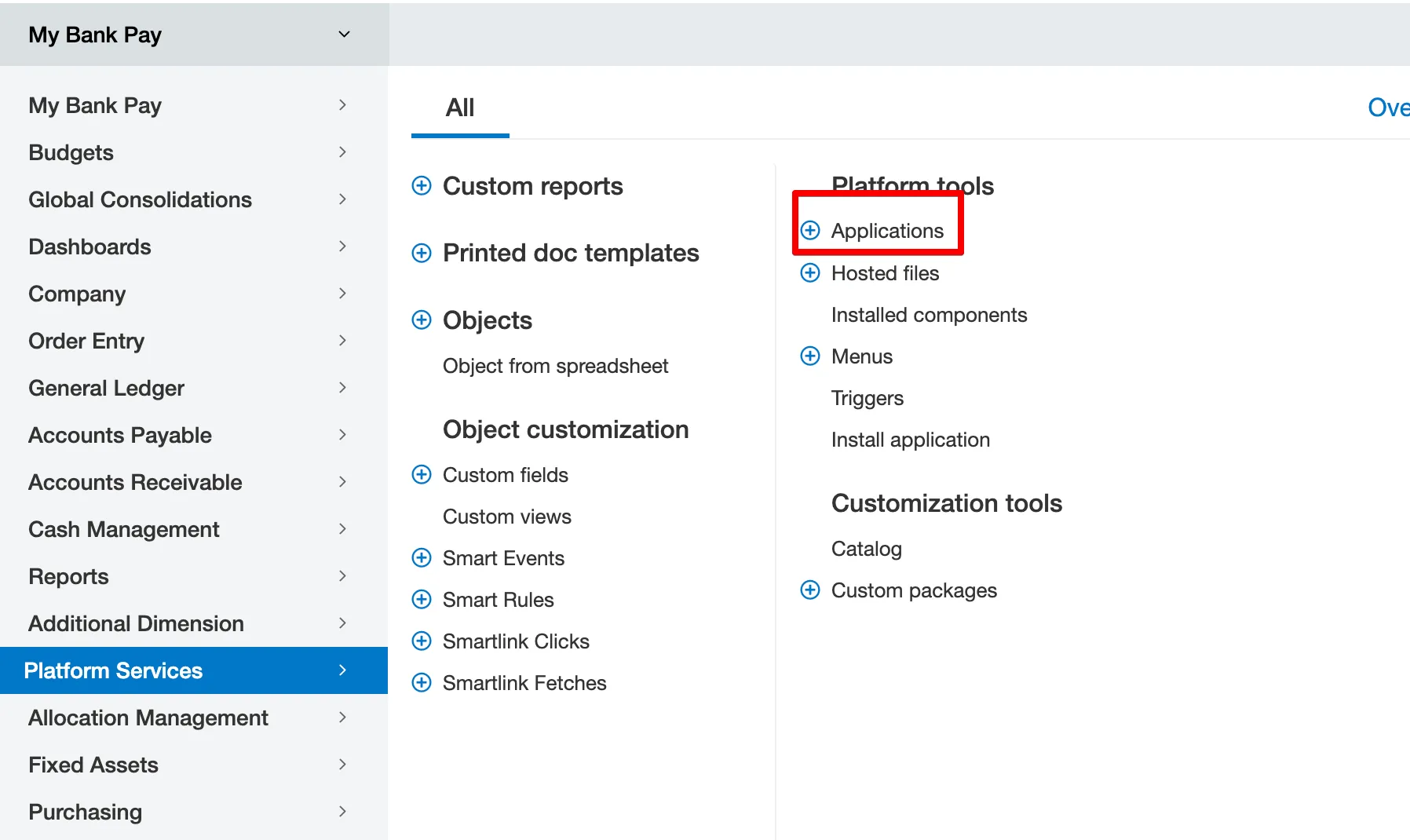
In Intacct, go to Platform Services → Applications.
Install From XML
Then, select Install from XML.

Upload the application XML file by selecting Choose File.

Select the XML you just downloaded from the installation wizard, and click Install.