Payables 2.0 - Batching Ledger Entries (Business Central)
In version 2024.2.0.0+ of the plugin, batching ledger entries is available. This feature will, unfortunately, not work for users with MEM installed.
Follow this guide to start processing payments with the batching feature.
IMPORTANT: When you enable batching, we will no longer write the Vendor Invoice No. into the Payment Reference column in the Vendor Ledger Entries. This is necessary due to character limits in Business Central fields.
Enabling Batching
To start using batching, enable the feature by following these steps.
Go to the Settings page of the plugin and enable the Payment Entry Batching feature.
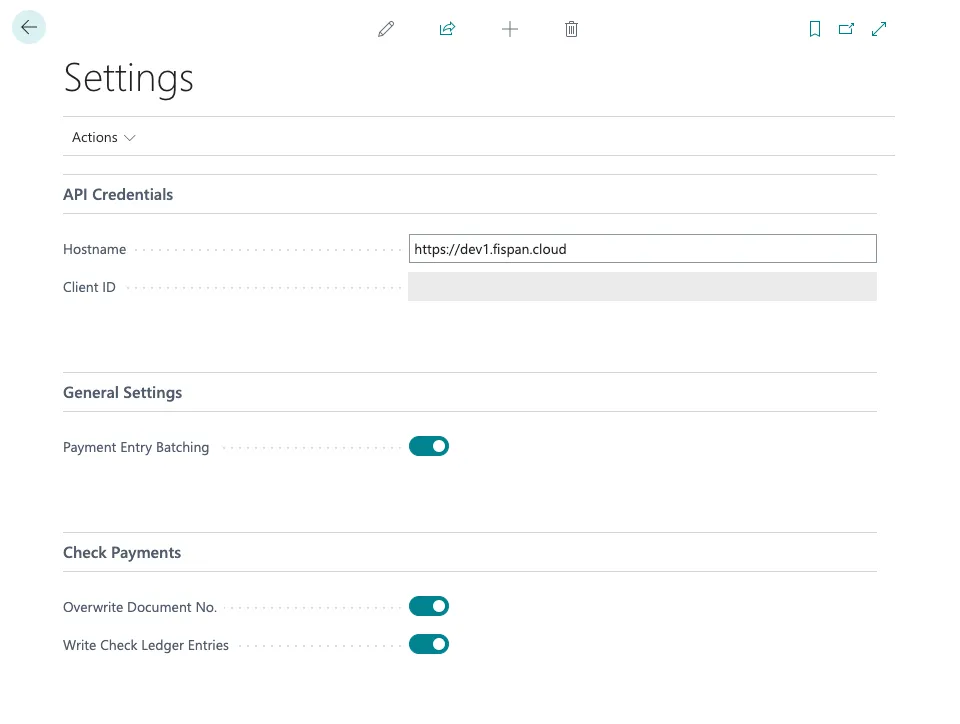
Toggle on Payment Entry Batching
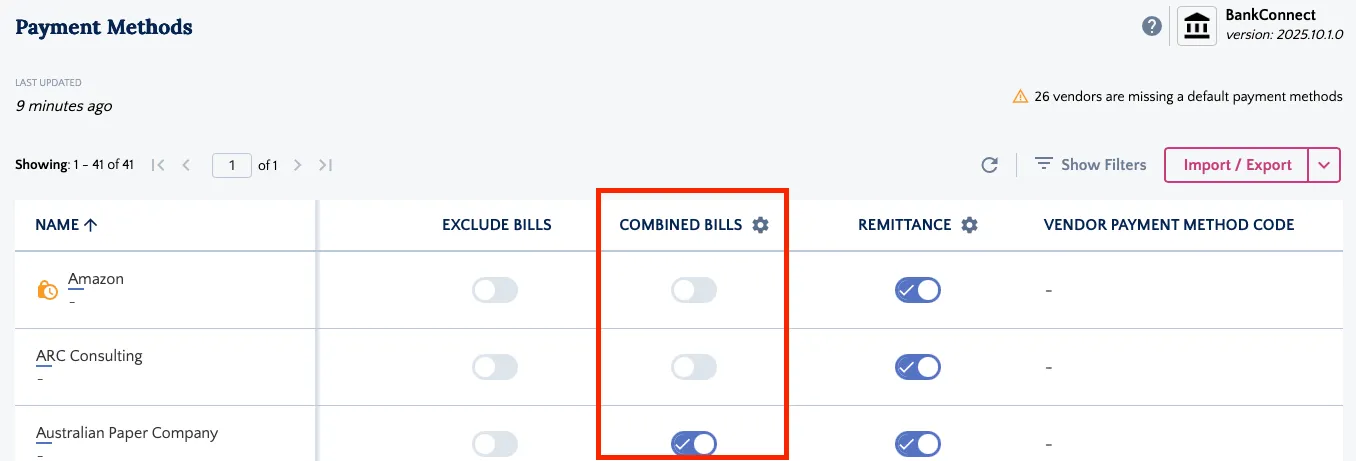
Ensure that vendors have Combined Invoices enabled on their Payment Methods page.