Updating Vendor Remittance Emails (Xero)
Navigate to Contacts
In the main navigation menu at the top of the screen, click on Contacts, then select Suppliers.
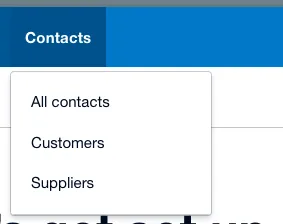
Select Suppliers
Find and Select the Vendor
Use the Search bar at the top right of the contact list to type in the vendor's name. Once their name appears in the list, click on it to open their specific contact profile.

Select a Vendor
Open the Edit Window
Look at the top right corner of the vendor's profile page and click the Edit button.
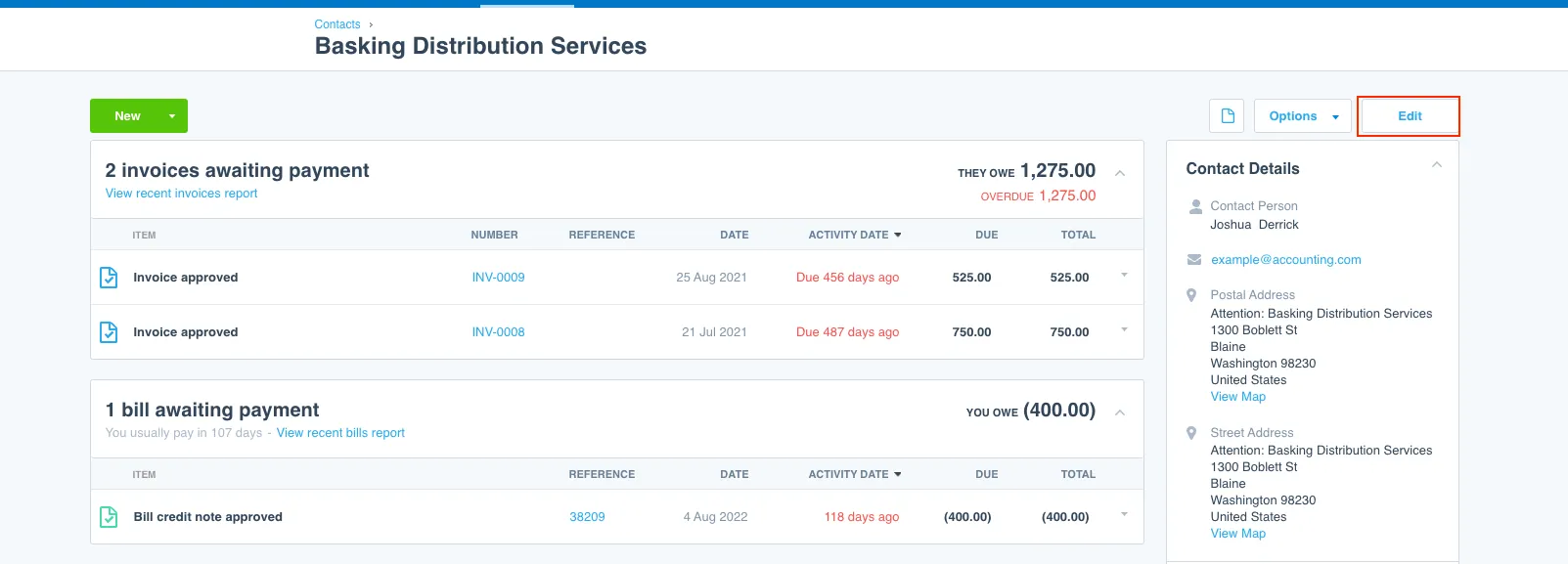
Click Edit
Update the Email Address
Scroll down to the Contact details section. Locate the Email field, clear out the old email address, and type in the new one.
Scroll to the very bottom of the page and click the green Save button to apply the update.