Step 18: Bank Feeds Setup
By enabling Bank Feeds for the plugin, your bank establishes a reliable and secure flow of transactions from your bank into Sage Intacct’s Reconciliation module.
Bank transactions that settled the previous day are imported each morning. For example, transactions that are settled on Tuesday will be pushed into Sage Intacct early on Wednesday morning. The exact timing can vary depending on when your bank sends the first transaction file (PDR).
Step 1: Locate the Account
Go to Cash Management → Checking.
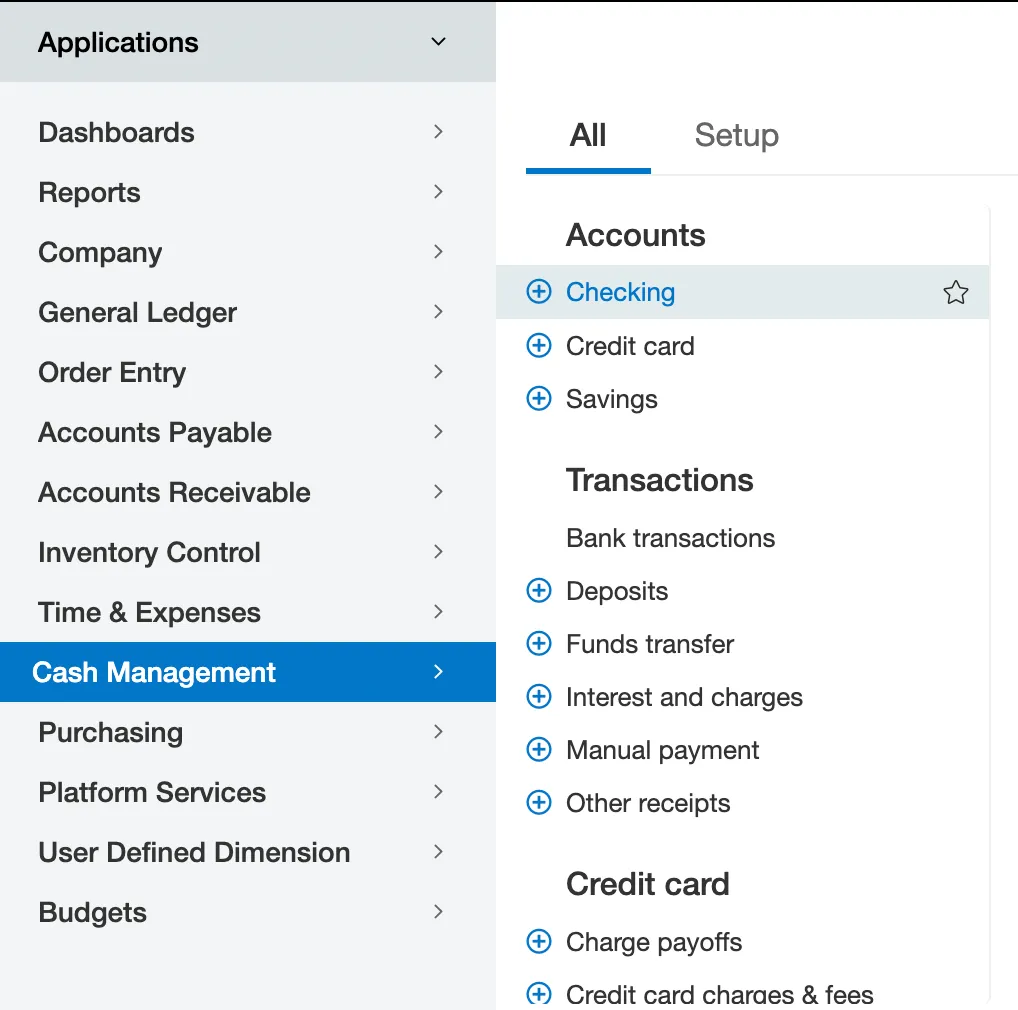
On the Checking page, select Edit on the account you wish to turn on Bank Feeds for.

Step 2: Activate Bank Feeds
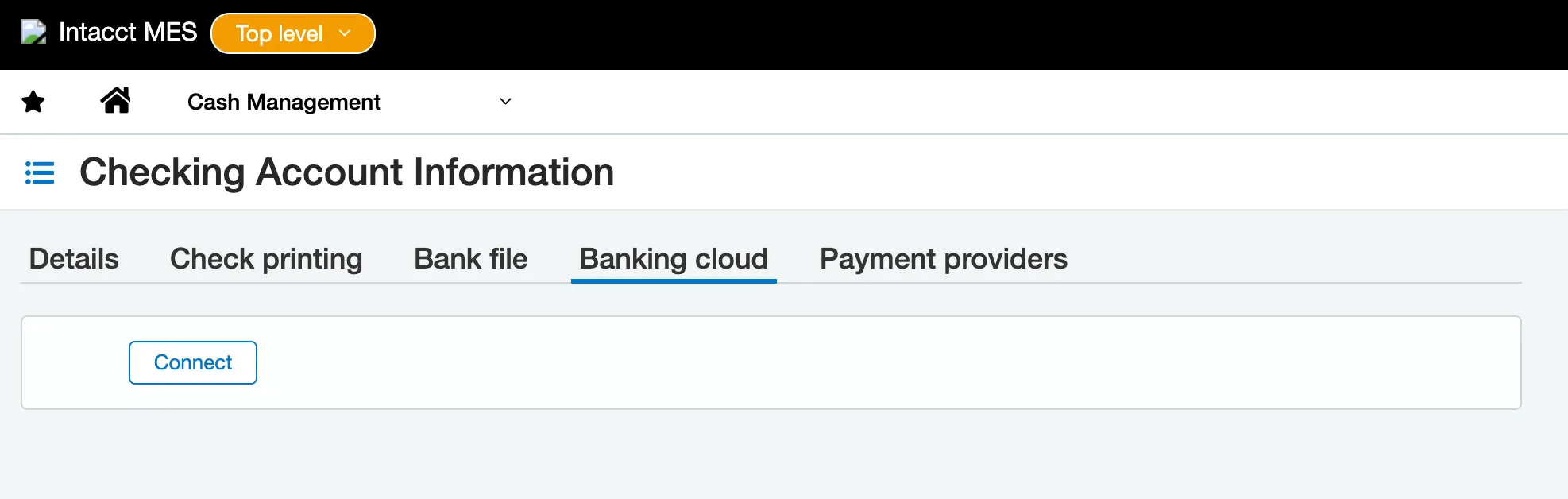
Under the Banking Cloud tab, click Connect.
In the search bar search ‘Citizens'.
Select Citizens Bank – Powered by FISPAN.

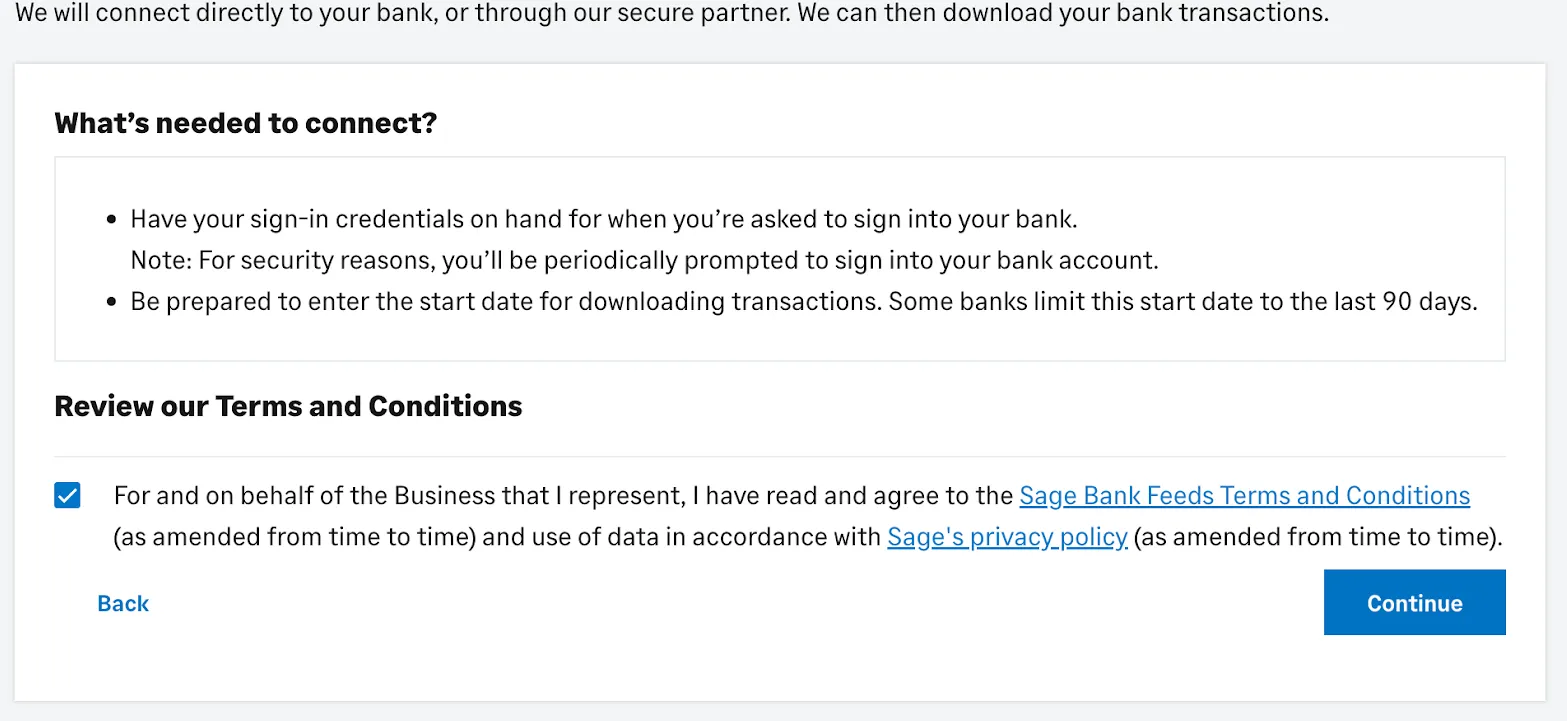
Next, review the conditions and click on the checkbox to agree. Click Continue to proceed.
You will be redirected to a landing page that will require you to sign in to the FISPAN Wizard.
You will need to input a code: 859127
Select Login Now.
Step 3: Match Account for Bank Feeds
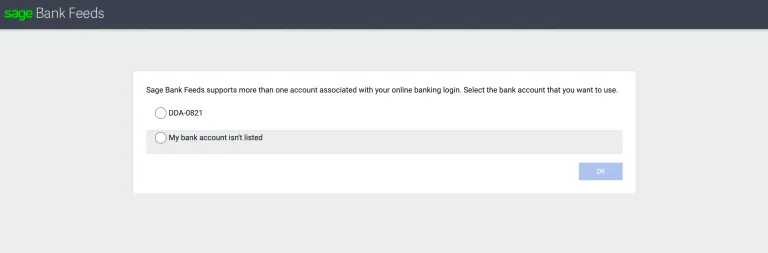
After logging in, select the account from Step 1, then select Save and Finish. You will automatically be redirected back to Sage.
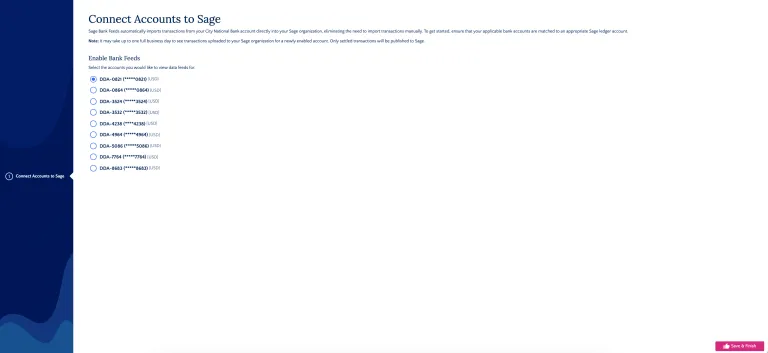
After being redirected back to Sage, select the same account and click OK.
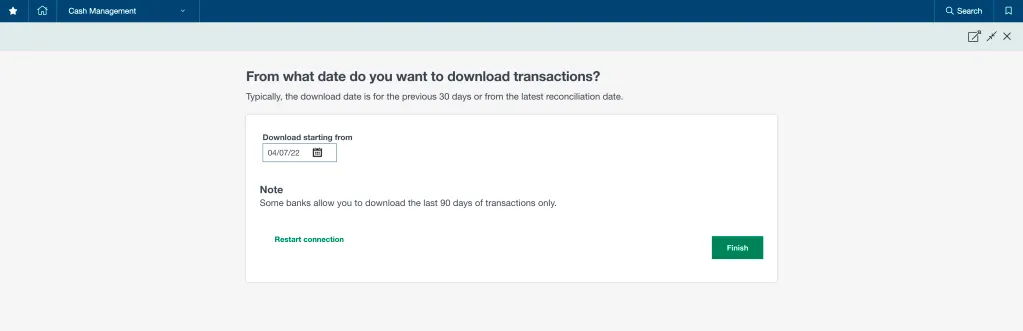
Choose the date you want transactions to start from.
NOTE: You must complete account matching within 60 minutes; otherwise, the installation wizard will time out, the connection will fail, and the account will remain Pending with no transactions coming in.
To retry, disable the account(s) under the Accounts table and reinitiate the mapping process.
Step 4: Confirm Bank Feeds
Select Confirm to confirm the activation of Bank Feeds. Once the connection is successful, the status will change to Connected.
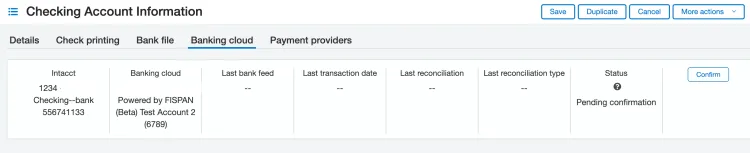
NOTE: If the account is in Pending status, it means that the transactions have not been pushed for this account. You will need to wait until the transactions are successfully pushed to this account before seeing it marked as Connected.
Once the account is Connected, go to Cash Management -> Reconciliation -> Bank and follow your native reconciliation process.