Sign In Experience (Workday)
NOTE: Use your email address to sign in to Workday FISPAN Sync. Based on your account configuration, the system automatically determines the authentication methods available to your account and directs you to the appropriate sign-in experience.
Use your email address to sign in to Workday FISPAN Sync. Based on your account configuration, the system automatically determines the authentication methods available to your account and directs you to the appropriate sign-in experience.
Enter Your Email Address
Begin the sign-in process by entering the email address associated with your account.
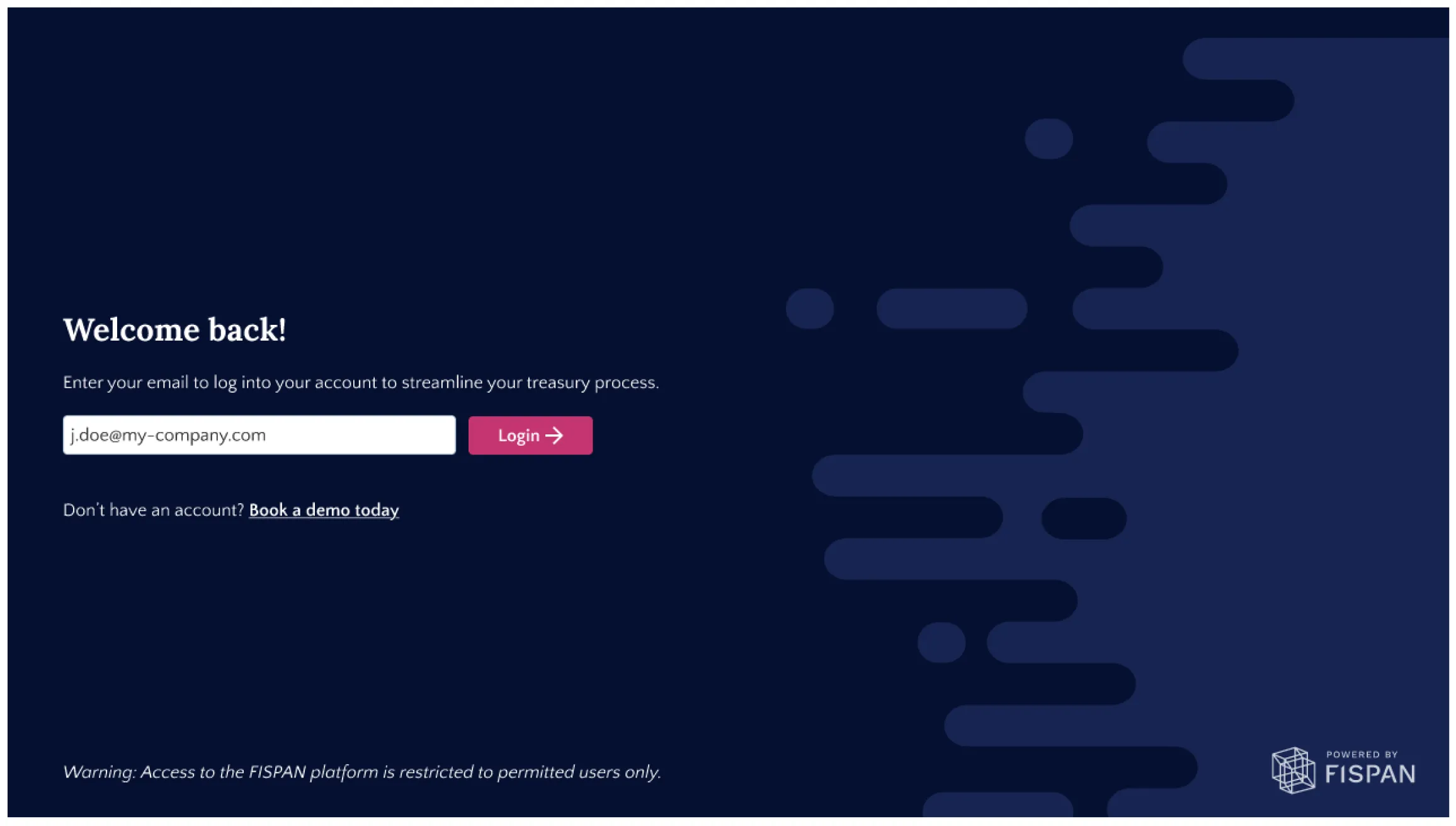
The system automatically identifies the authentication methods available to your account and guides you through the appropriate sign-in flow.
Sign In with a Single Authentication Method
If only one authentication method is associated with your email address, you are automatically redirected to complete authentication.
- Enter your email address.
- Complete authentication using the configured sign-in method.
- Via Login with Workday or,
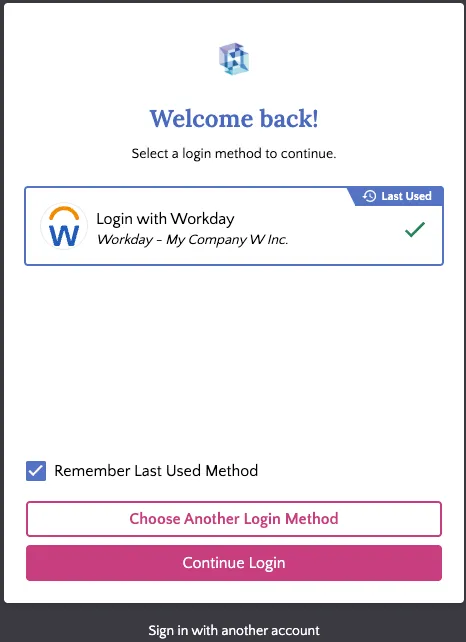
- Via Standard FISPAN credentials.
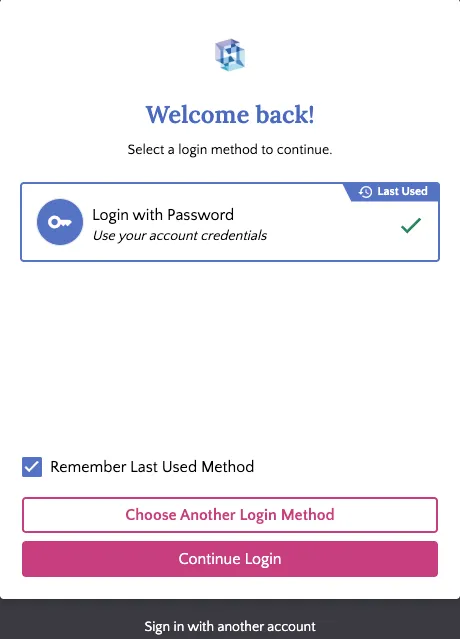
- Select Continue Login.
Sign In with Multiple Authentication Methods
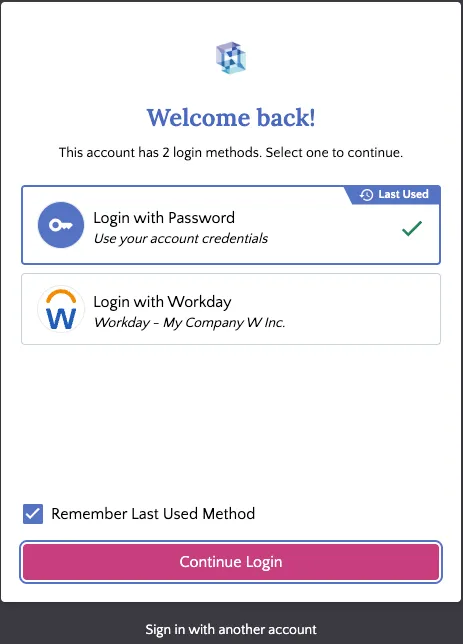
If multiple authentication methods are associated with your email address, an additional identity verification step is required before sign-in.
- Enter your email address.
- Choose your preferred authentication method.
- A secure, one-time verification email is sent to your inbox.
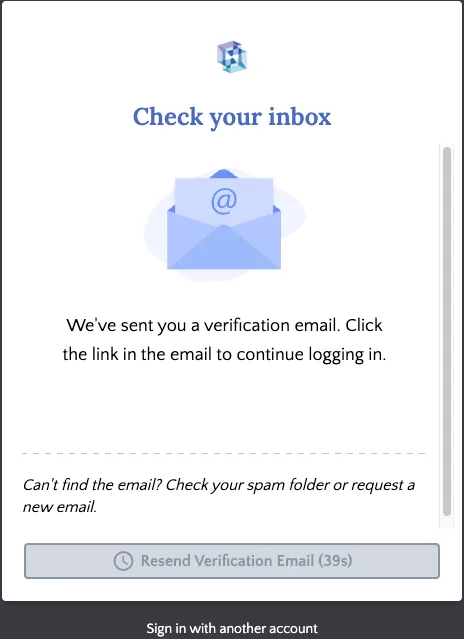
- Open the verification email sent to your inbox.
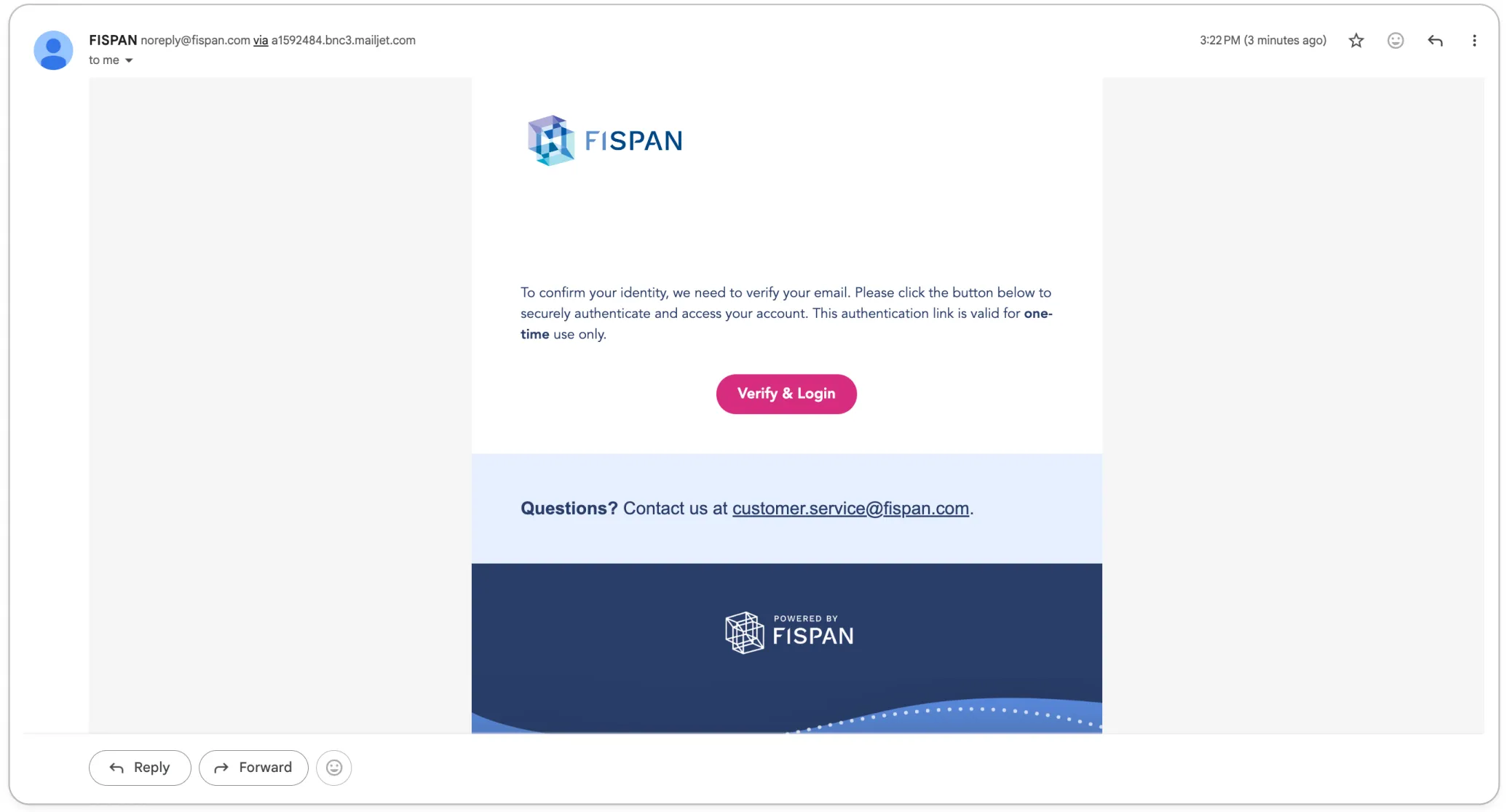
- Select Verify and Login from the verification email. After verification, only the authentication methods available to your account are displayed.
- Choose your preferred authentication method.
- Select Continue Login.
Save Your Preferred Authentication Method
To simplify future sign-in attempts, select Remember Last Used Method when choosing an authentication method.
When enabled:
- Your preferred authentication method is saved in the current browser.
- Future sign-in attempts automatically redirect to the saved authentication method.
- A countdown timer allows you to cancel the automatic redirect and select a different authentication method if needed.
This setting helps reduce repetitive sign-in steps while maintaining flexibility.
NOTE: If a user only has one login method, they will be redirected to that method upon entering their email address, which follows a standard Single Authentication Method flow.