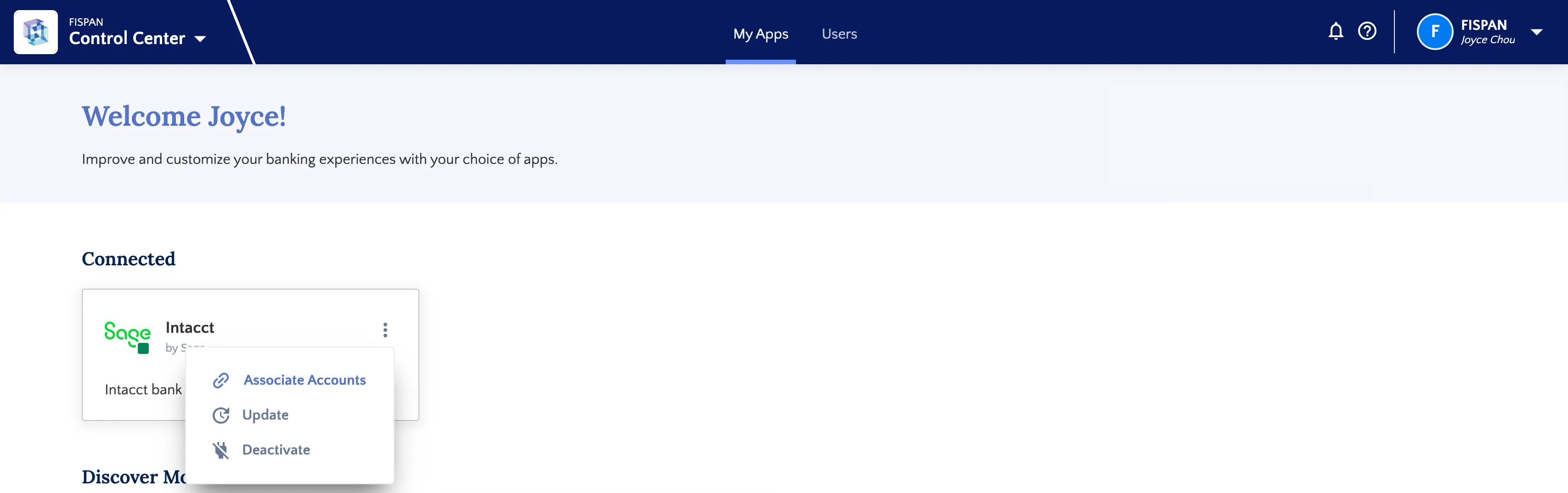
Mapping Bank Accounts (Intacct)
Once the Citizens installation and setup are completed, you are still able to map any new bank accounts that are added to the plugin.
Navigate to Accounts
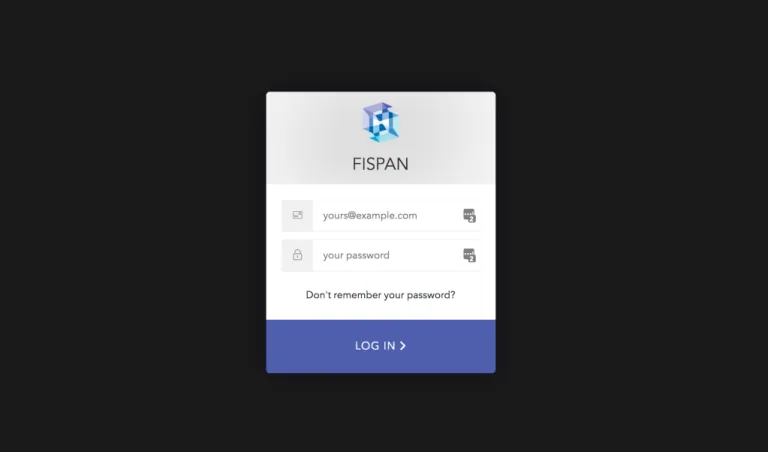
Log in to FISPAN Portal
Head to the Production Portal or the Sandbox Portal you used to register for an account with FISPAN when you installed the plugin.

Log in to the portal with the email and password you used to register.
Go to Accounts
Select Associate Accounts and map the accounts you would like to map.
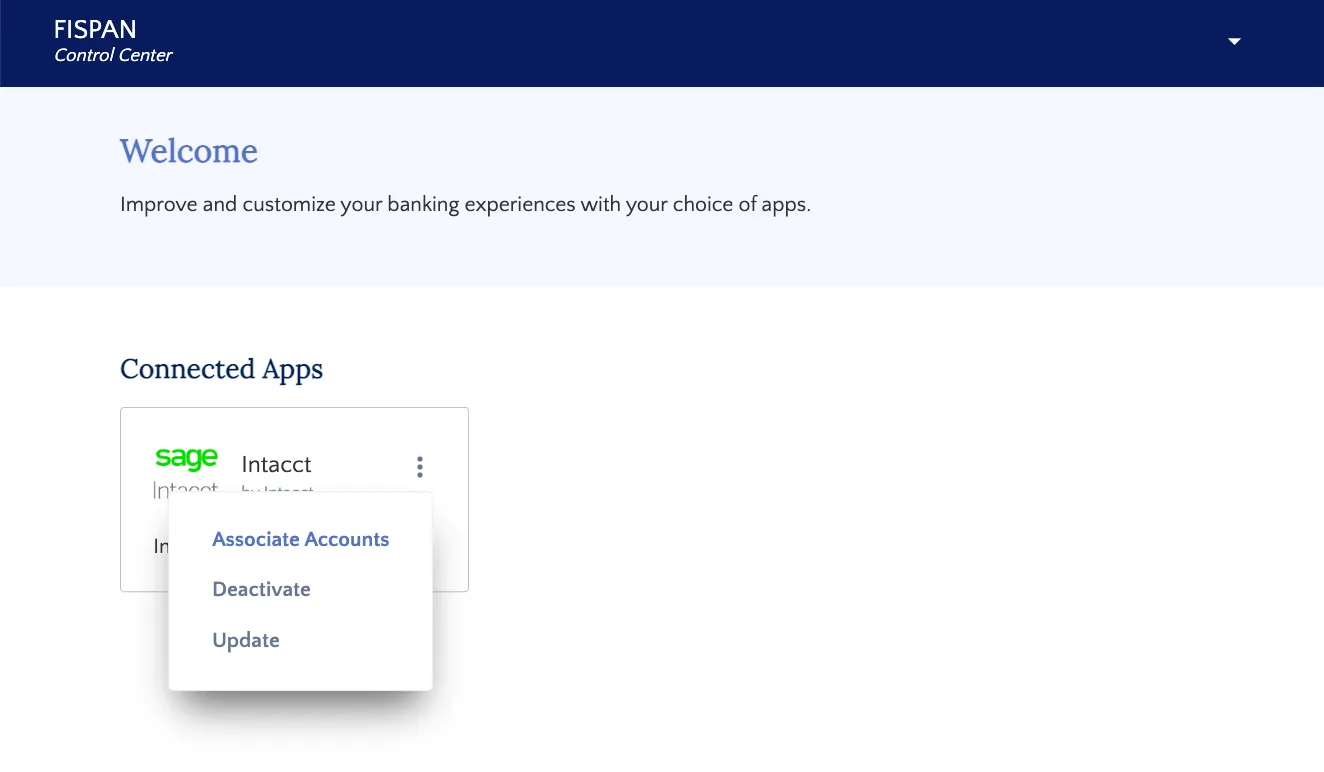
Map Additional Accounts or Change Existing Mapping
To map any additional accounts or alter an existing mapping, you would need to go to sys.fispan.live and log in.
Once logged in, you can click on the three dots on the top right of the Sage Intacct® tile and click on Associate Accounts. This will open the Account Matching screen, where you can map any additional accounts or alter the existing mapping.