Making Partial Payments (Intacct)
Initiate Partial Payments directly from Intacct. This feature gives you the flexibility to pay only a portion of an invoice, supporting various business needs and helping you better manage your cash flow.
Partial Payments are available to all Intacct users on plugin version 2022.23 or later.
Making Partial Payments
Follow these steps to make your first partial payment.
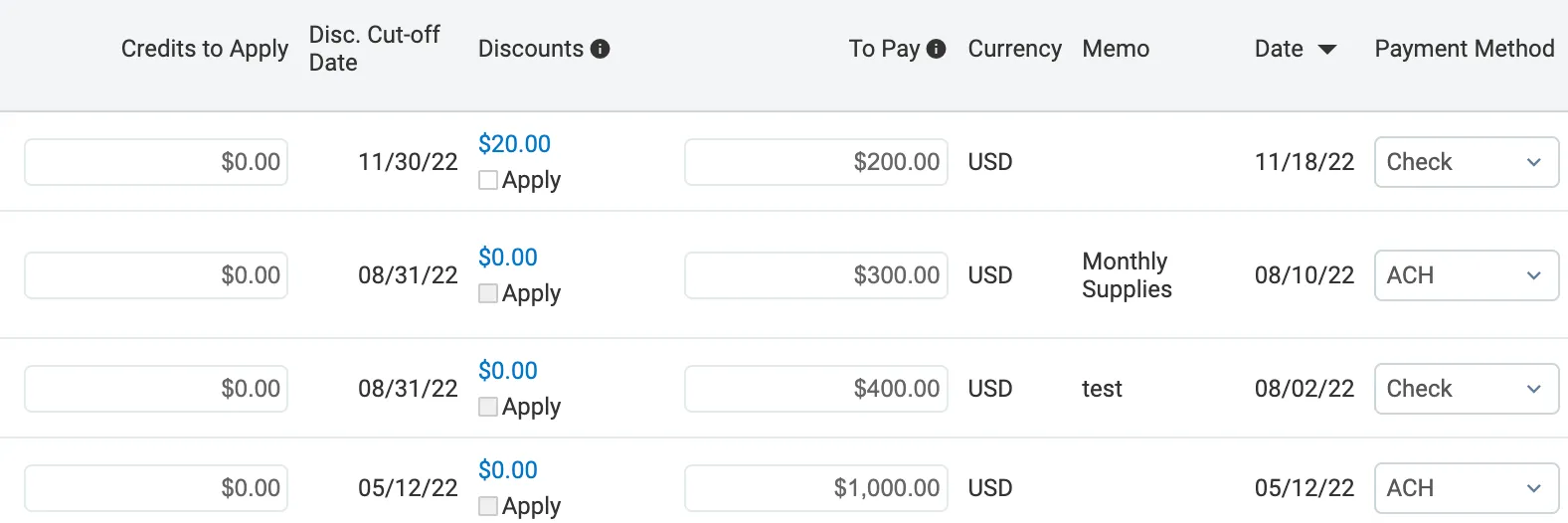
Modify the To Pay Amount
The To Pay column is now modifiable. You can enter any amount as long as:
- The To Pay amount is greater than 0.
- The To Pay amount is not more than the amount due - the discount applied - credits applied.
Add Any Applicable Credits (Adjustments)
Partial Payments can be used in combination with adjustments. Refer to the Making Adjustments article for more information.
IMPORTANT: Discount terms cannot be applied to partially paid bills.
To take advantage of available discounts, your payment must meet one of the following criteria:
- Pay the bill in full with a single payment.
- Make the final partial payment on the bill. The discount can only be applied when this payment reduces the outstanding amount to zero.
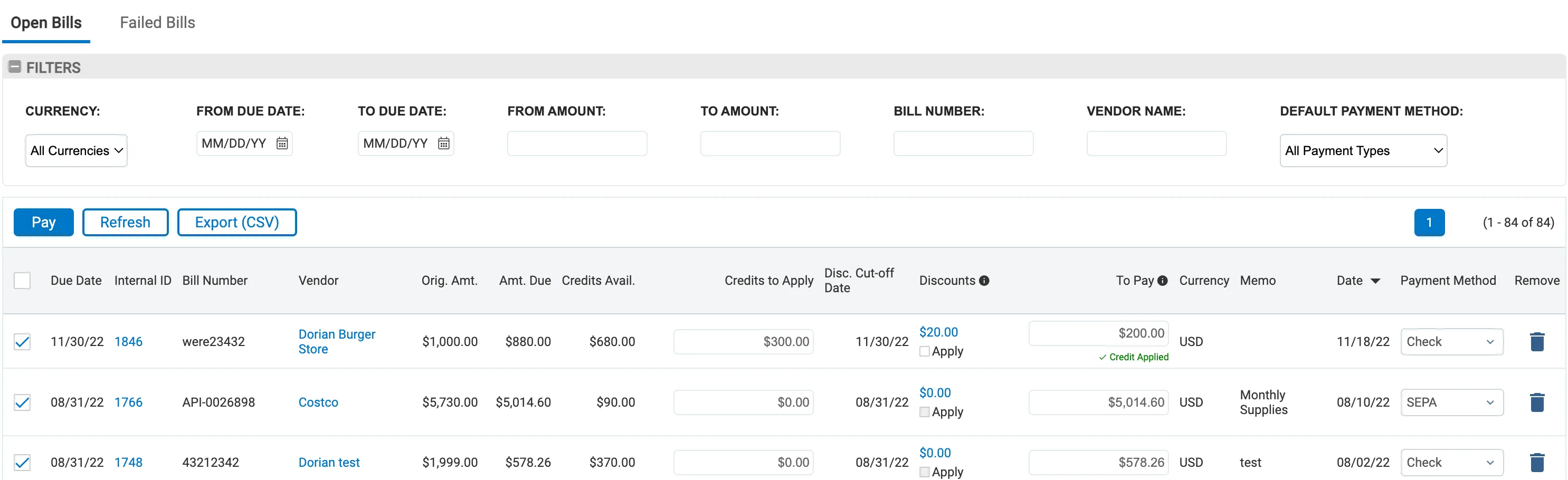
In the Credits to Apply column, add any amount that you would like to add to this payment. This action does not reduce the To Pay amount; instead, it adds the specified credit amount to your payment request. As a result, the Credits Available balance will be reduced by the amount you enter here.

Select the Bills to Pay
Select the bills you would like to pay. You can add multiple bills (even with partial payments) to one payment run.
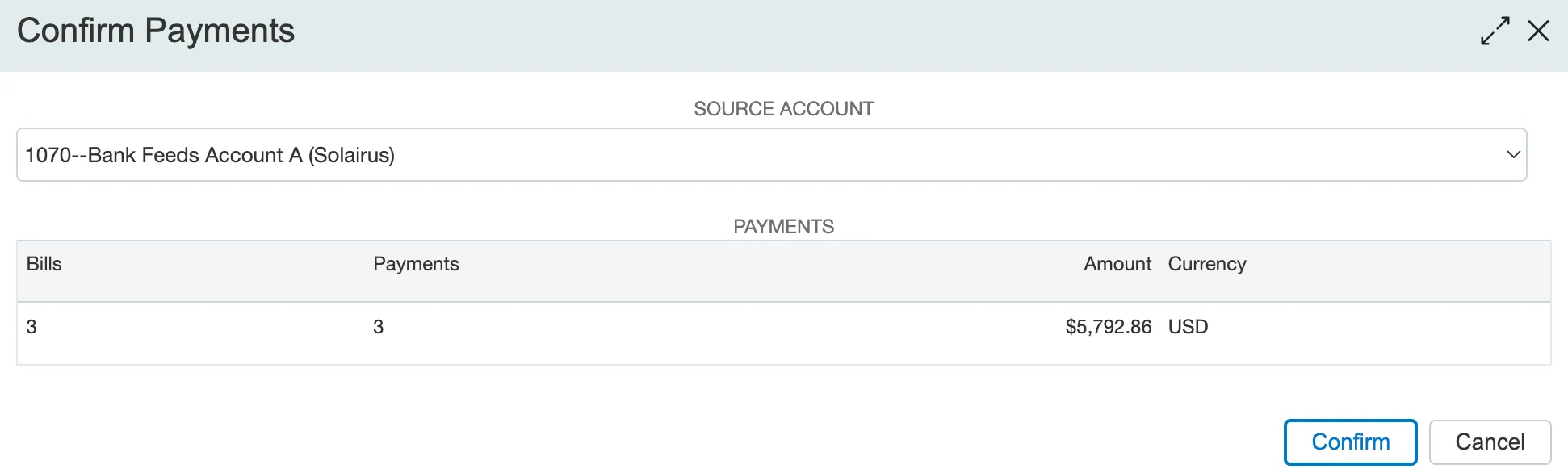
Confirm Payments
Confirm the payments to complete your first partial payment.
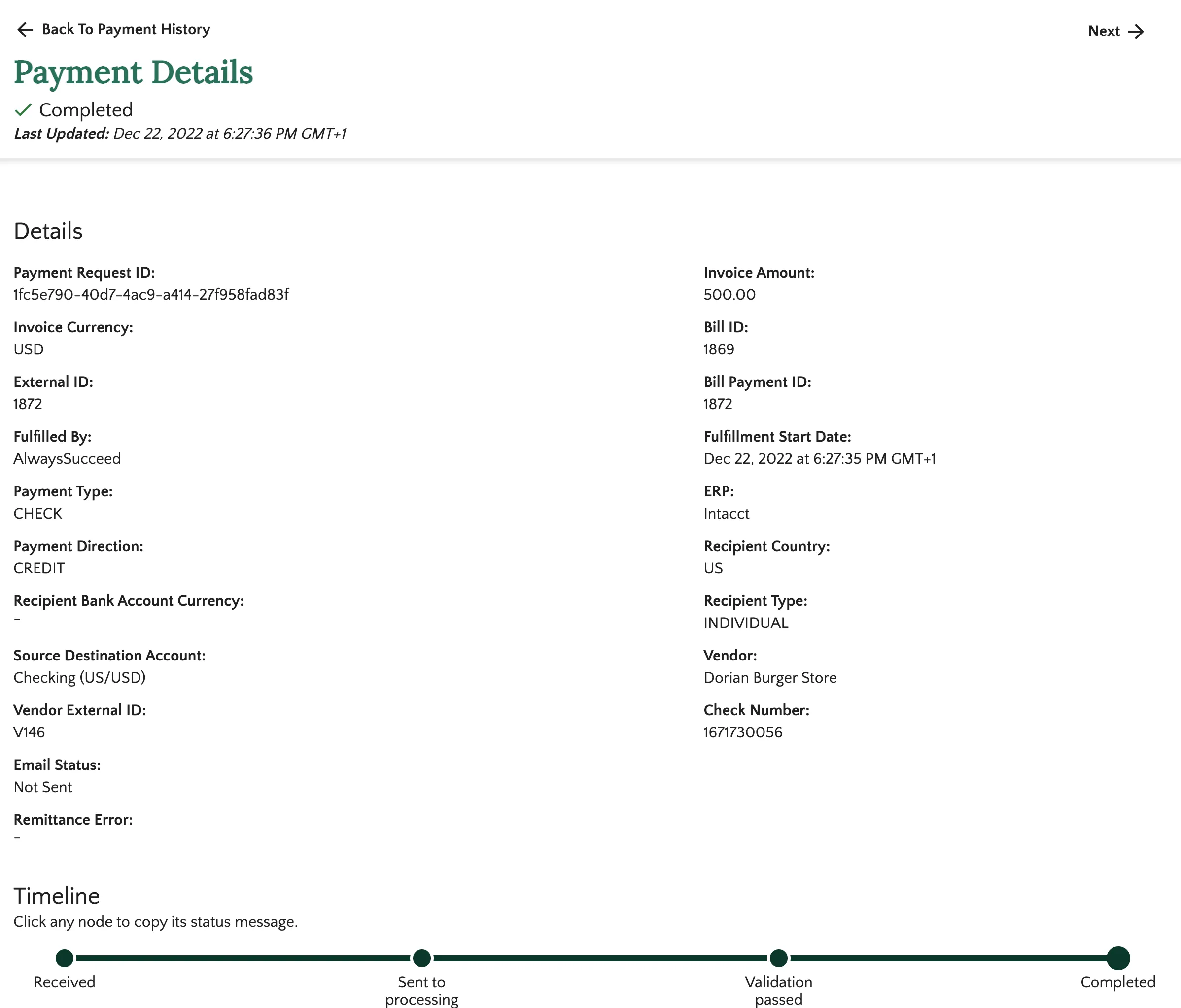
The bill(s) you've partially paid will remain on the Pay page. They will show the updated outstanding amount due, allowing you to make future payments until the balance is fully settled.
IMPORTANT: The custom fields on the native bill record will be overwritten each time a partial payment is made. Only the latest payment information will be available in these fields. For example, if a bill is partially paid five times, the custom fields will only show the details of the fifth (latest) payment. If you need to search and view all payments made against a single bill, you have two options:
- Navigate to the History page of the plugin.
- Go to the Accounts Payable page within native Intacct.
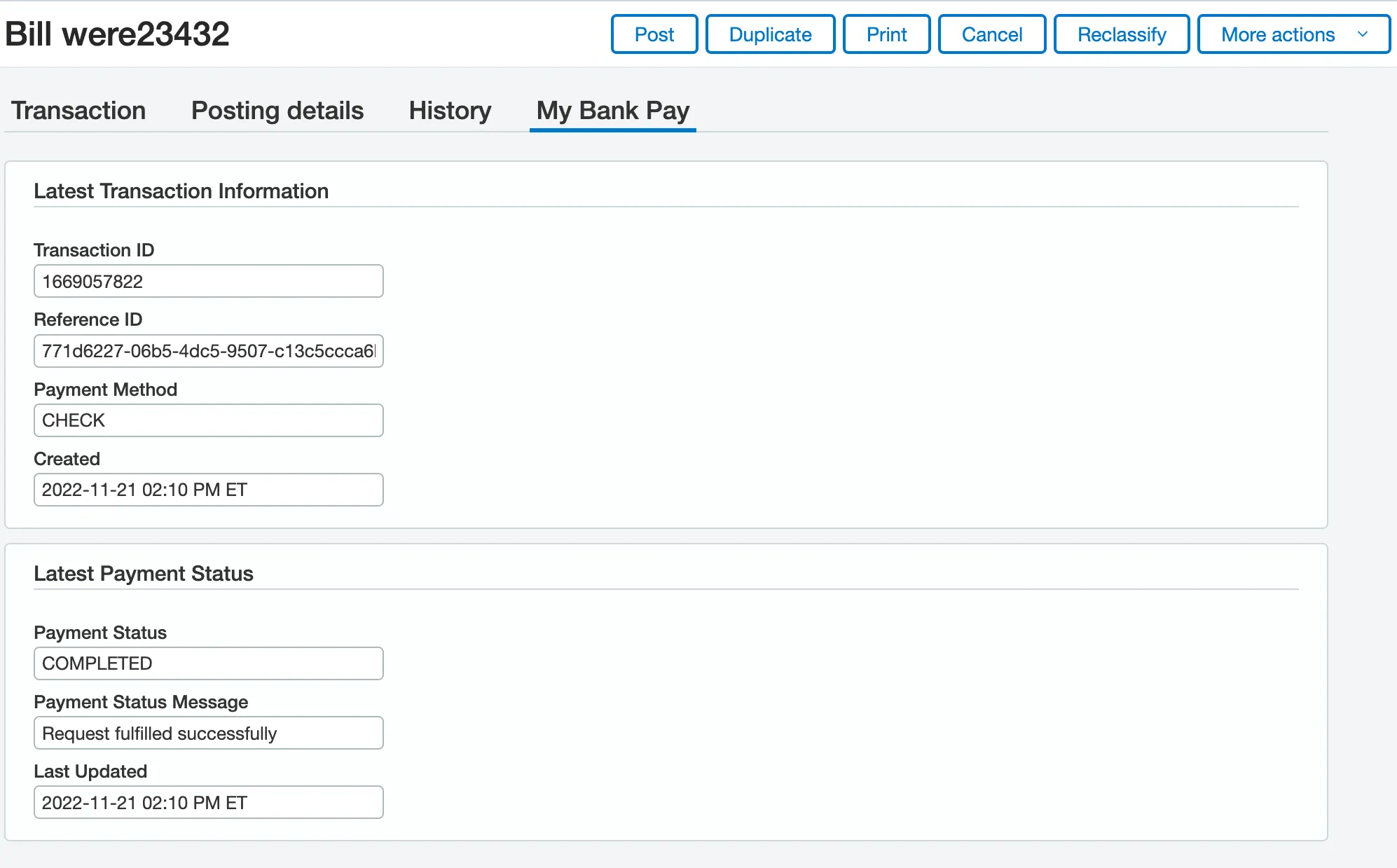
You can search this page using the payment or bill IDs.
FAQs

The View Details from the top right of the accordion opens up the FISPAN Portal, which shows more payment-related information than what is shown in the plugin. You will be prompted to log in. Use the FISPAN Portal password defined during the onboarding process to log in. Reach out to support if you did not get a login during onboarding.