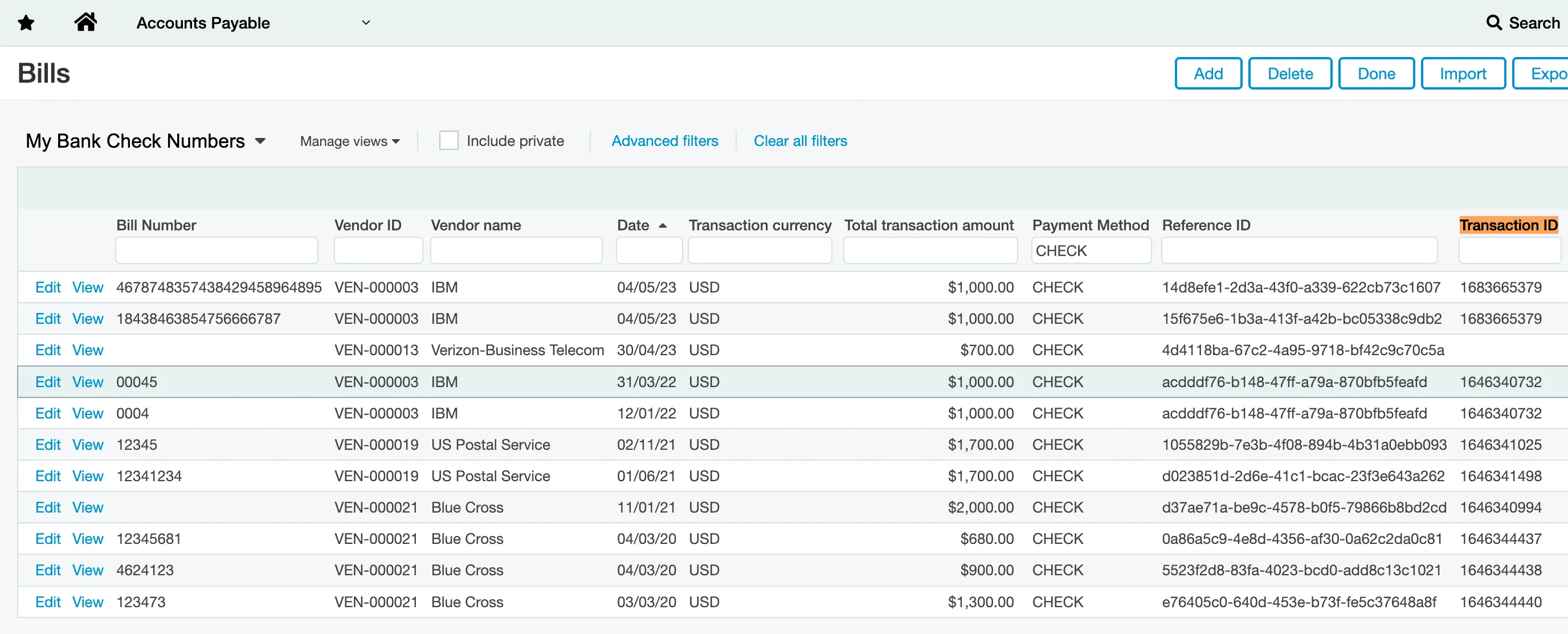
Check Number Limitations (Intacct)
There is a limitation with Sage Intacct where the Document Number field on a bill cannot be overwritten once it has been populated.
When a payment is processed through the bank plugin, the Document Number of the bill is populated with an alphanumeric Reference ID. This field is usually where you would expect to find the Check Number.
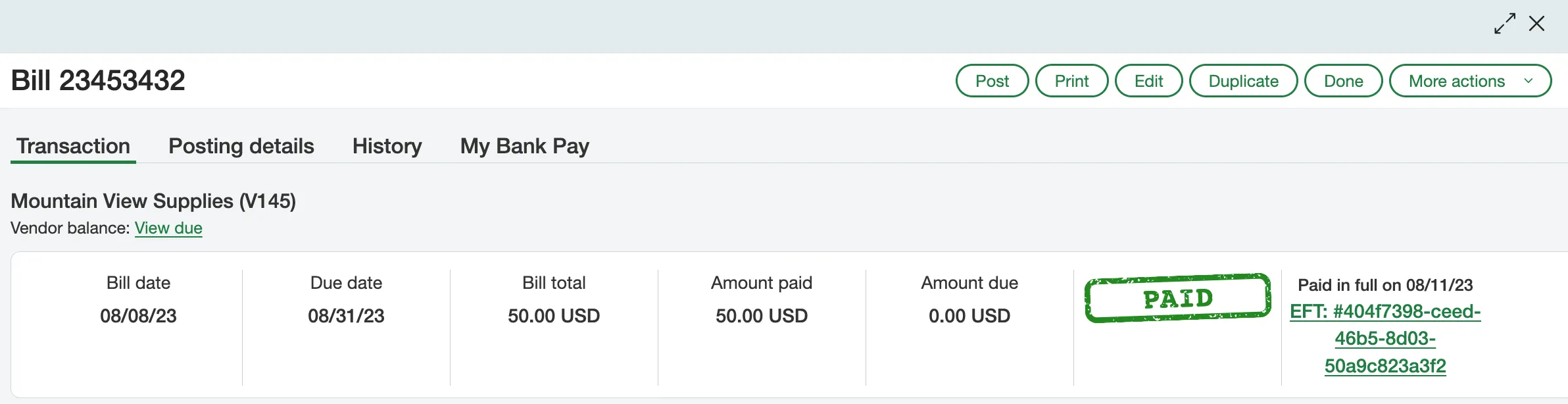
As part of the bank plugin onboarding, your organization supplied a Check Number range.
When you process a Check Print payment, the plugin automatically retrieves the next sequential Check Number from this range and sends it to Intacct.
Intacct's restriction prevents the plugin from overriding the standard Document Number field once it's populated with the alphanumeric Reference ID. Therefore, the actual check number is recorded in a different location: it is saved under the Bank tab in a custom field named Transaction ID on the bill.
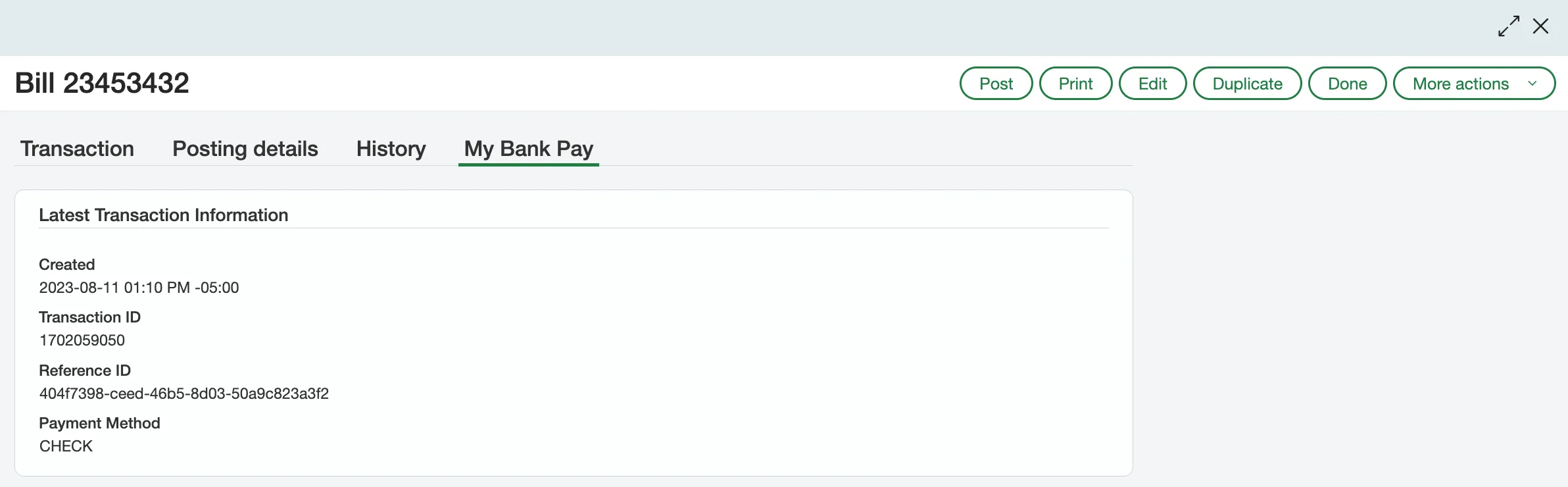
Because the alphanumeric Reference ID is populated instead of the Check Number, you may discover that during reconciliation, you can only see the Reference ID on the Intacct side and the actual Check Number on the bank side.
Workaround
To help with reconciliation, you can create a custom view in Intacct to display the corresponding Check Number for each alphanumeric Reference ID.
To create this report, please follow the steps below:
Navigate to Bills
Navigate to Accounts Payable -> Bills.
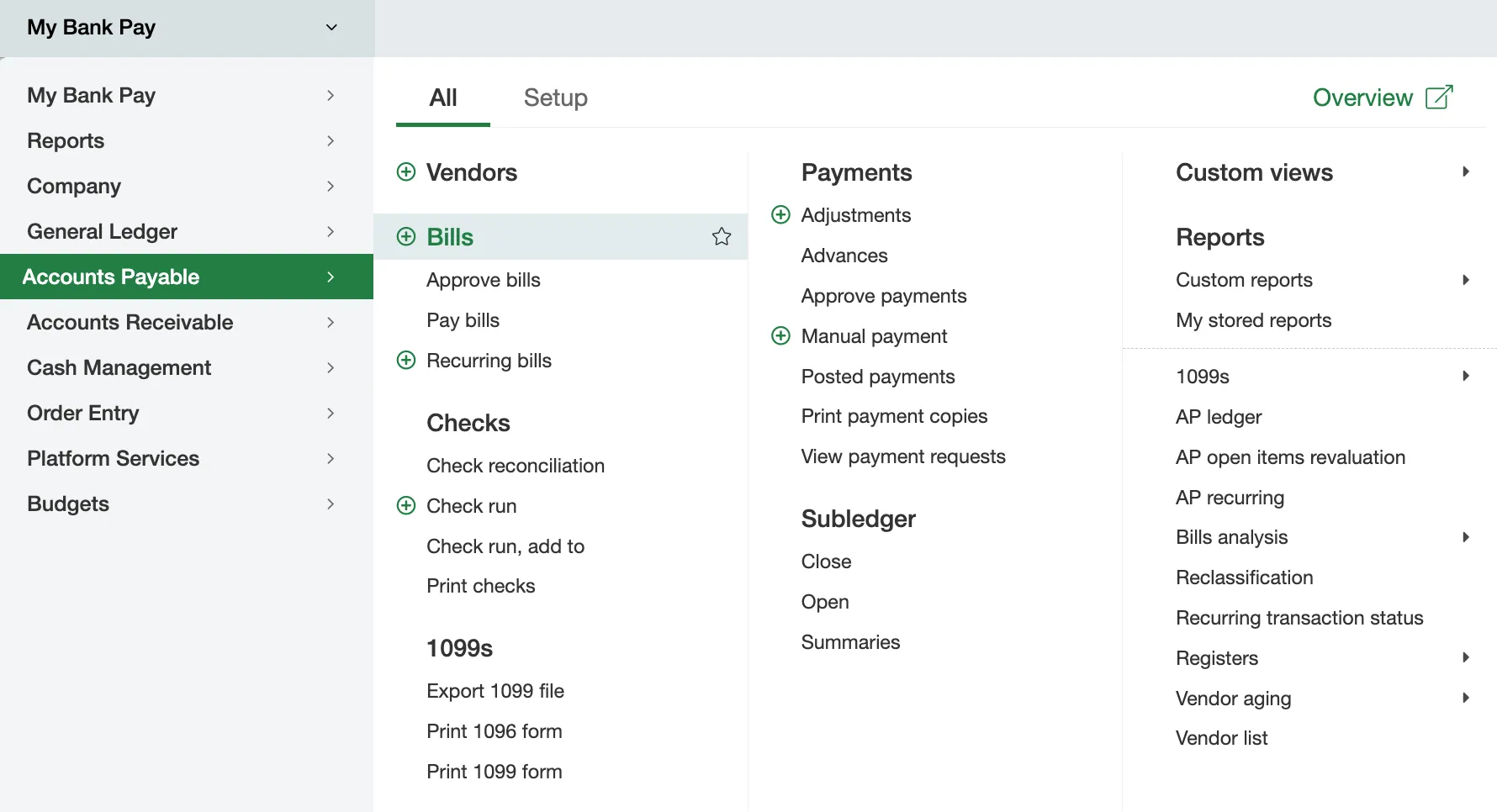
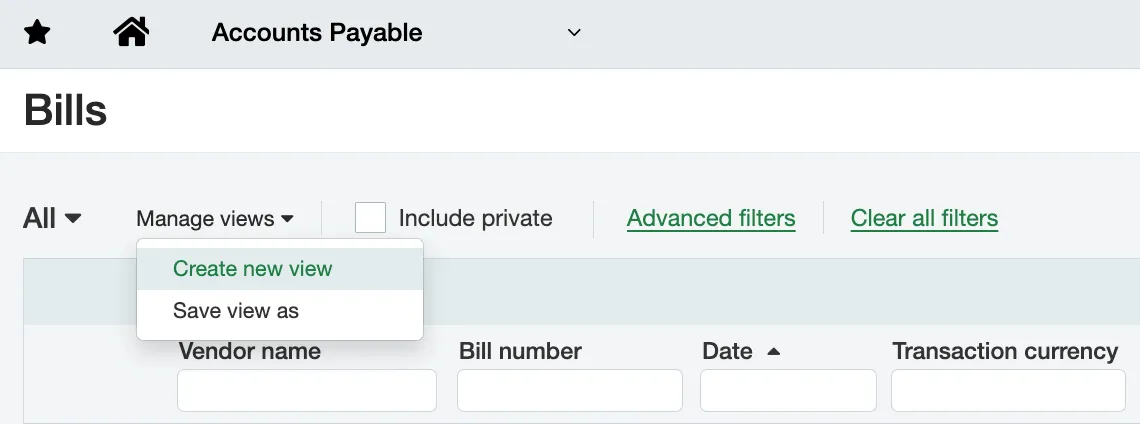
Create New View
Then, click Manage Views -> Create new view.
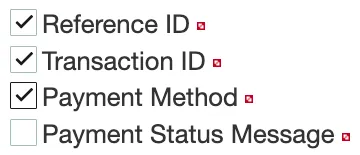
Select the columns you wish to see on the custom view. Be sure to select Transaction ID, Payment Method, and Reference ID.
Next, click Save.
Filter for CHECK
After saving the view, you can filter for CHECK under the Payment Method column to isolate bills that have been paid through Check Print via your bank plugin.