Step 10: Connection Status
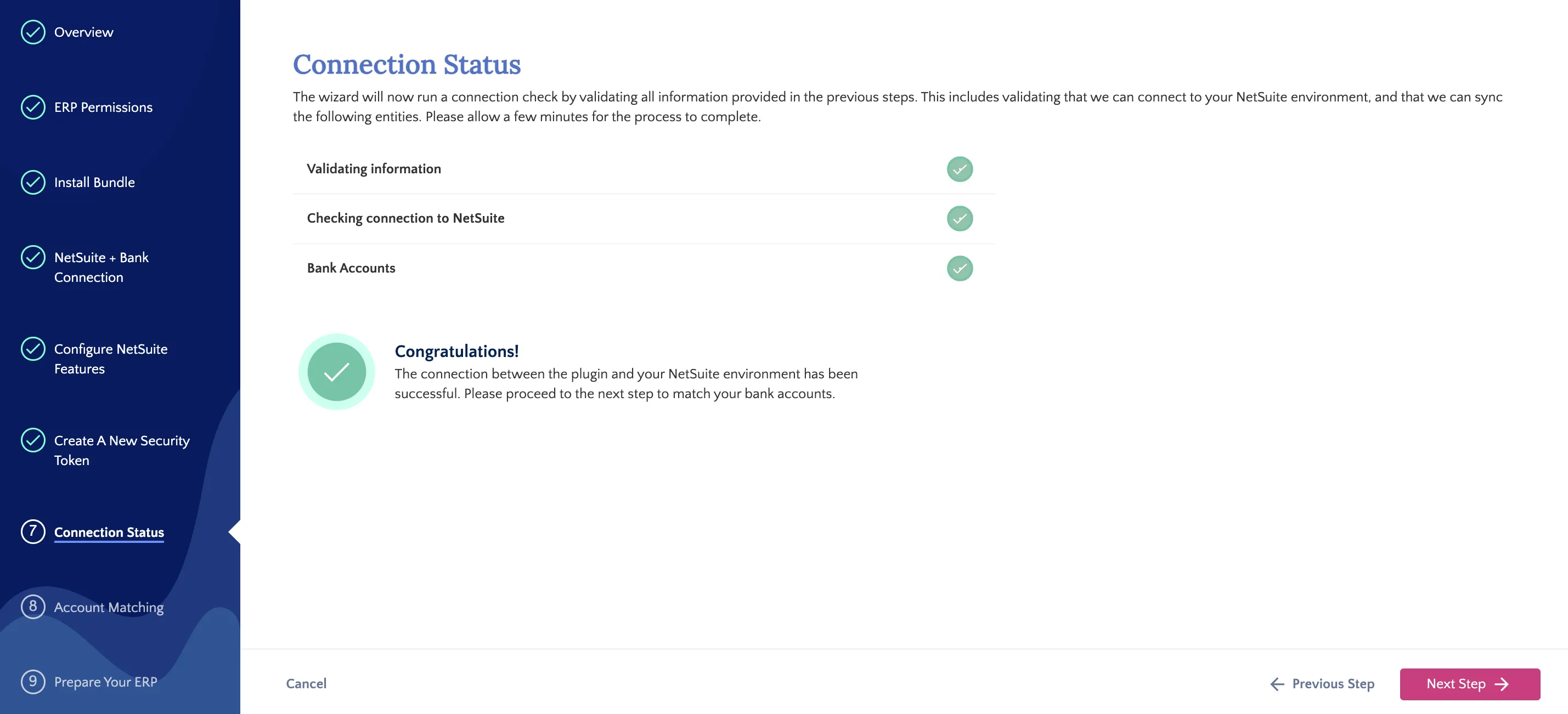
After entering the Token ID and Token Secret in the previous step, the installation wizard will begin to run a connection check to validate all details entered in the previous steps.
If there are no issues, a large green checkmark will appear to confirm that the connection has been established. Click on Next Step to begin matching bank accounts.
Failed Connection Checks
If the connection check fails, a large red X icon will appear. A list of possible reasons for failure will appear, such as:
- Validation errors from the data you entered in the previous steps
- Incorrectly configured NetSuite features
- The plugin is not being properly installed in NetSuite
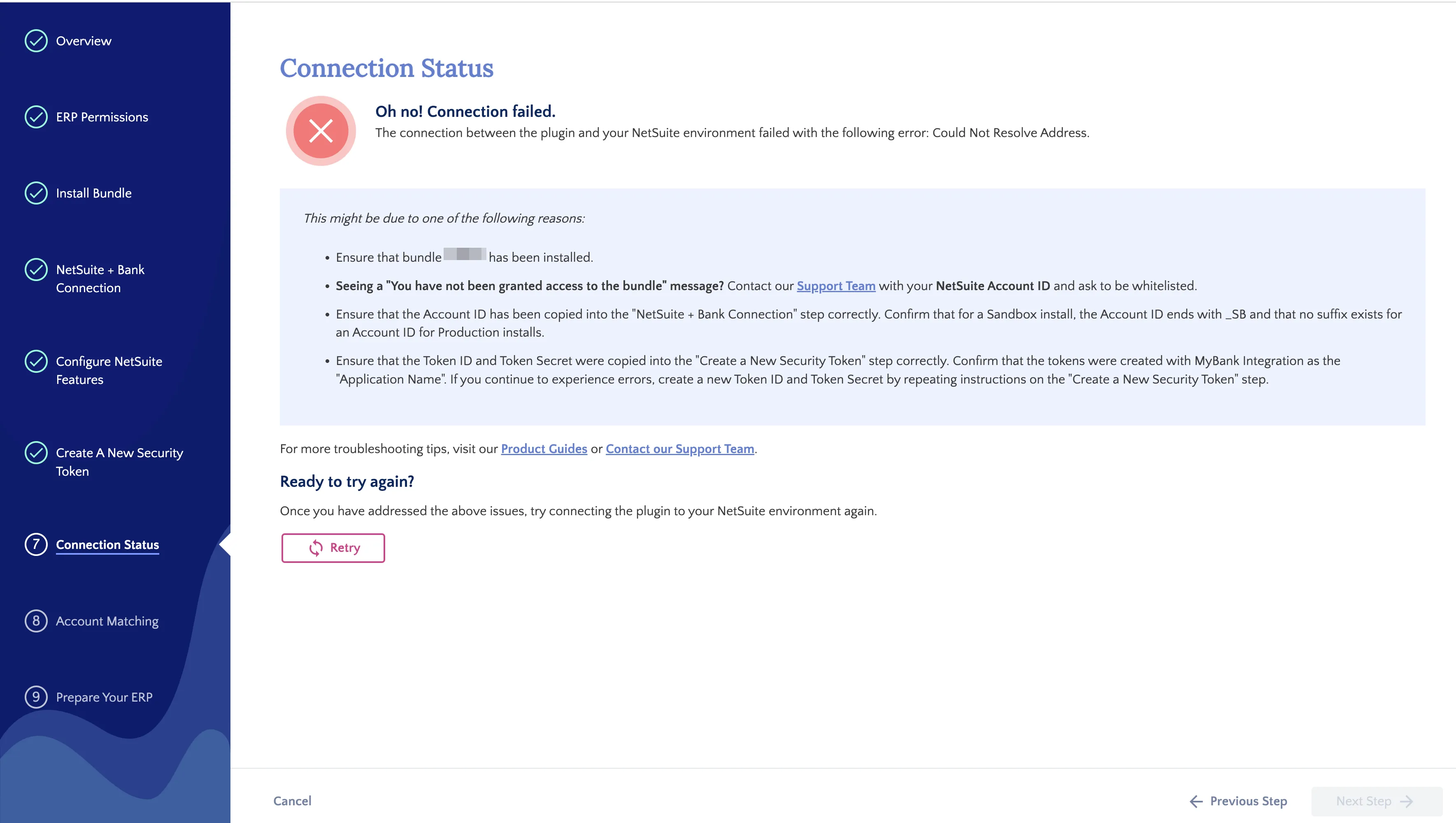
After reviewing and making changes in NetSuite, click Retry to rerun the Connection Check.
Otherwise, you can click Previous Step to go back and reenter any potentially incorrect data. Continuing to the next step in the installation wizard will also retrigger the check.
When the check is successful, click Next Step.