Disconnect Bank Feeds (Sage Business Cloud Accounting)
If you need to stop transactions from feeding into Sage Business Cloud Accounting, follow these steps to disconnect a bank account.
Go to Banking
Log in to Sage Business Cloud Accounting. Navigate to the Banking tab.
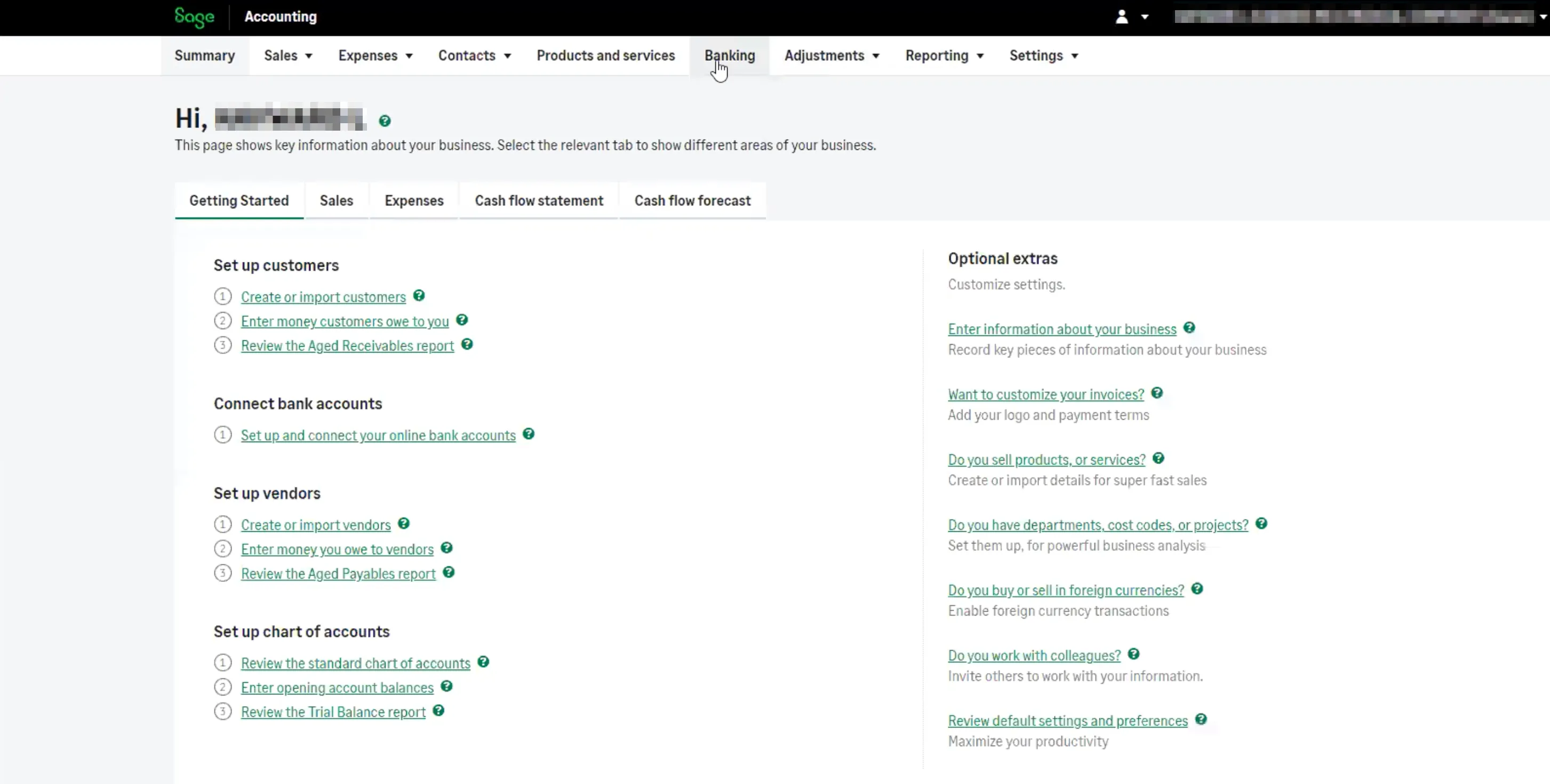
Navigate to "Banking" tab
Disconnect Bank Account
On the Banking page, click Actions on the tile of the account you wish to disconnect.

Disconnect Bank Account
Click Disconnect Bank Account.