Viewing Posted Paid Checks
This feature will provide the ability for users to view the front and back of previously posted paid checks, if available.
If there is no image available for the check, no images will be displayed.
If images are available for the paid check, thumbnails of the front and back thumbnail images will be displayed on the Transaction Details window.
Refer to Viewing Balances and Transactions to see how to find the Transaction Details window.
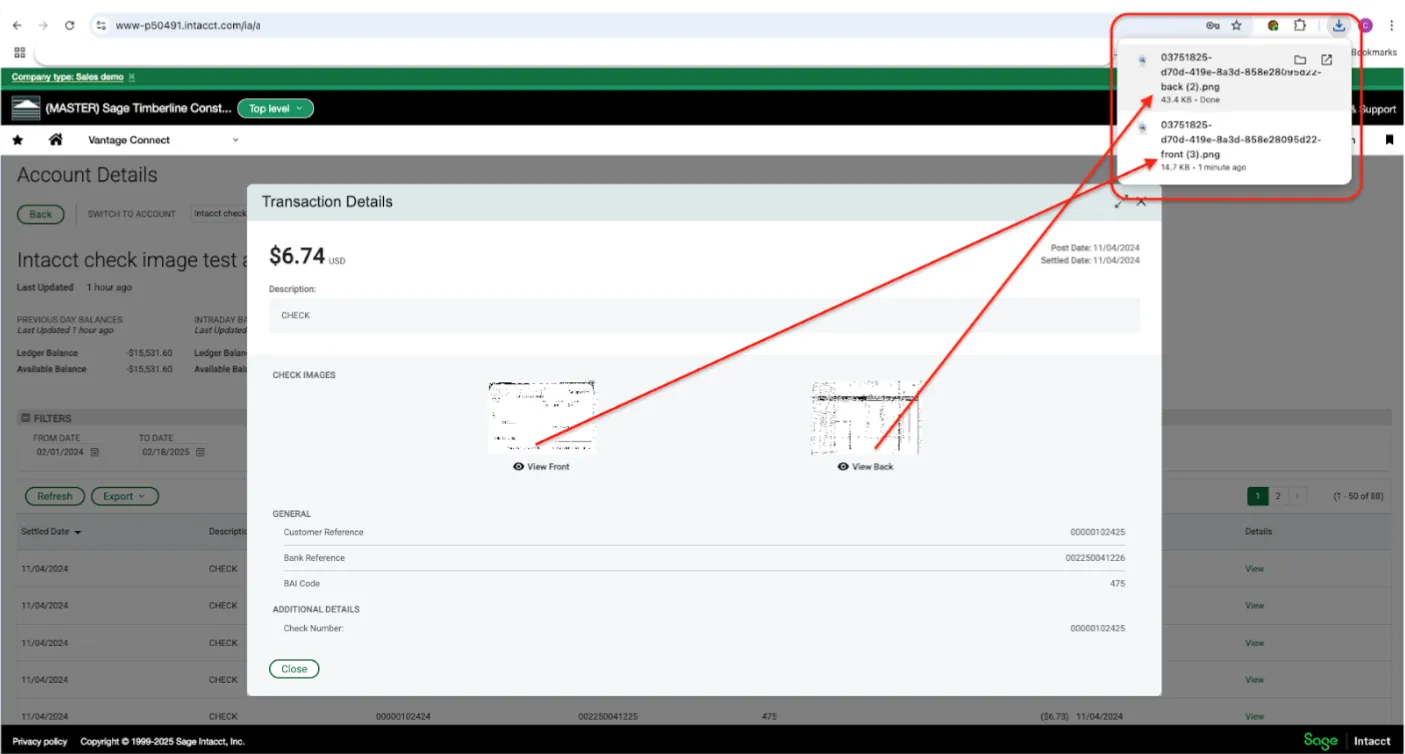
Transaction Details - select the thumbnail image
To automatically download the image, click “View Front” or “View Back”. Check images will be saved in the “Downloads” folder.
Sample Front of Check Image
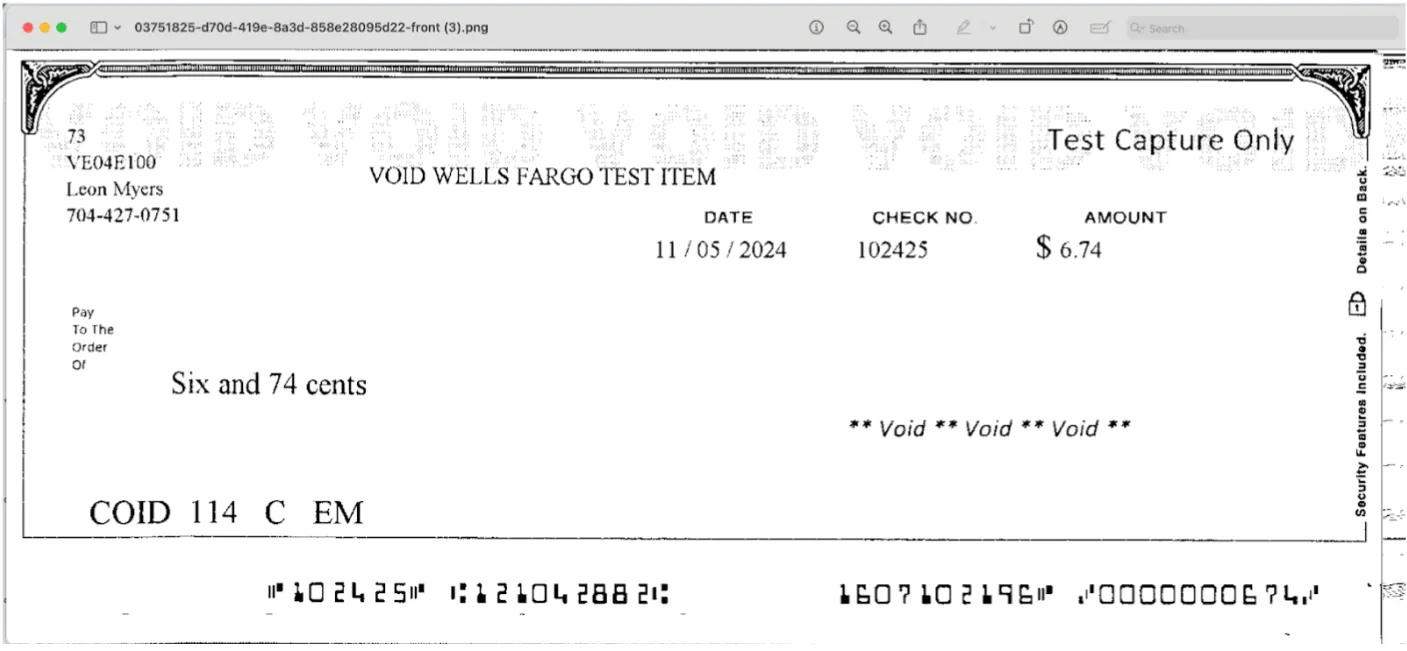
Front view of check
Sample Back of Check Image
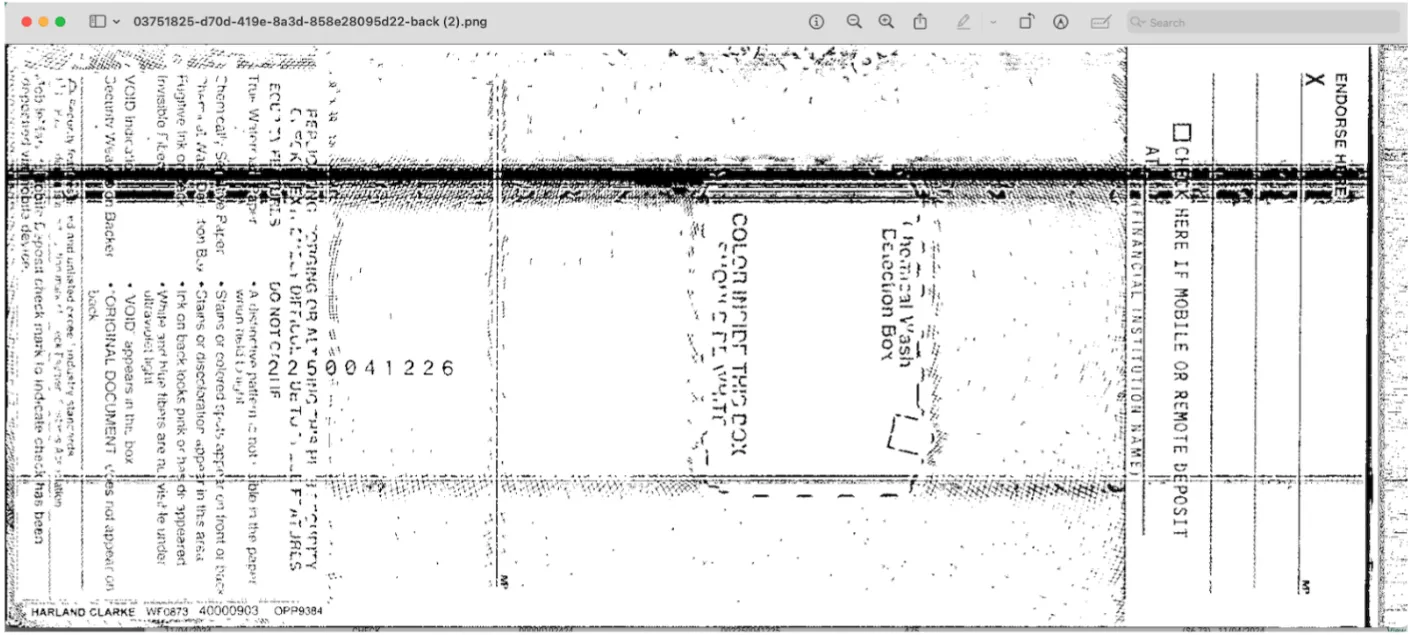
x