Making Adjustments
Using AP Adjustments
Make sure that the adjustment type is 'Debit Memo'. FISPAN does not currently suppport what native Intacct calls 'Credit Memos.'
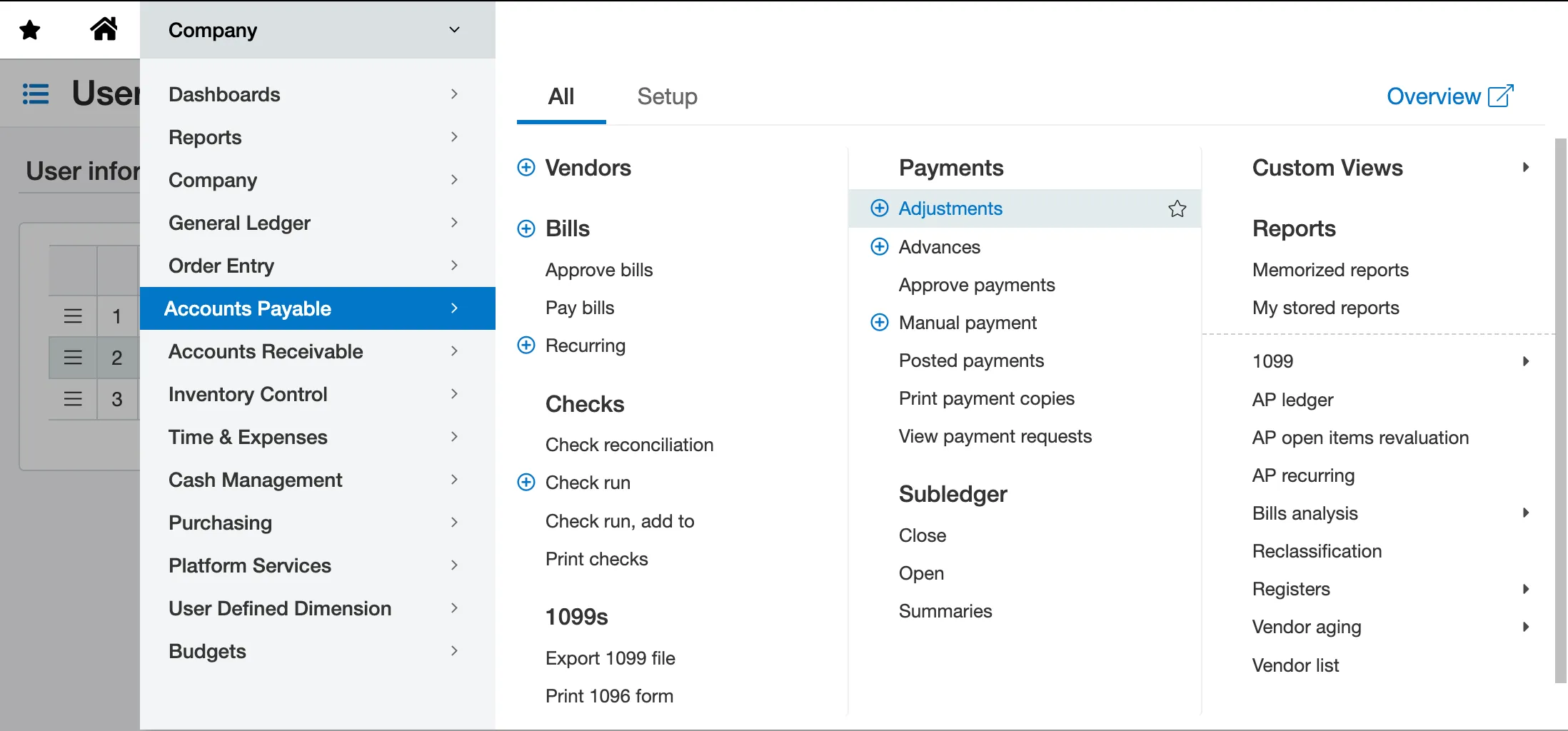
To create an adjustment, go to Account Payables → Adjustments.
- Adjustments need to be defined at the vendor level. For example, 20 dollars can be applied to any vendor. Once that is done, an appropriate adjustment will appear on any future bills for that specific vendor.
- When you input the dollar amount of credit to apply to the bill, the oldest credit value will always be applied to the payment first.
Input the amount you would like to apply to the bill in 'Credits to Apply'. Please note that the applied credit cannot reduce the amount in the 'To Pay' column to zero or a negative value. Select and pay the bill as usual and the credit will be added.
'Credits Available' column is updated every time the user modifies the adjustment in native Intacct or inputs an amount in 'Credits to Apply'.

Using bills with a negative amount (i.e. -$10) as adjustments is currently not supported by the plugin. If you are using bills with negative amounts as part of your AP workflow to create credit memos, we recommend switching to adjustments. This is what Intacct recommends natively.