Step 3: Select ERP
Select Install on the Business Central box and the installation wizard will appear on your screen.
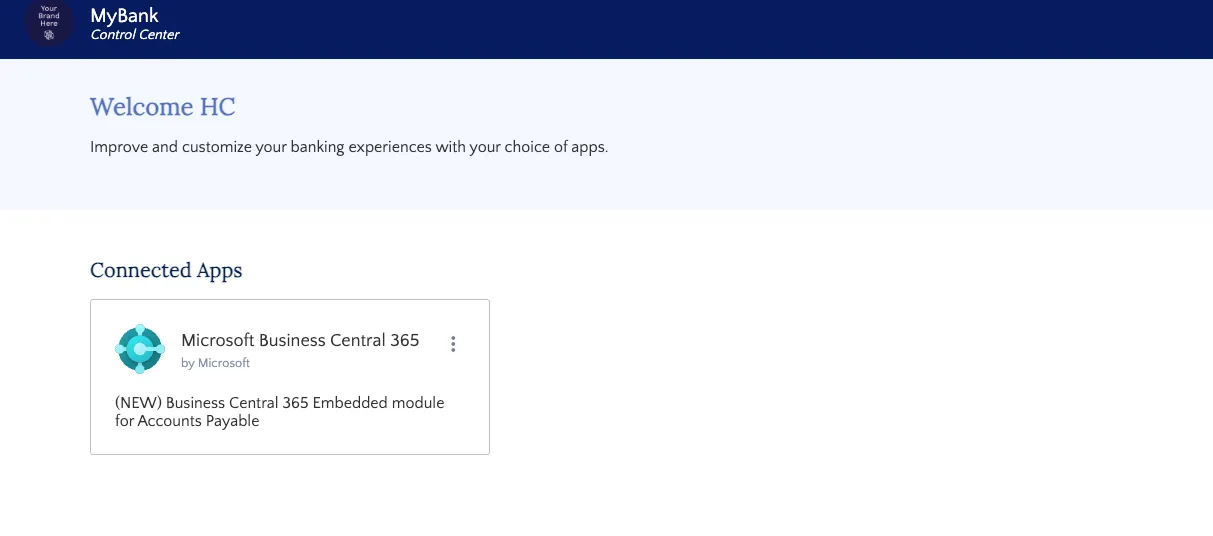
Select Microsoft Business Central 365
Select Install on the Business Central box and the installation wizard will appear on your screen.