Step 6: Create System User
To comply with security protocols, the client is required to create a dedicated Integration System User (ISU) for then FISPAN <> Workday integration.
Follow these steps to create an ISU.
Open the ISU Task
In Workday's search bar, type Create Integration System User and select the Create Integration System User task from the results.
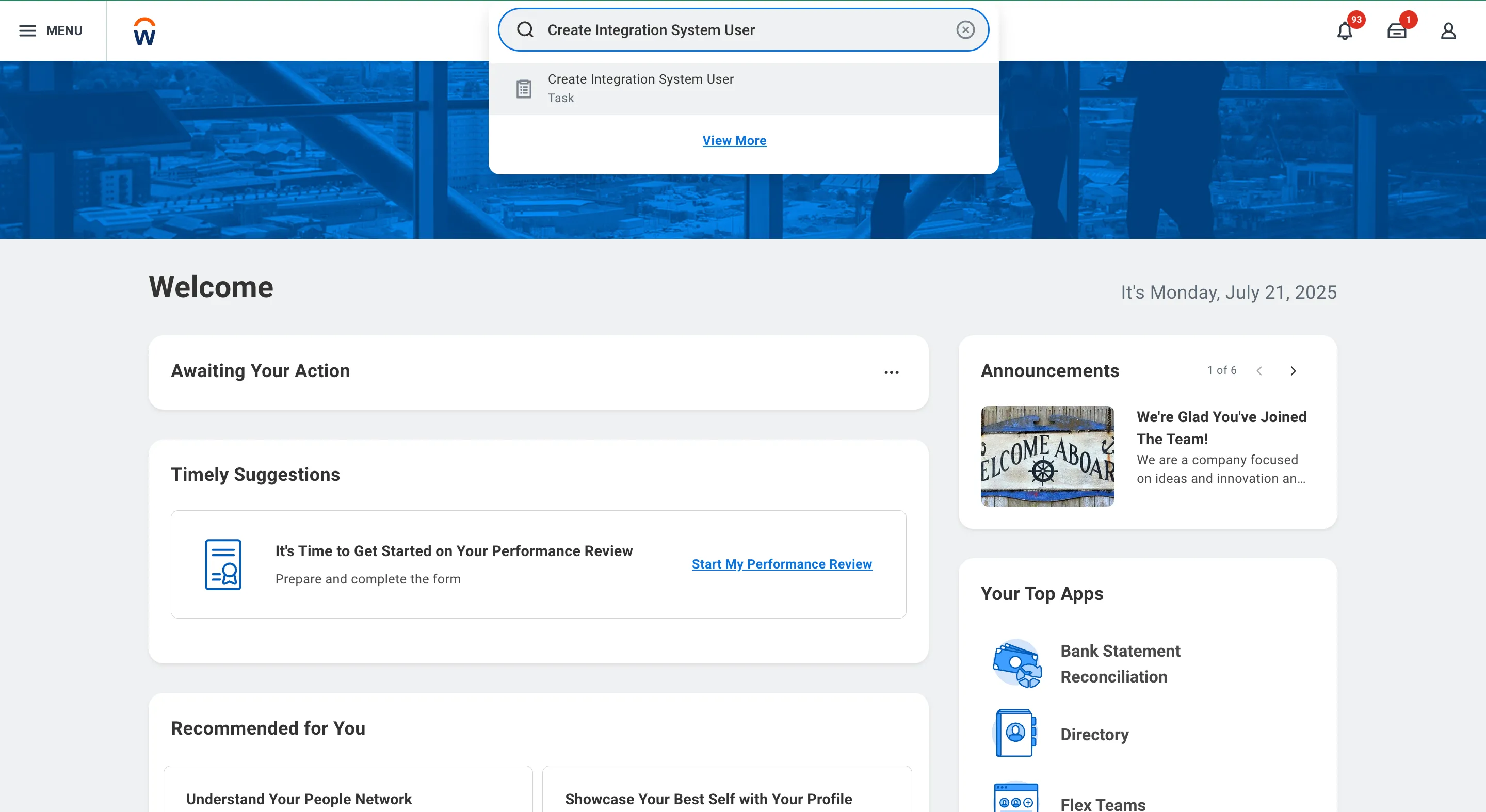
Search and Open Create Integration System User Task
Create ISU
Once the task opens, enter the following details:
- Enter a username (recommended: FISPAN_ISU) and password.
- Set Session Timeout Minutes to "0" to prevent the ISU from timing out.
- Select the Do Not Allow UI Sessions checkbox to enhance security by restricting UI logins.
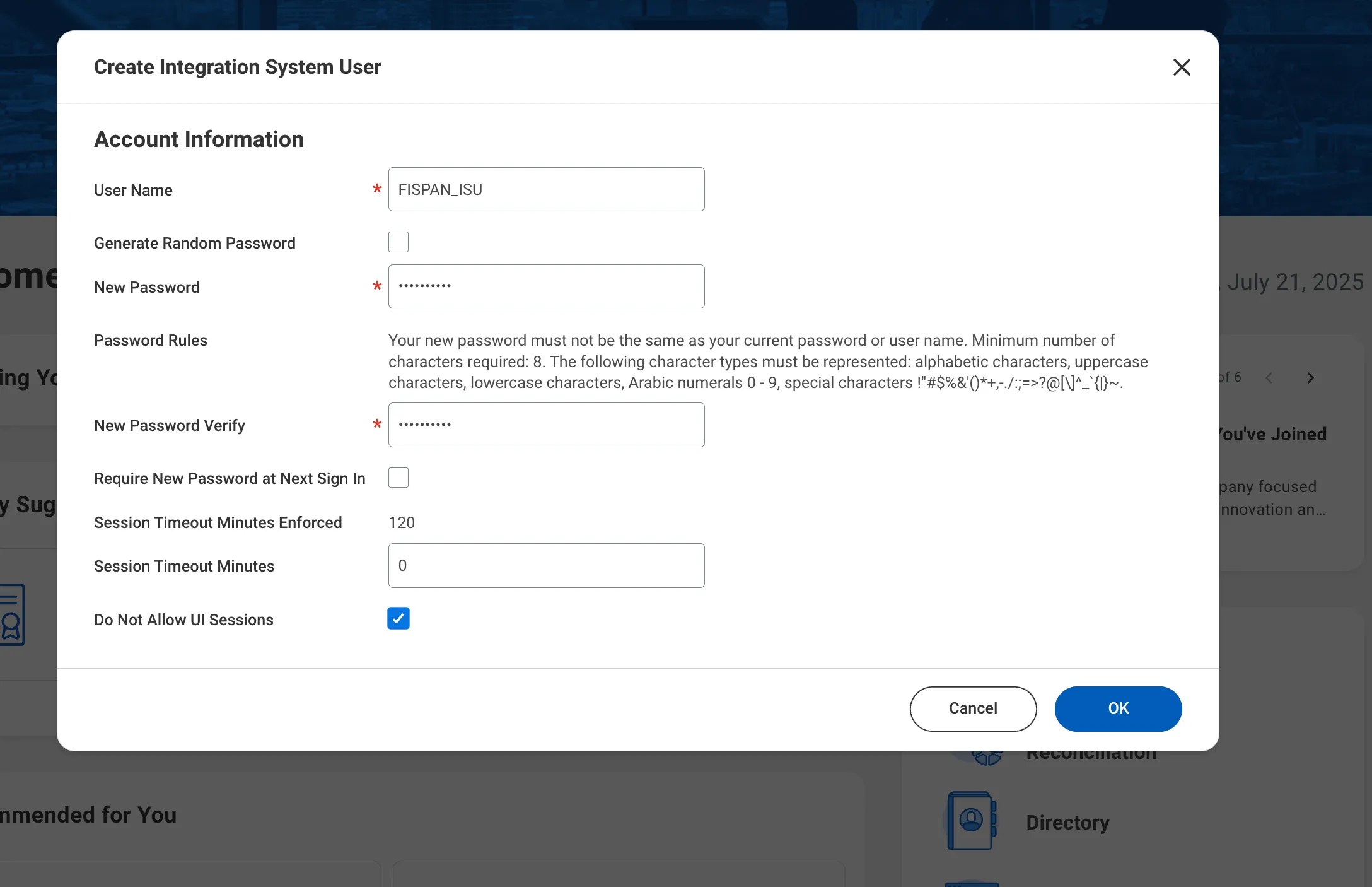
Create Integration System User
Click OK to complete these steps and create the user.