Step 19: Setting Default Payment Information
Setting a default payment method per vendor will save you significant time by automatically pre-filling the payment type for all future transactions.
Use the steps below to select a default payment method for each vendor.
In Intacct, go to Main Menu → Payment Methods Tab.
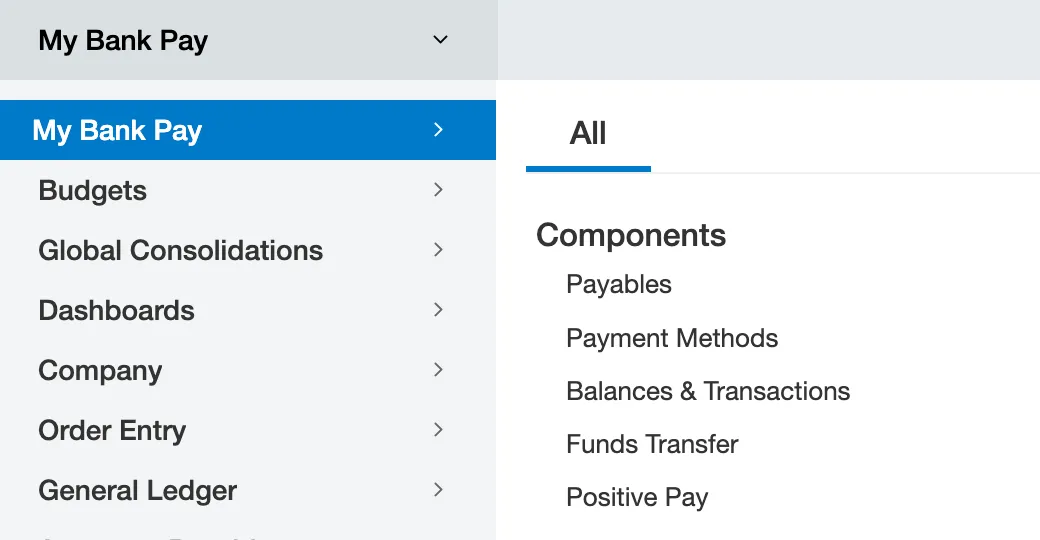
Go to Payment Methods
Select the appropriate payment method from the Default Payment Method drop-down menu.
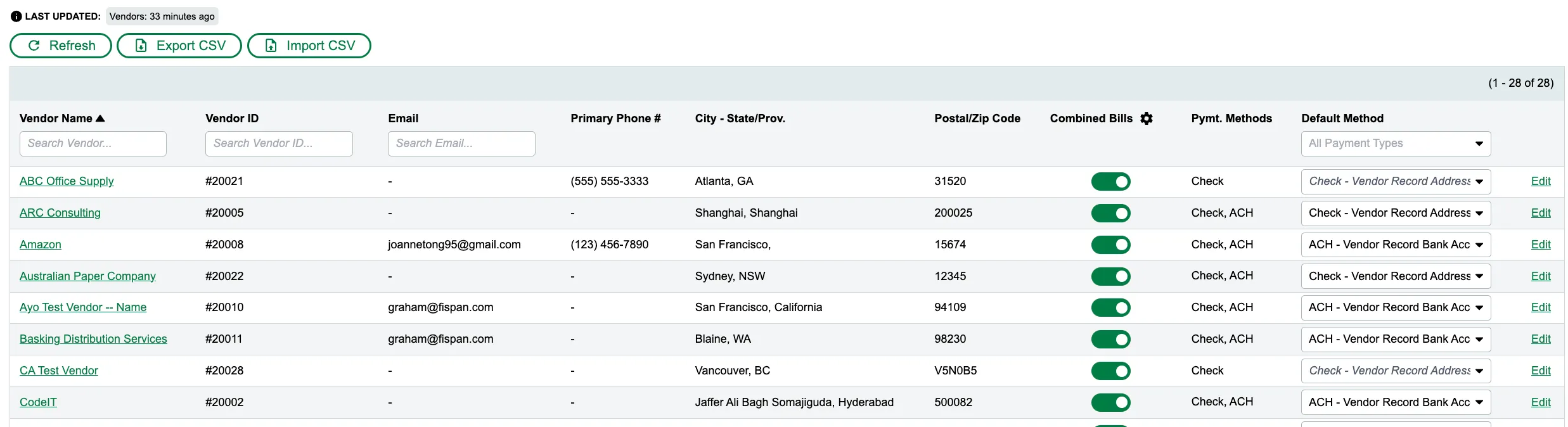
Select a Default Payment Method
NOTE: You will only see the payment methods currently configured for both your plugin and the specific vendor. If a payment method is missing from the list, you must either add it to the vendor record or contact your Santander Treasury Service Sales Officer to have it added to the plugin setup.