Access Bank Reconciliation Module (Workday)
Once your bank accounts are connected via Bank Feeds, your bank transactions will automatically feed into the Bank Reconciliation Module in Workday. Follow these steps to retrieve your bank transactions.
Go to Bank Reconciliation
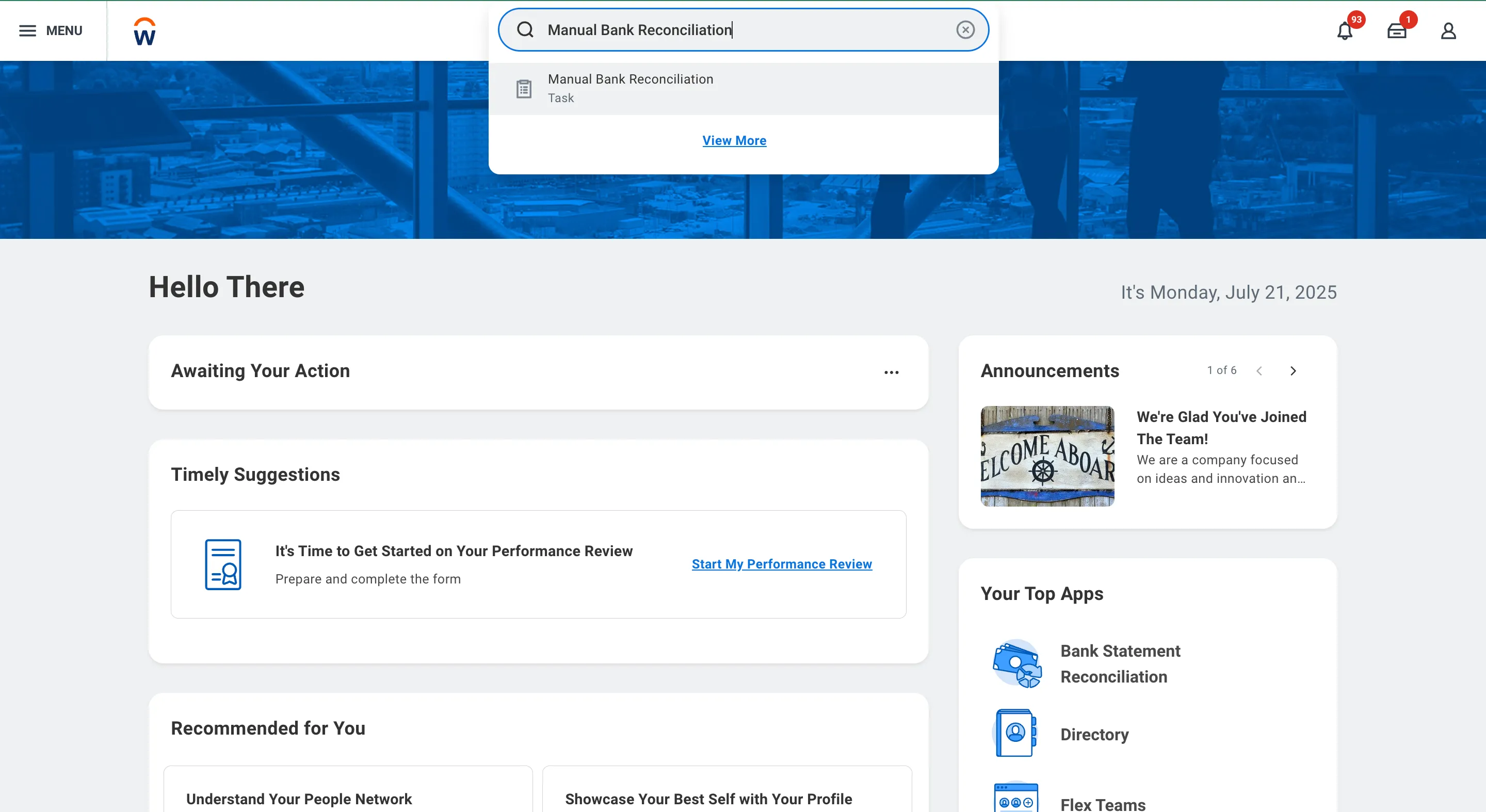
In Workday's search bar, type Manual Bank Reconciliation Module and select the corresponding task from the results.
Select Bank Account
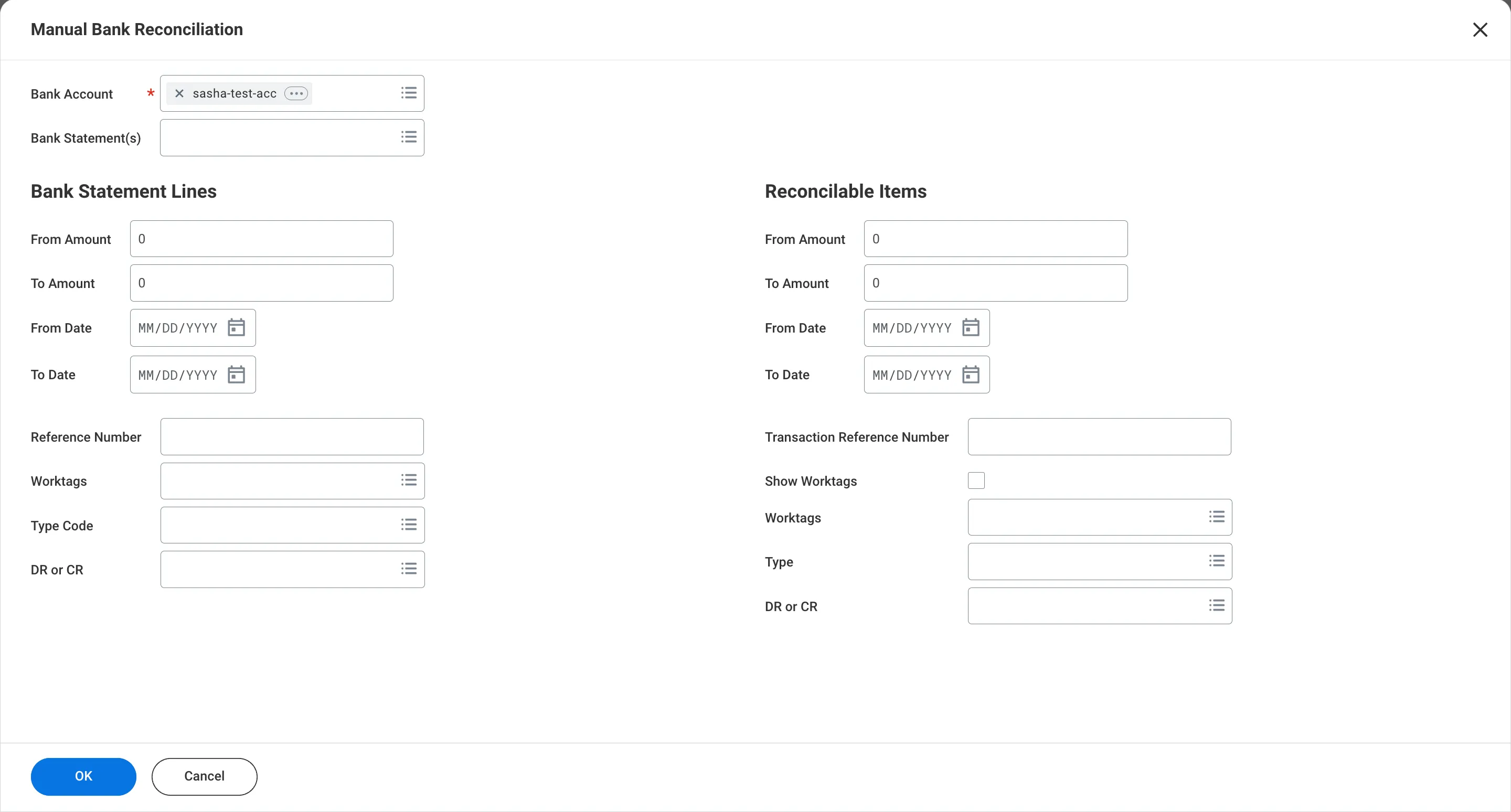
Select the bank account you wish to view transactions for.
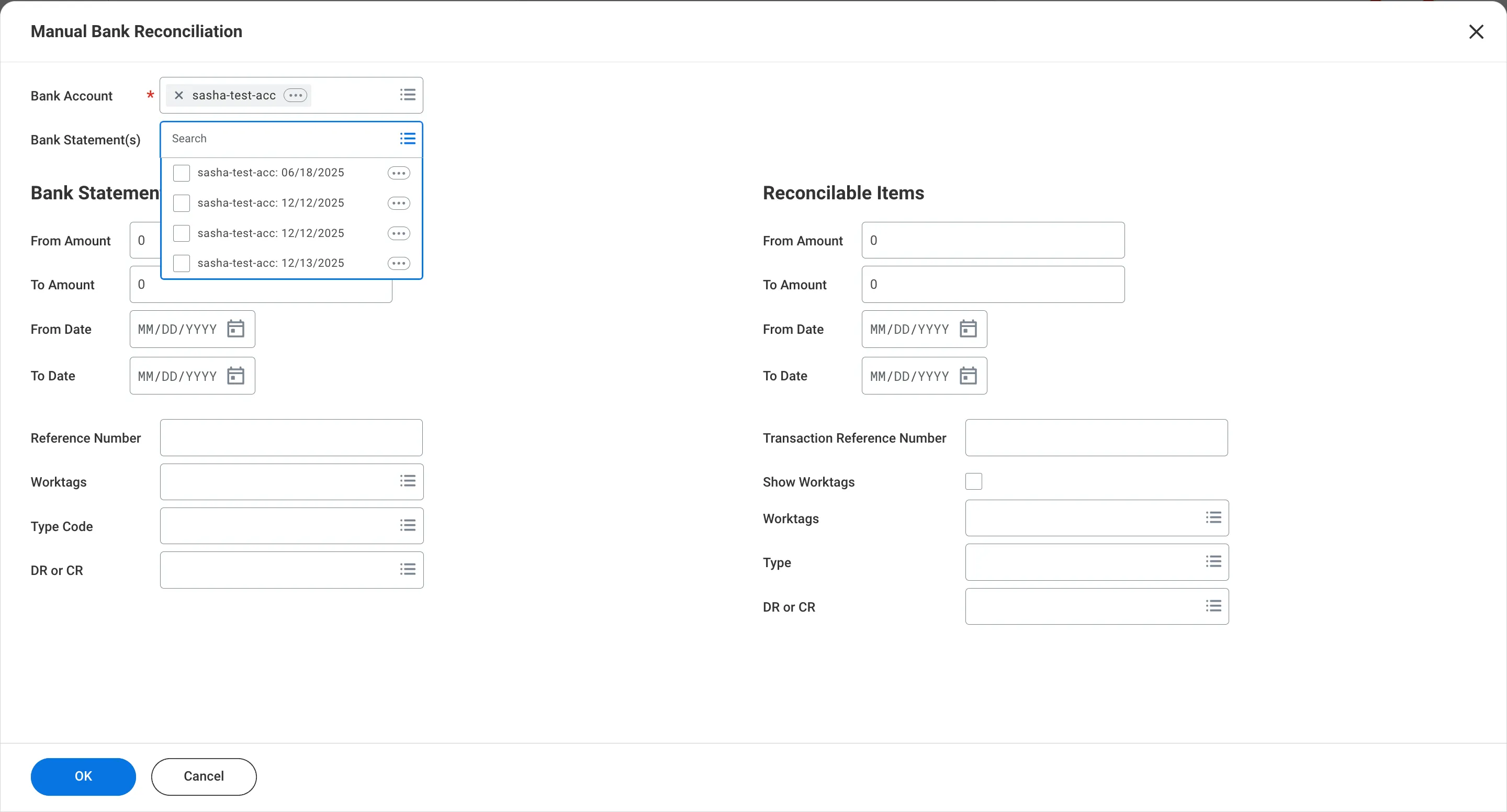
You can also select a specific bank statement to view its associated transactions.
Access Bank Feeds
On the left-hand side, you can see transactions pushed by the integration.
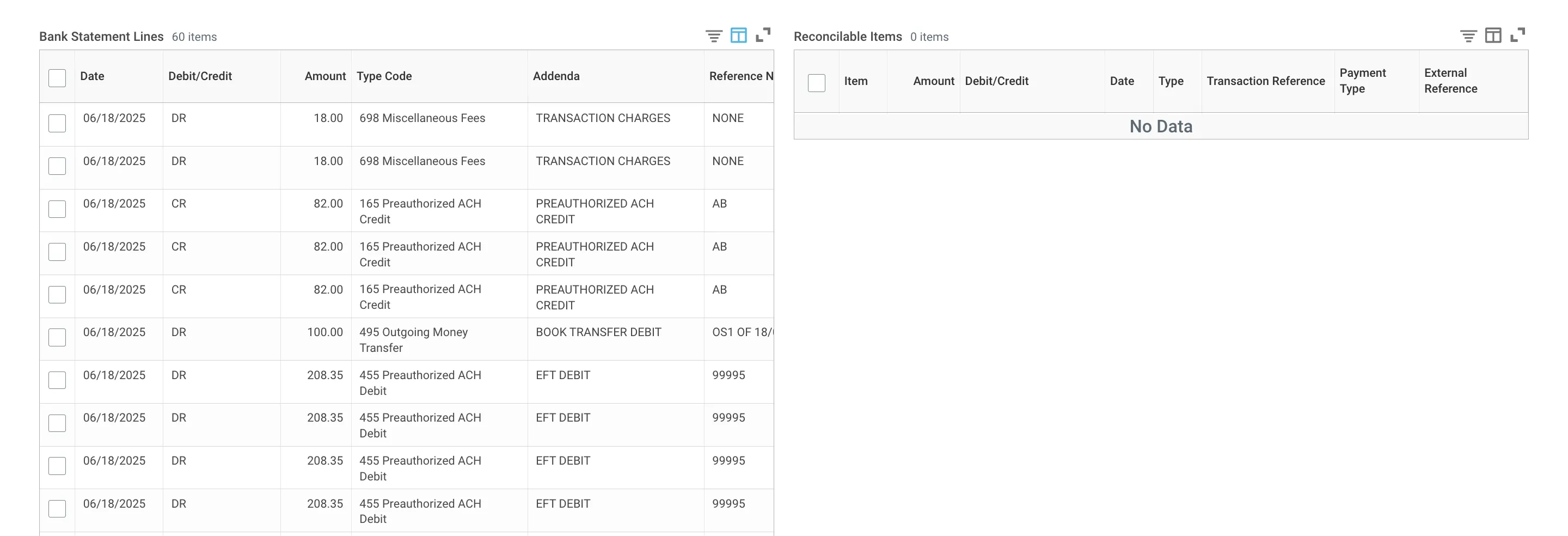
The following table outlines field mappings, how data from your bank maps to the Bank Statements page in Workday.
Workday (Bank Statement Module) | Transaction Data |
|---|---|
Date | Posted Date |
Type | Debit or Credit Indicator |
Type Code | TypeCode |
Addenda | Description |
Reference Number | Check Number* (if non-null) or Customer Reference* |
Bank Reference Number | Bank Reference Number |
Amount | Amount |
*Items marked with an asterisk will only appear if the transaction data includes them. Please note that not all transactions will contain every data point listed above.