Step 2: Register & Login
Register & Login
Create an Account
In your invitation email, select the Get Started button. You will be brought to the FISPAN Portal. Create your login credentials and select Create Account.
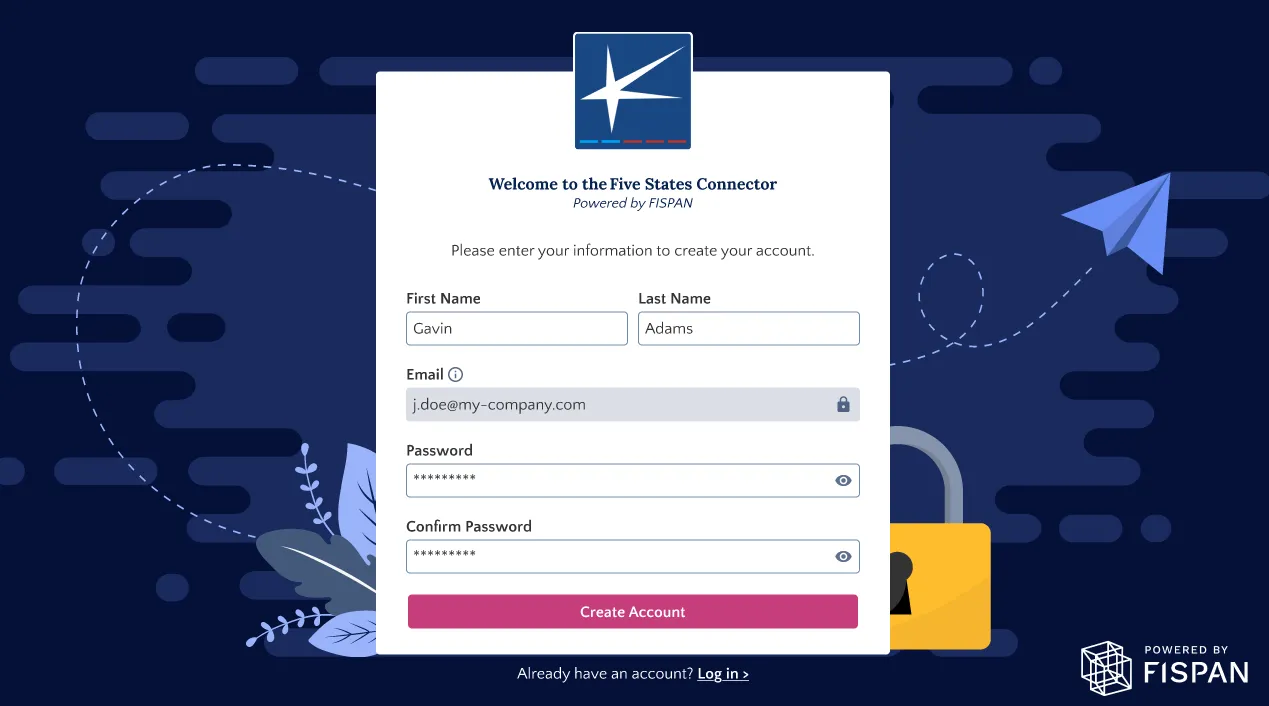
NOTE: The password you create here will be used every time you want to access the FISPAN Portal. If you need to update it later on, you have the option to use the Forgot Password option.
Login to Your Account
Once registered, you will be redirected to the login page. Your username and password are unique per environment, and you will have separate logins between Sandbox and Production.
NOTE: The Sandbox environment is used as a testing or UAT environment. For Sandbox users, please refer to the Sandbox Checklist for test scenarios.
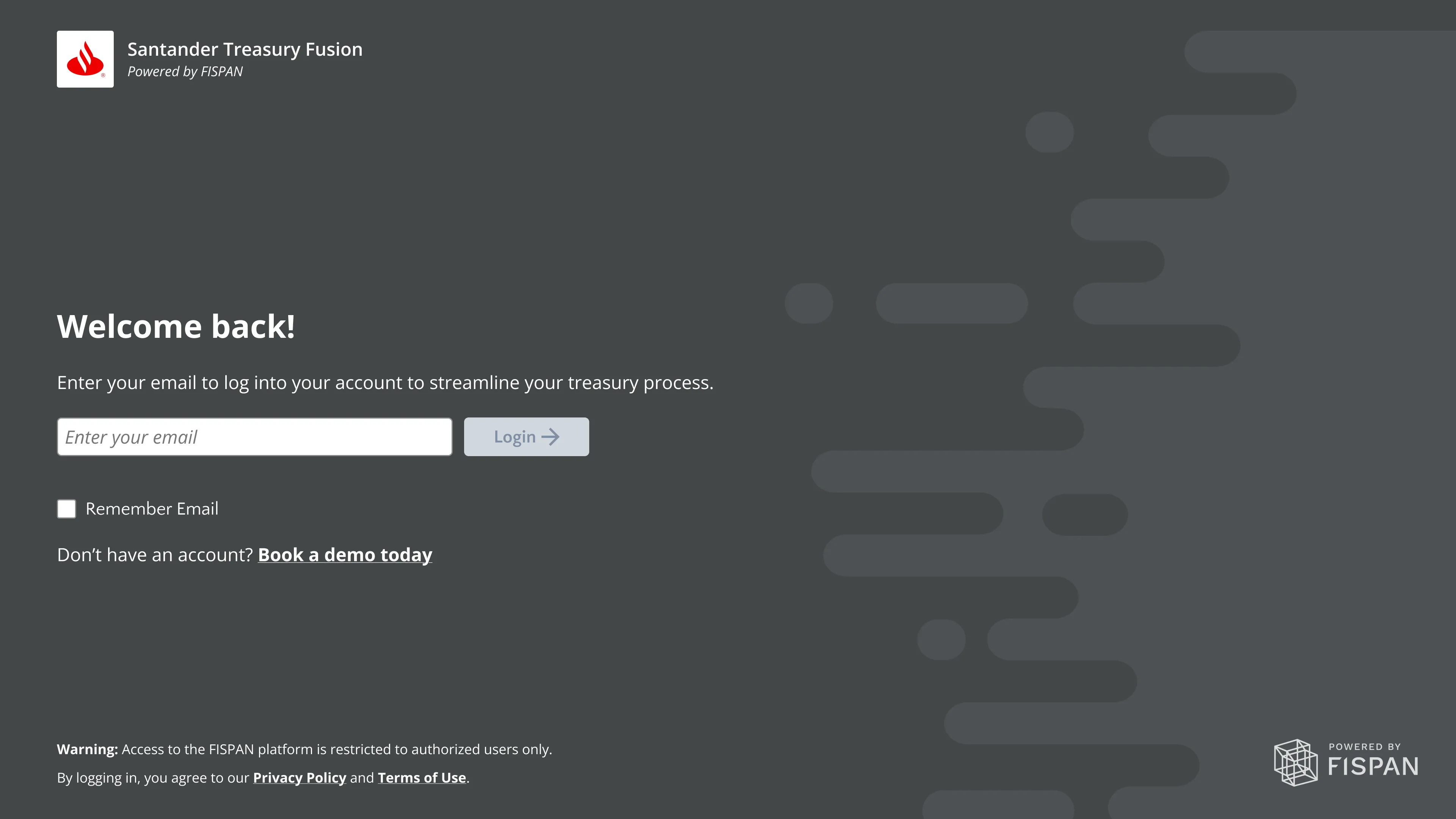
From the welcome page, you'll be taken to the login page. Enter your username and password to proceed.