Updating the Plugin (Intacct)
Update the Plugin
To update the plugin in your Production environment, please go to sys.fispan.live and login.
If you are updating the plugin in your Sandbox environment, please go to sandbox.fispan.cloud and login.
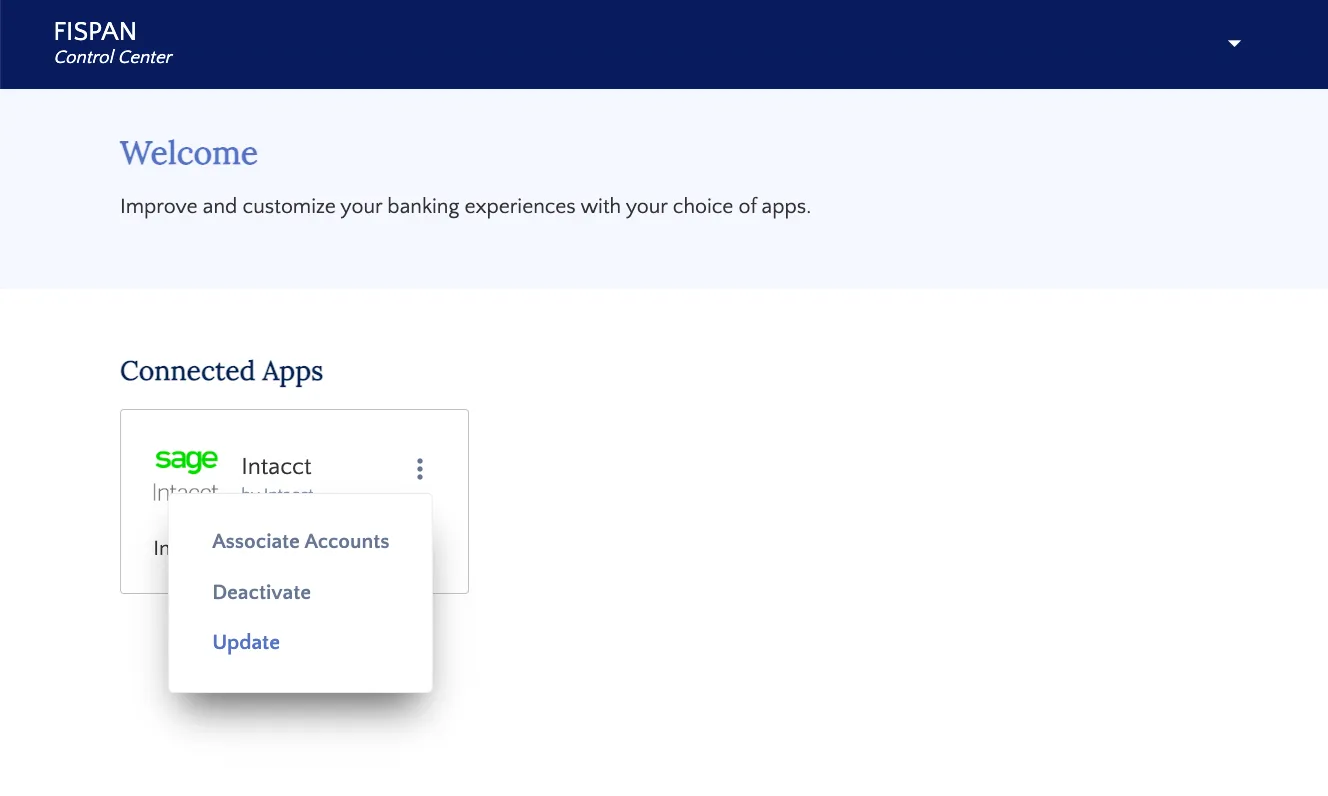
Select … in the top right corner of Intacct. Then, select Update in order to update the plugin.
To install the updated bundle, select the Automatic Installation button. If Automatic Installation fails, you can manually install the plugin by downloading the plugin XML file using the link in the wizard. Just select here.
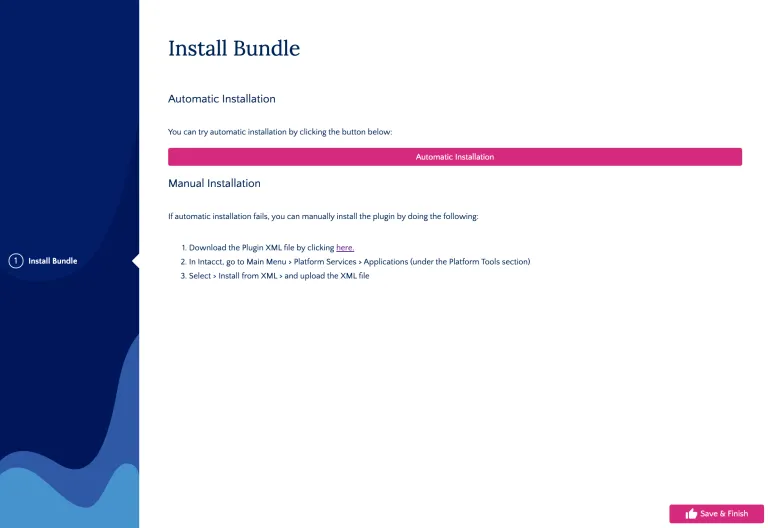
Once the XML file pops up, save it to your computer.
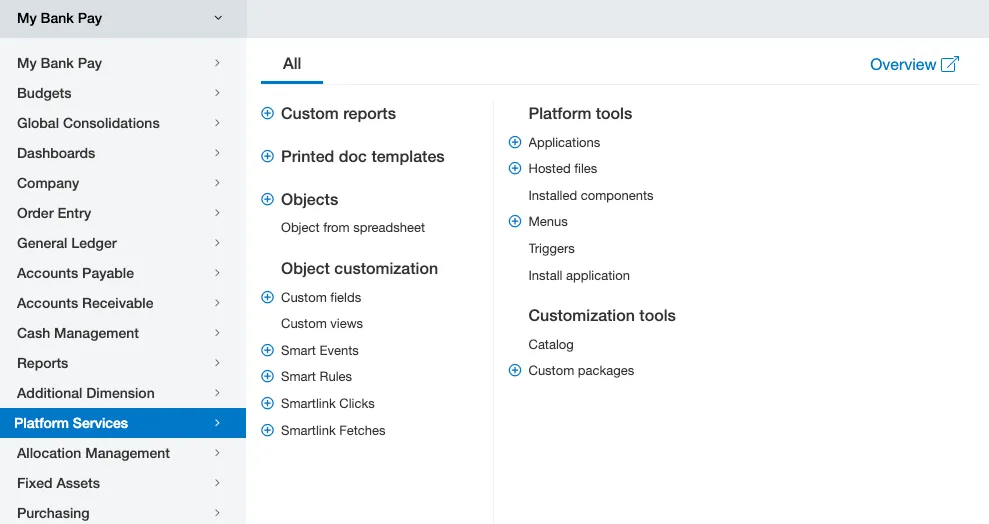
To manually install the XML file, go to Platform Services → Applications.
Then, select Choose File, select the XML you just downloaded from the wizard, and select install.
You have now successfully updated the plugin!