Step 5: Overview
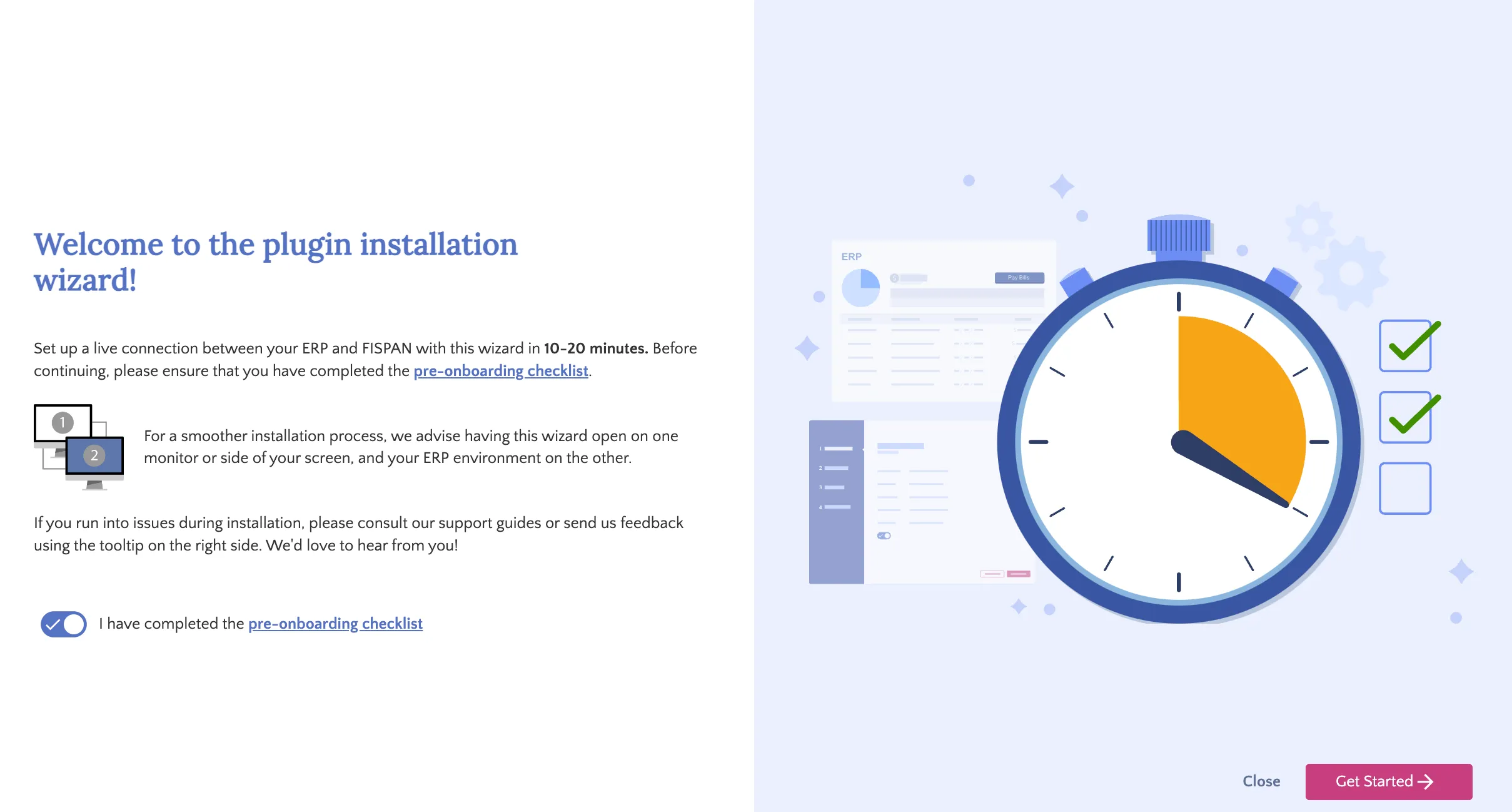
The first page of the installation wizard contains a brief summary of the wizard's purpose, along with prompts to review and complete the pre-onboarding checklist. Once you have finished the pre-onboarding checklist, click the toggle next to 'I have completed the pre-onboarding checklist.' The Get Started button will then become clickable. To proceed to the next step, click Get Started.
Select Get Started