Step 17: Set Default Payment Information
Setting up a default payment method per vendor can save you a considerable amount of time.
You will only see the available payment methods that have been set up in your plugin and for that specific vendor. If a payment method is missing, add it to the vendor, or contact your Sales Officer to add it to the plugin.
Navigate to Payment Methods
In Intacct, go to Main Menu → Payment Methods Tab.
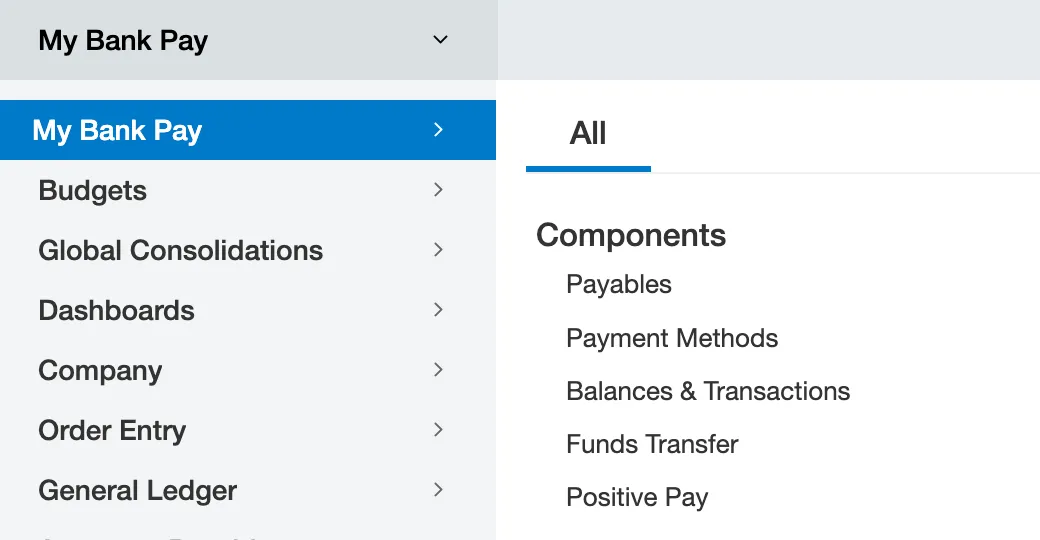
Go to Payment Methods
Select the appropriate payment method from the Default Payment Method drop-down menu.
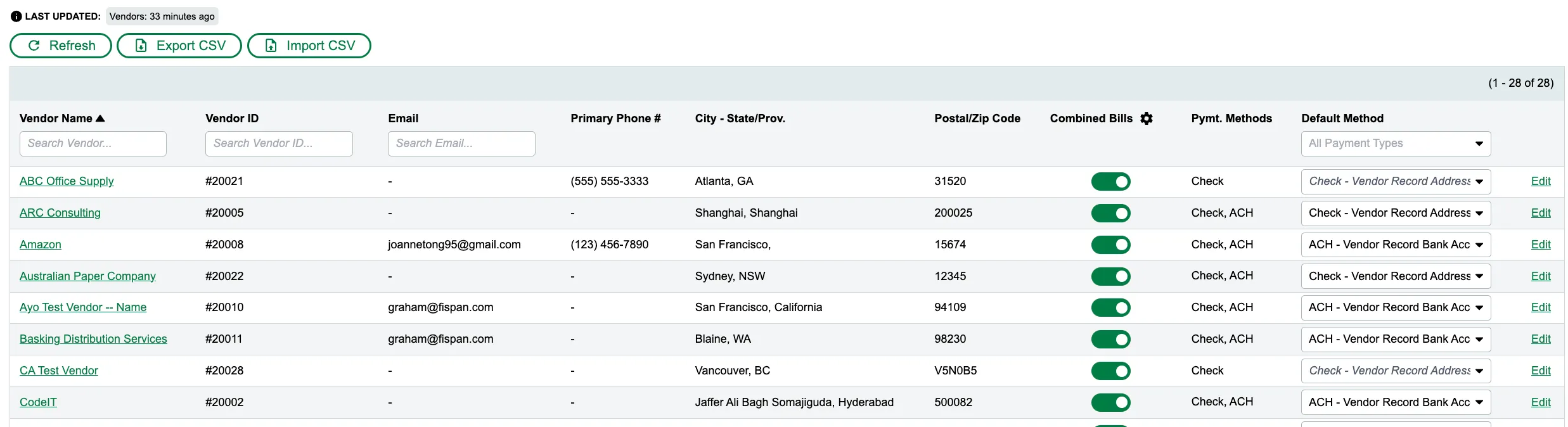
Select a Default Payment Method
You will only see the available payment methods that have been set up in your plugin and for that specific vendor. If a payment method is missing, add it to the vendor, or contact your Sales Officer to add it to the plugin.