Step 11: Install Plugin
Select the Start Automatic Install button. This will automatically install the plugin for you.
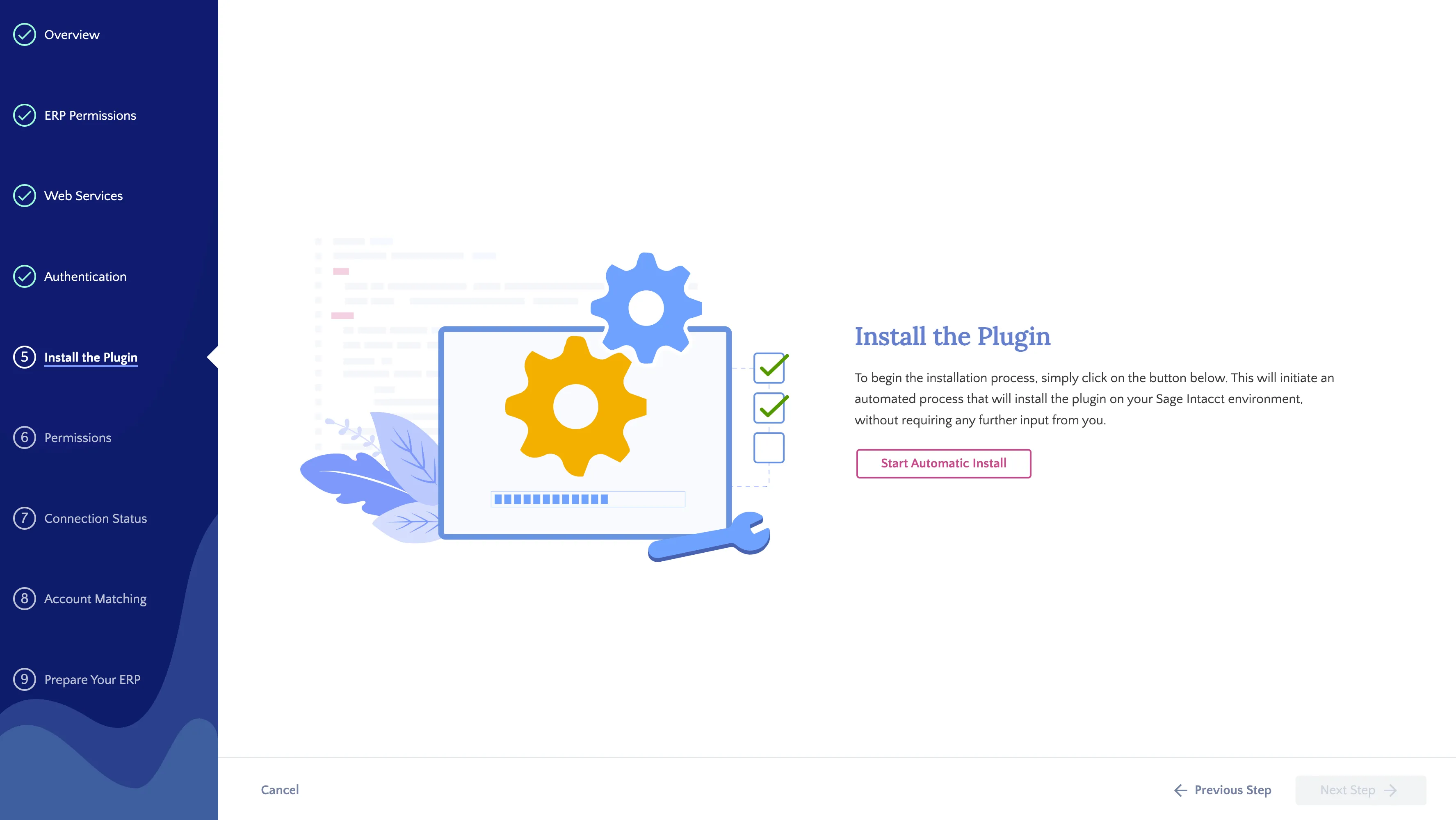
Install the Plugin
If the installation fails, there will be a clear failure reason provided.
Occasionally, the application may fail to install due to unavailability of Sage Intacct servers. In such cases, we recommend a manual installation by downloading the XML file from the error page and then placing it inside Platform Services → Applications → New Application.
After the application has been successfully installed, click on Next Step.
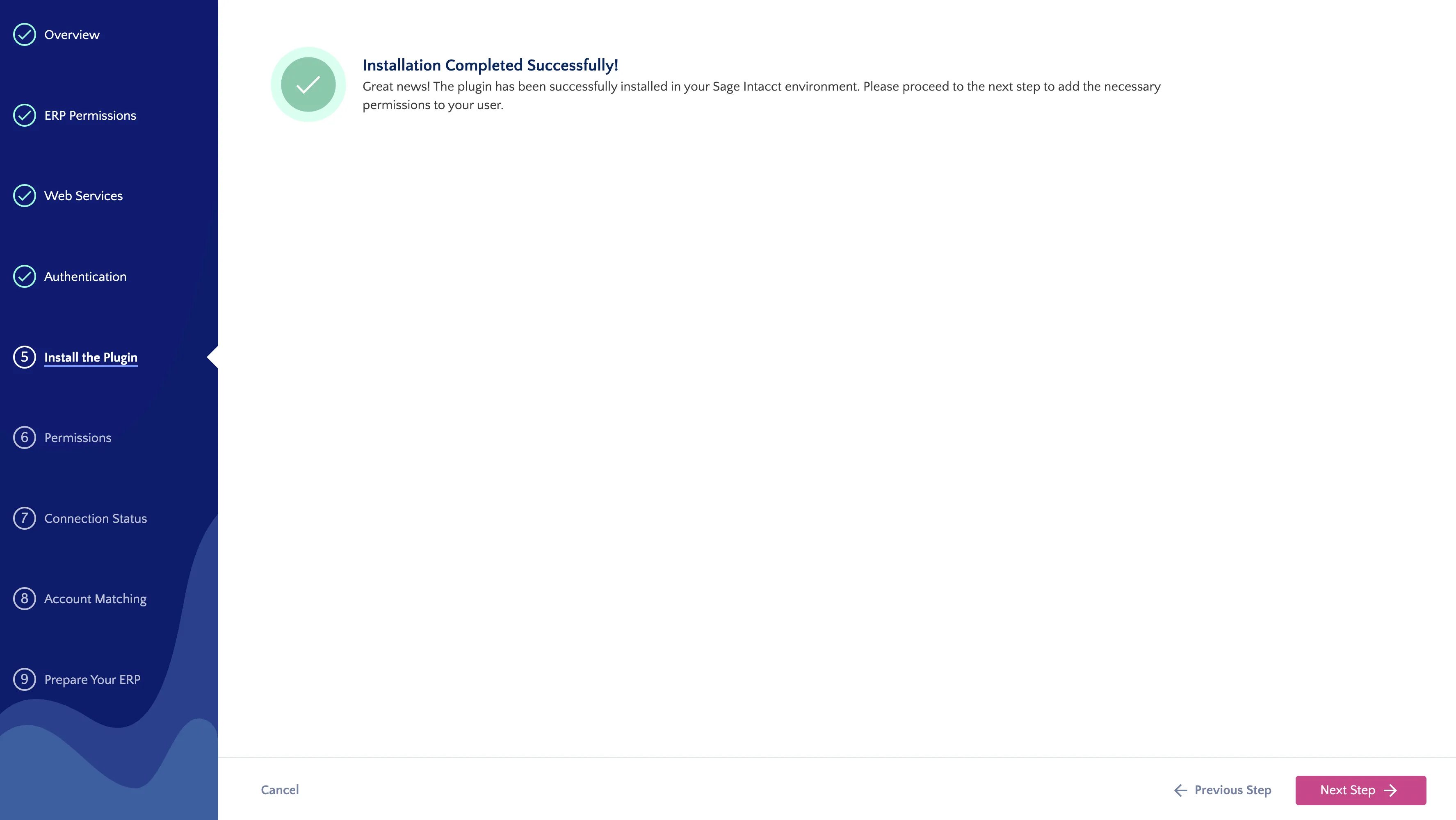
Successful Install
To manually install the XML file, go to Platform Services → Applications.
Then, select Choose File, select the XML you just downloaded from the wizard, and select install.
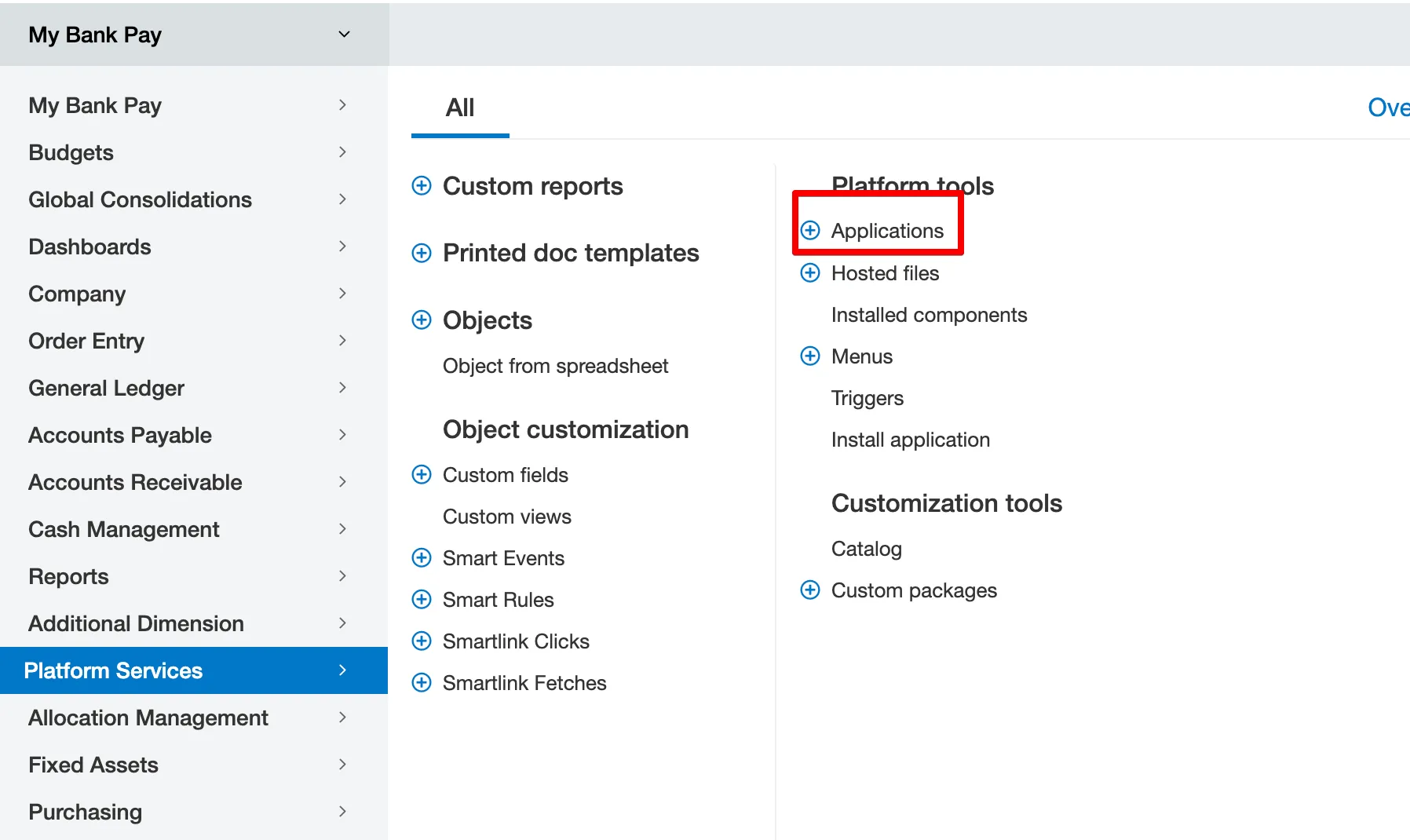
Go to Applications