Step 6: Authentication (Xero)
Follow these steps to initiate the connection and authenticate your Xero account.
Initiate the Connection
To authorize access to your account, click the Connect to Xero button.
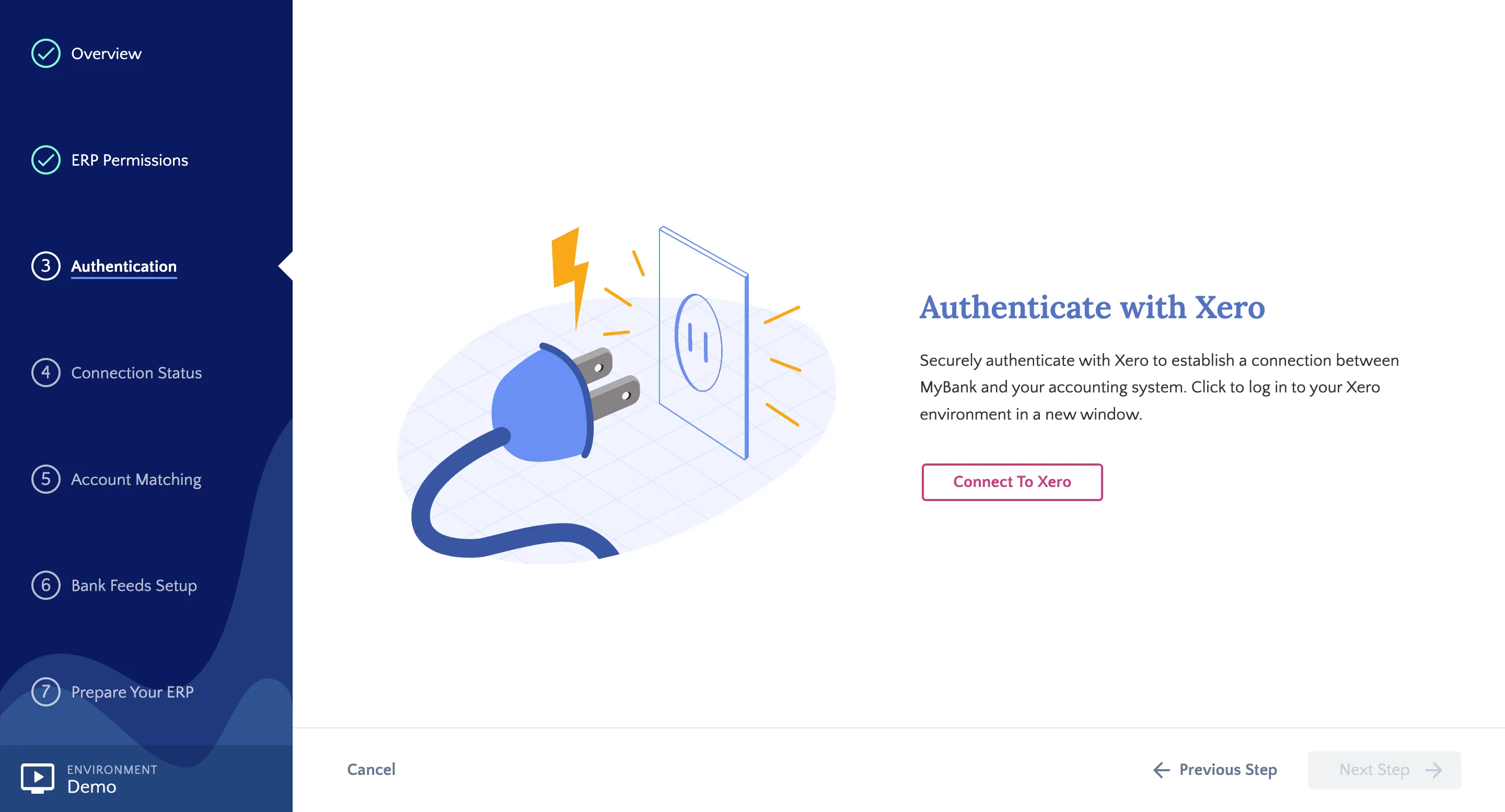
Authenticate with Xero
Log in to Xero
You will be redirected to the Xero login page. Enter your credentials to proceed.
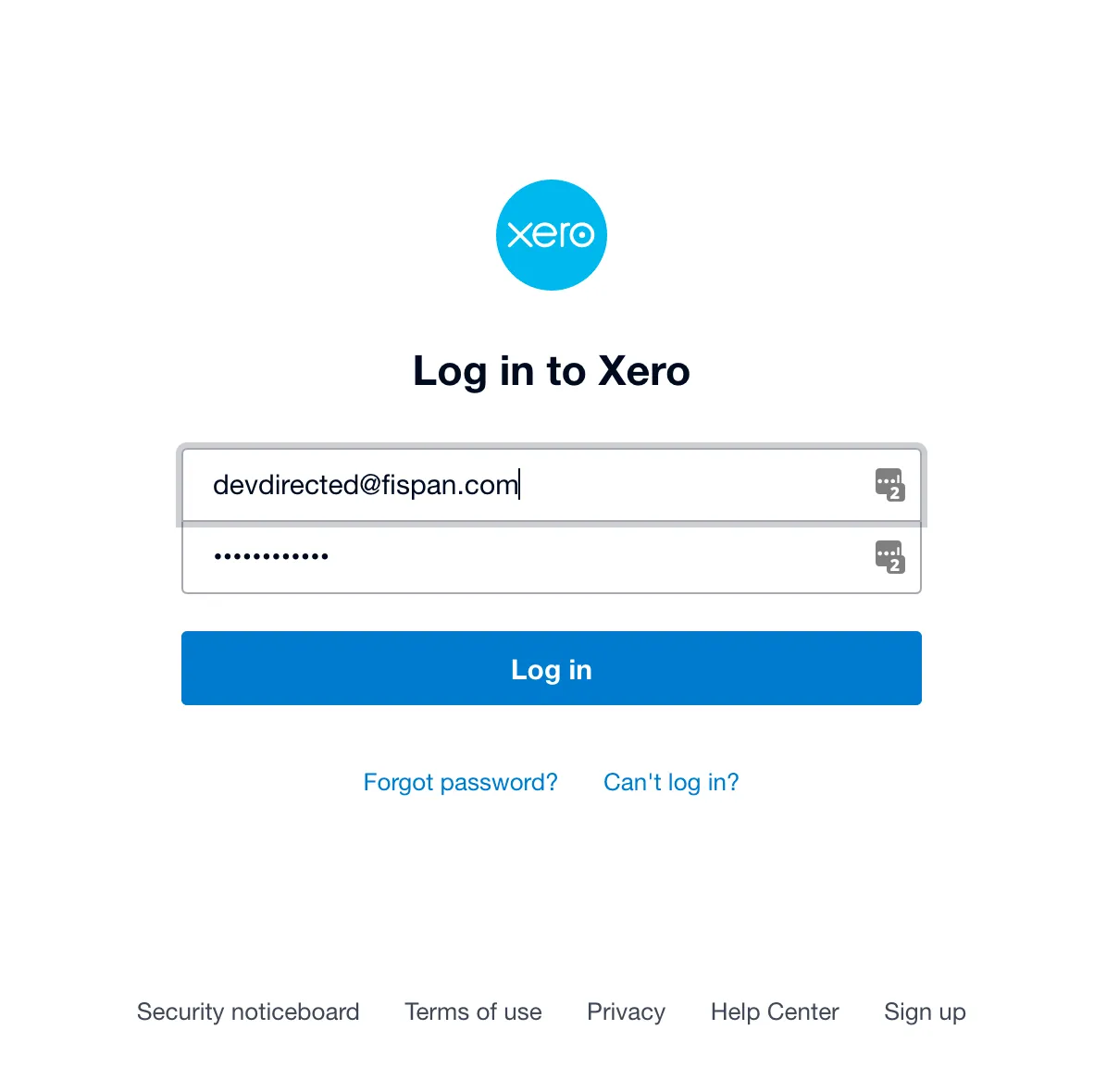
Xero Sign In
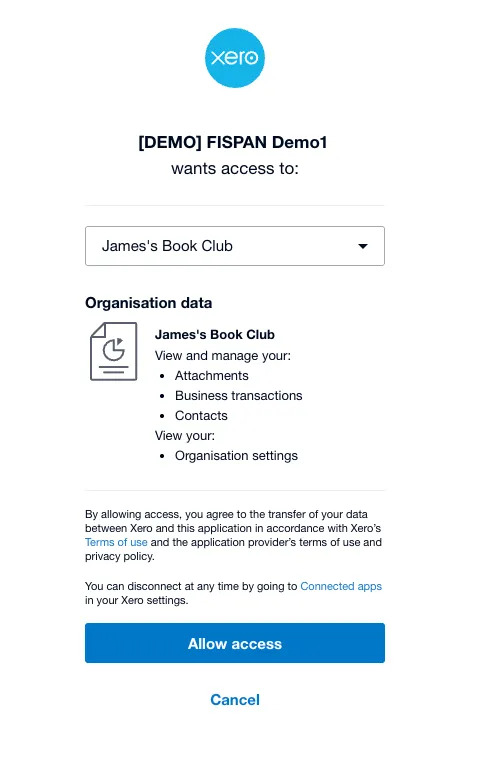
Select Your Organization
Once logged in, select the company you wish to authorize from the dropdown menu and click Allow access.
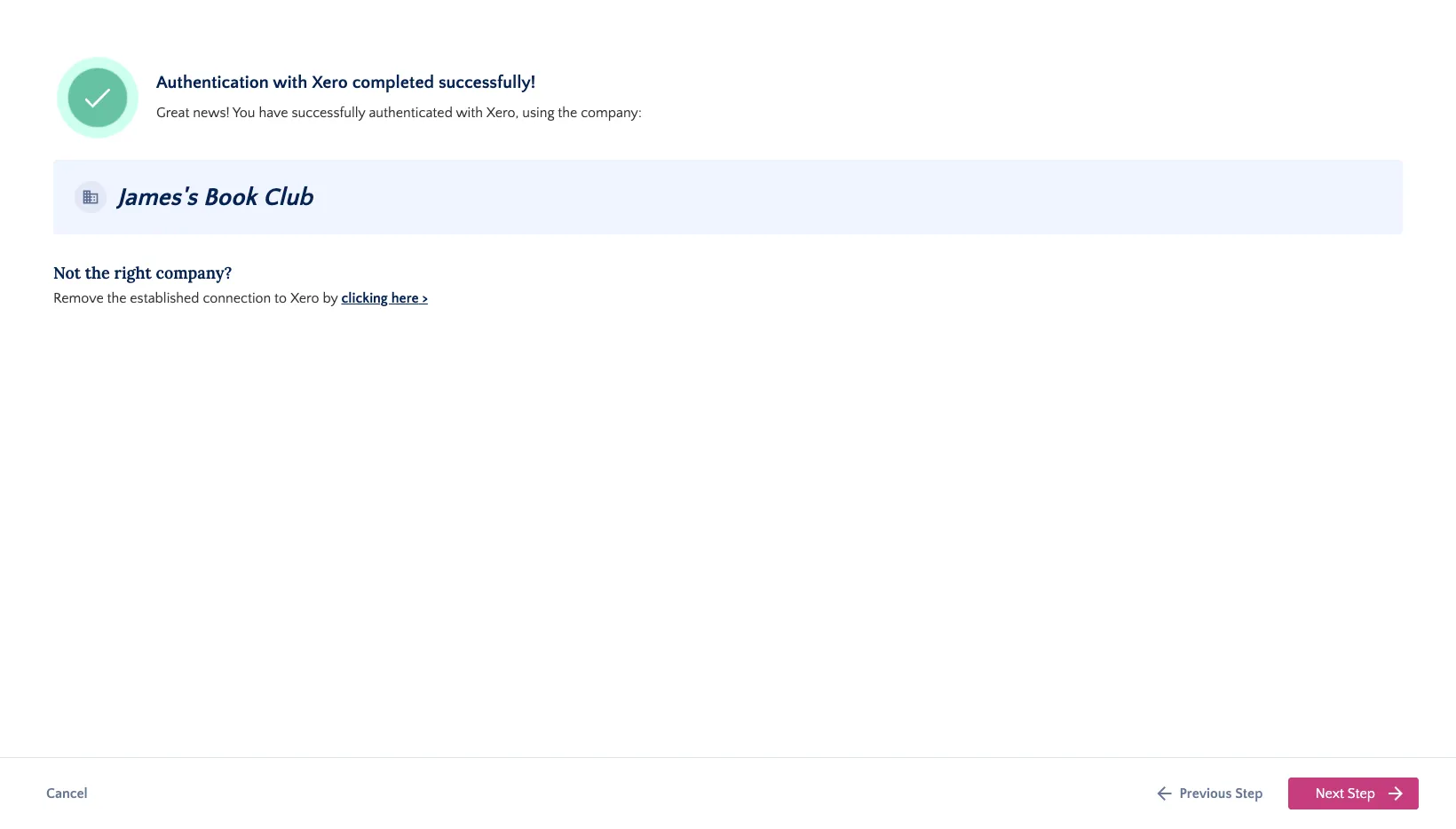
Complete Setup
After authenticating, you will return to the installation wizard. Verify that the connected company name is correct, then click Next Steps.