Step 11: Connection Check
After entering credentials in the last step, the installation wizard will begin to run a connection check to validate all details entered in the previous steps.
If there are no issues, a large green checkmark will appear to confirm that the connection has been established. Click on Next Step to begin matching bank accounts.
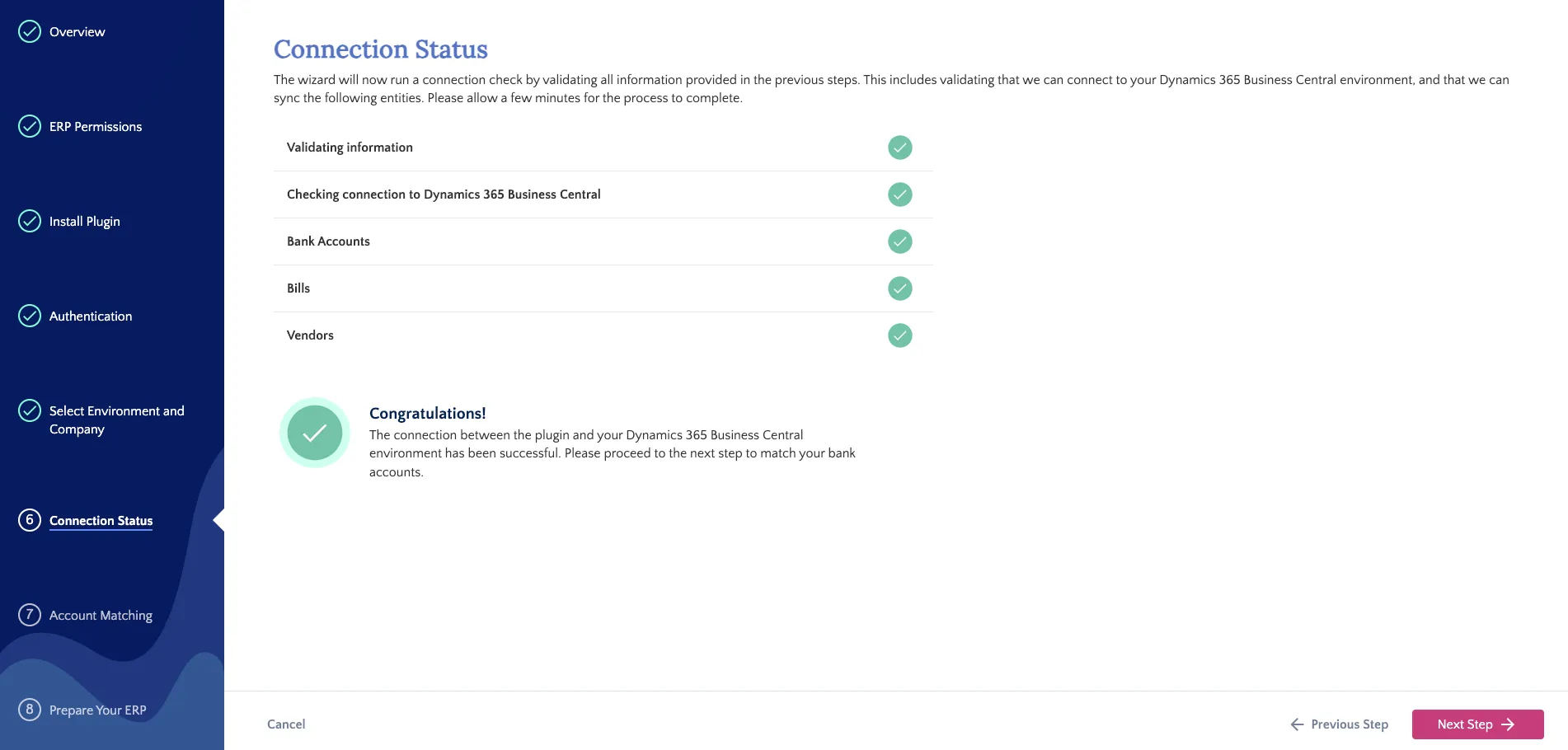
Confirm Connection
IMPORTANT: If you see the Invalid Credentials error, immediately confirm:
- The plugin is fully installed.
- You have the required Business Central license and App Admin permissions.
- You selected the correct environment & company.
If the problem continues or if you changed your settings, you must reset the connection. Go back to the authentication step, disconnect the current connection, attempt to reconnect, and then finish the installation wizard.