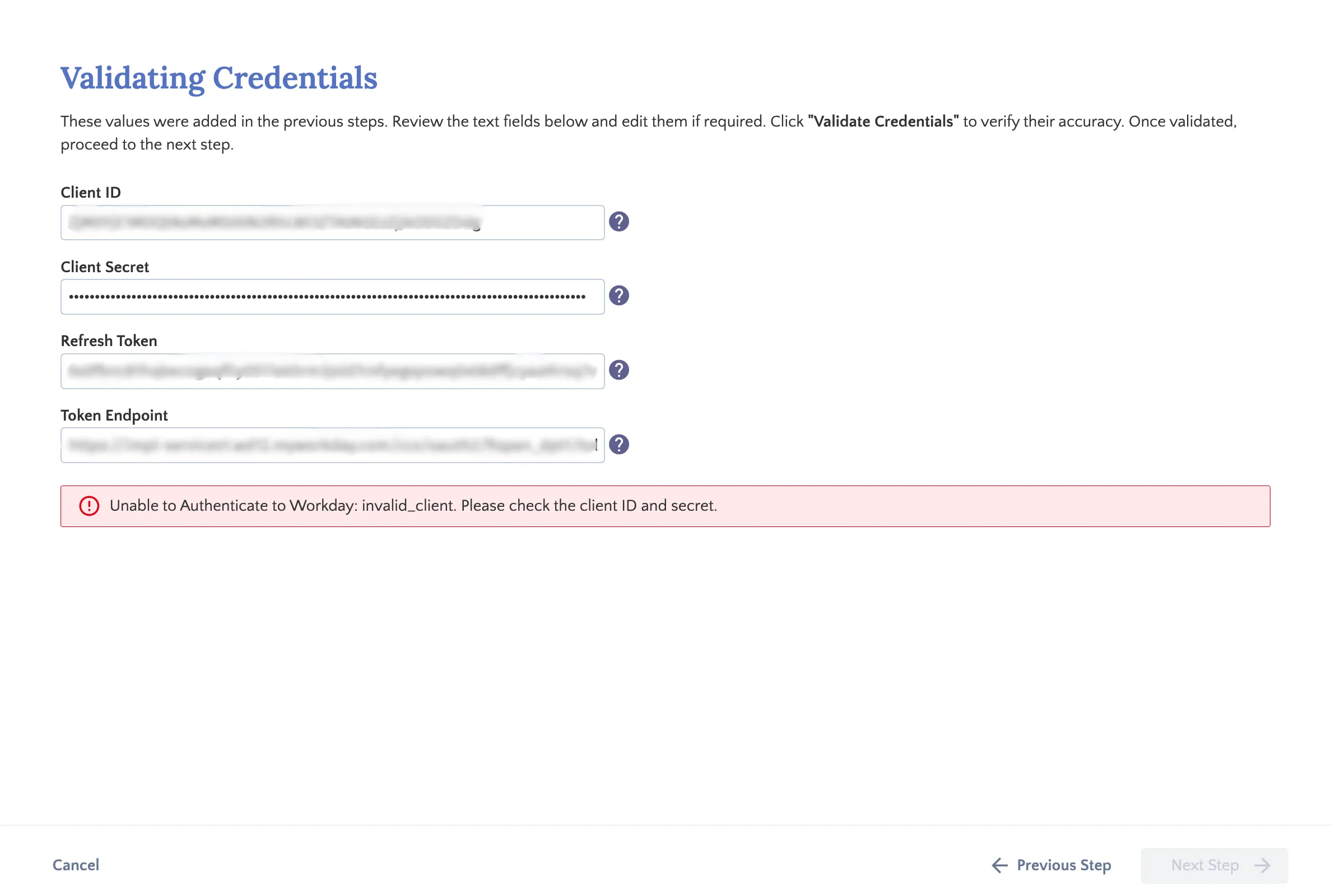
Step 10: Validate Credentials
The Validate Credentials step in the installation wizard provides an overview of the credentials entered in the previous steps. Take a moment to review them and confirm that everything has been entered correctly.
If you need to re-verify a specific value, click the ? icon next to any field. This will guide where to locate that credential within your Workday environment.
Once you've confirmed all credentials are correct, follow these steps to validate the credentials.
Validate Credentials
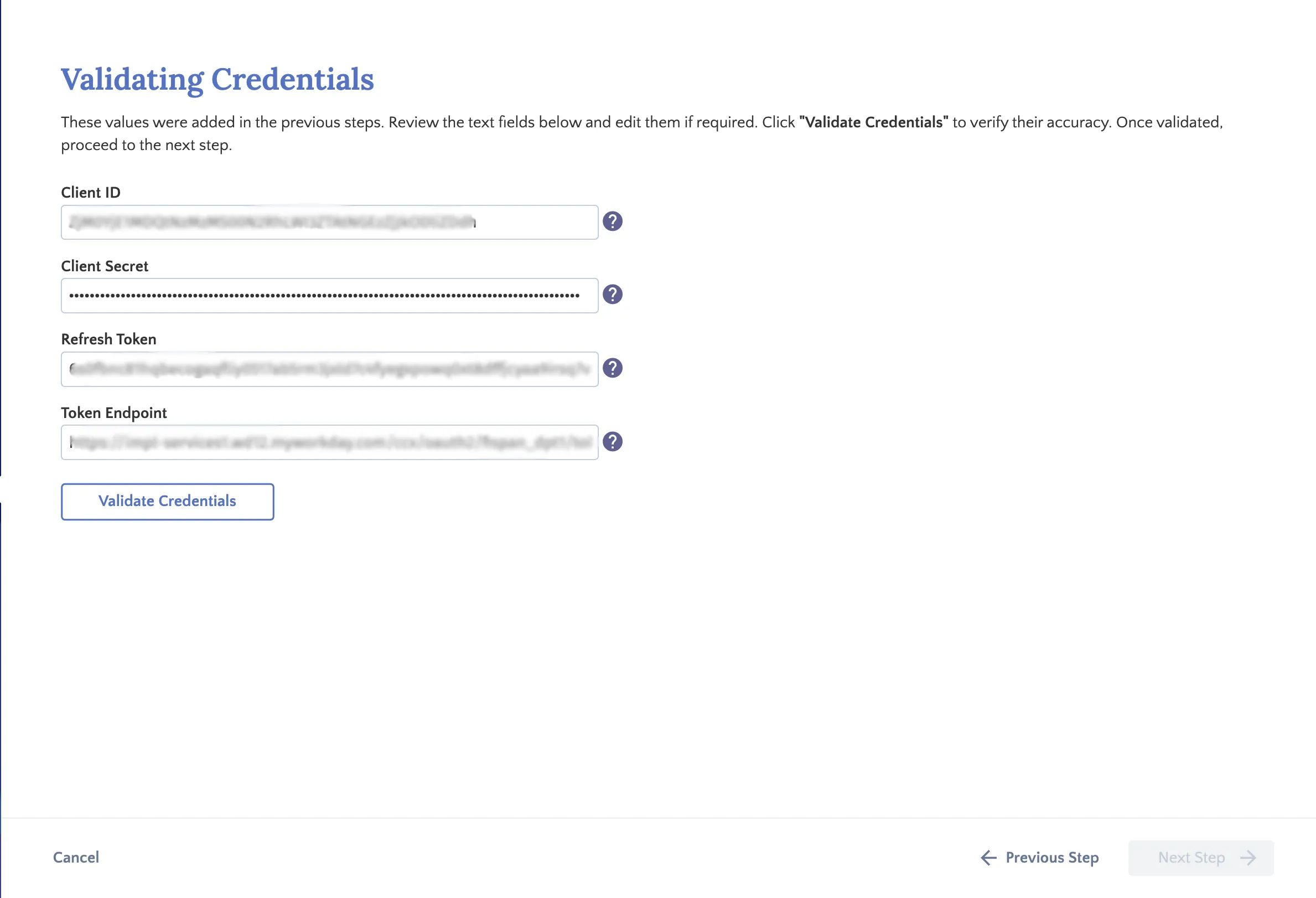
Click the Validate Credentials button.
The plugin will perform a secure connection test with Workday to verify the accuracy of the credentials and ensure a stable integration.
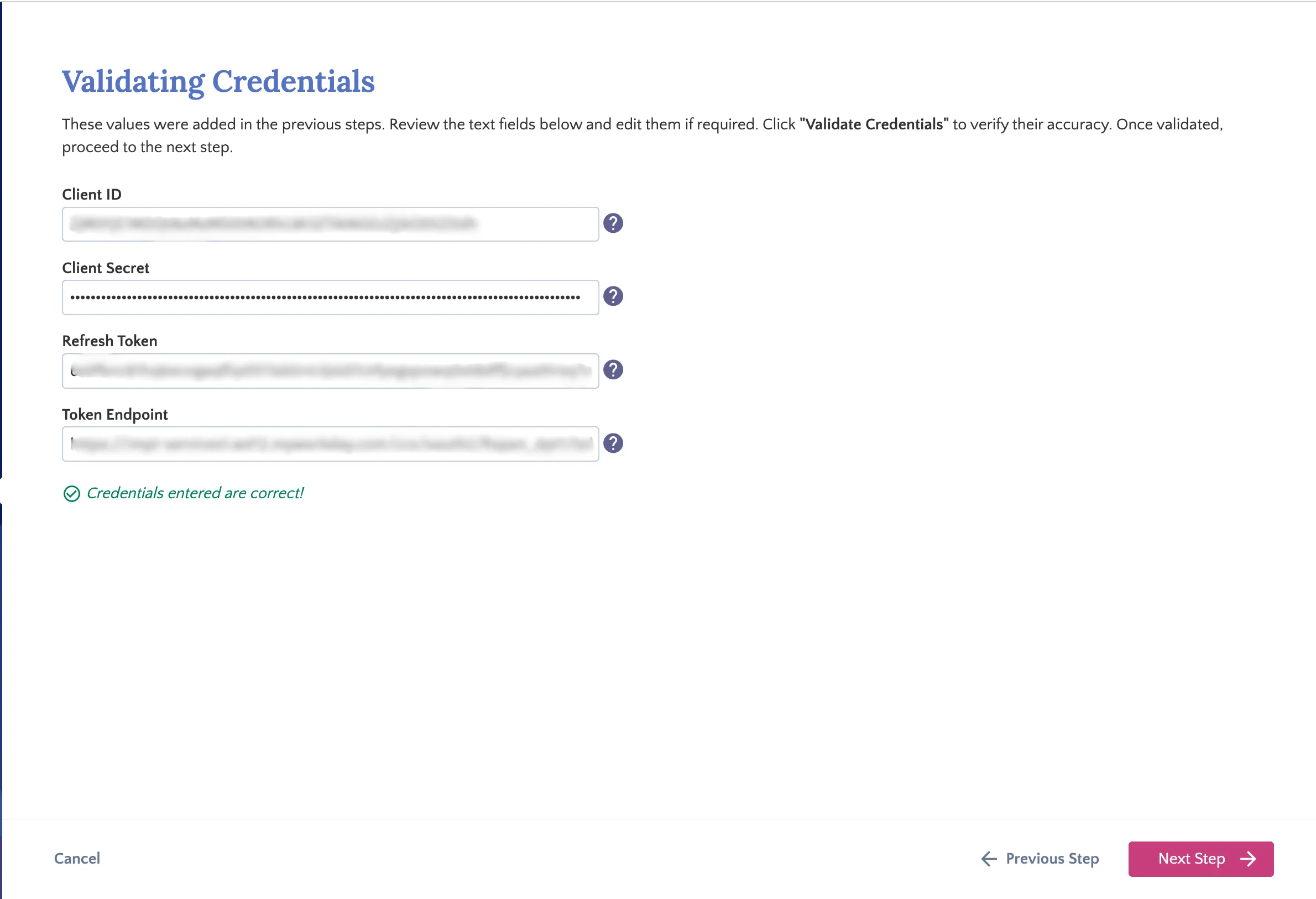
Review Validation Results
If successful, a confirmation message will appear, and you may proceed to the next step of the setup process.
If unsuccessful, an error message will indicate the specific issue. If you are unable to resolve the error or need further assistance, please contact FISPAN Support for guidance.