Step 6: Onboard Your Bank Accounts
In this step, the HSBCnet System Administrator will need to be authenticated via a secure link. The System Administrator will select the account(s) intended to be connected with the HSBC Integrator.
IMPORTANT: If you skip this step, you won't be able to onboard your bank accounts to the HSBC Integrator.
Connect to HSBC
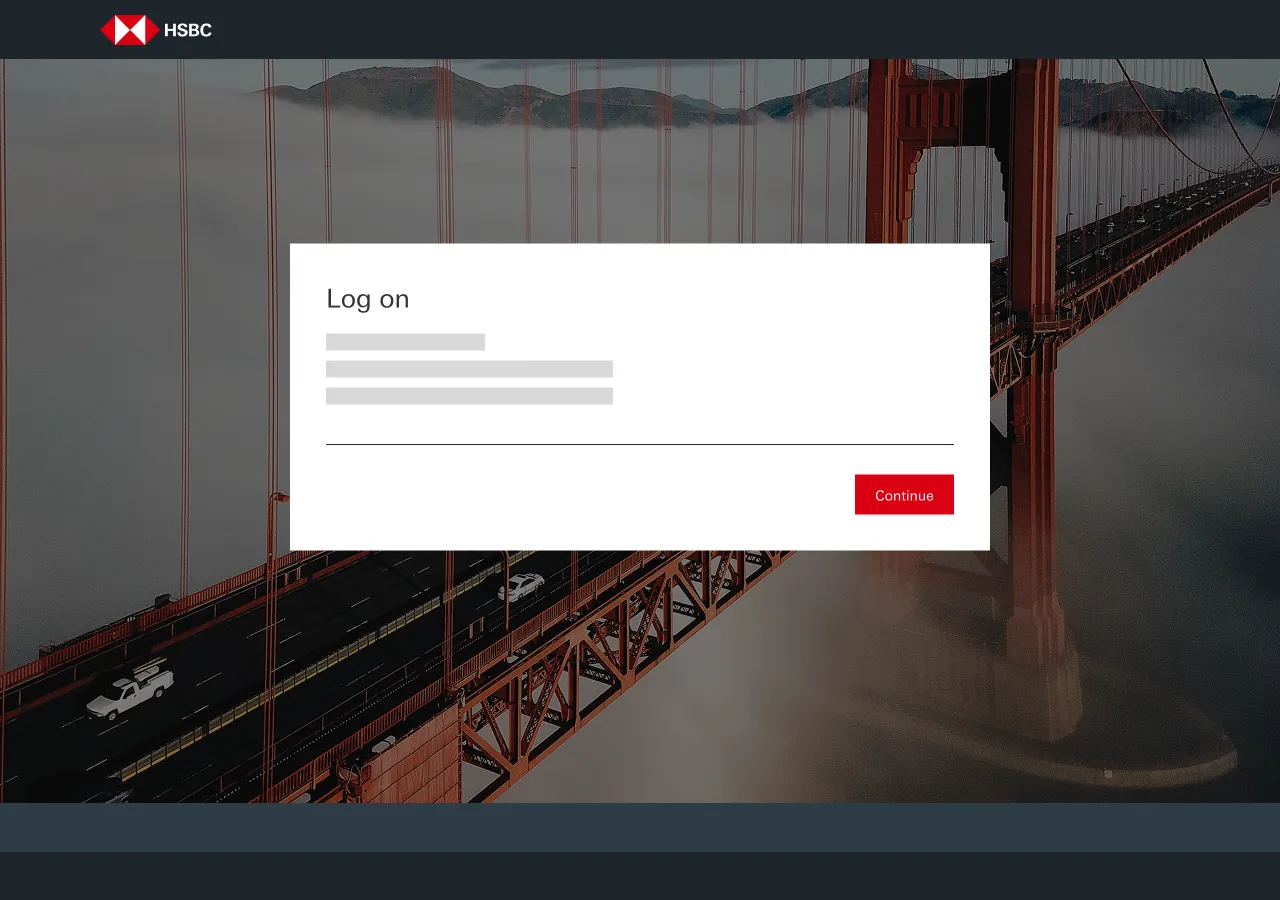
Click on Connect to Bank, and it will open a new window for you to log into HSBCnet.
Once redirected, click Continue.
Authenticate with your HSBCnet Credentials
Now you will be asked to authenticate using your HSBCnet credentials. You need to be a System Administrator.
Once logged into HSBCnet, you will be presented with bank accounts eligible for connectivity.
Select the Bank Account(s) and Authorize the Connection
Check the box(es) next to the account numbers that you want to connect with your HSBC Integrator. Check the box in the Declaration section to confirm your authorization.
Then, press Continue.
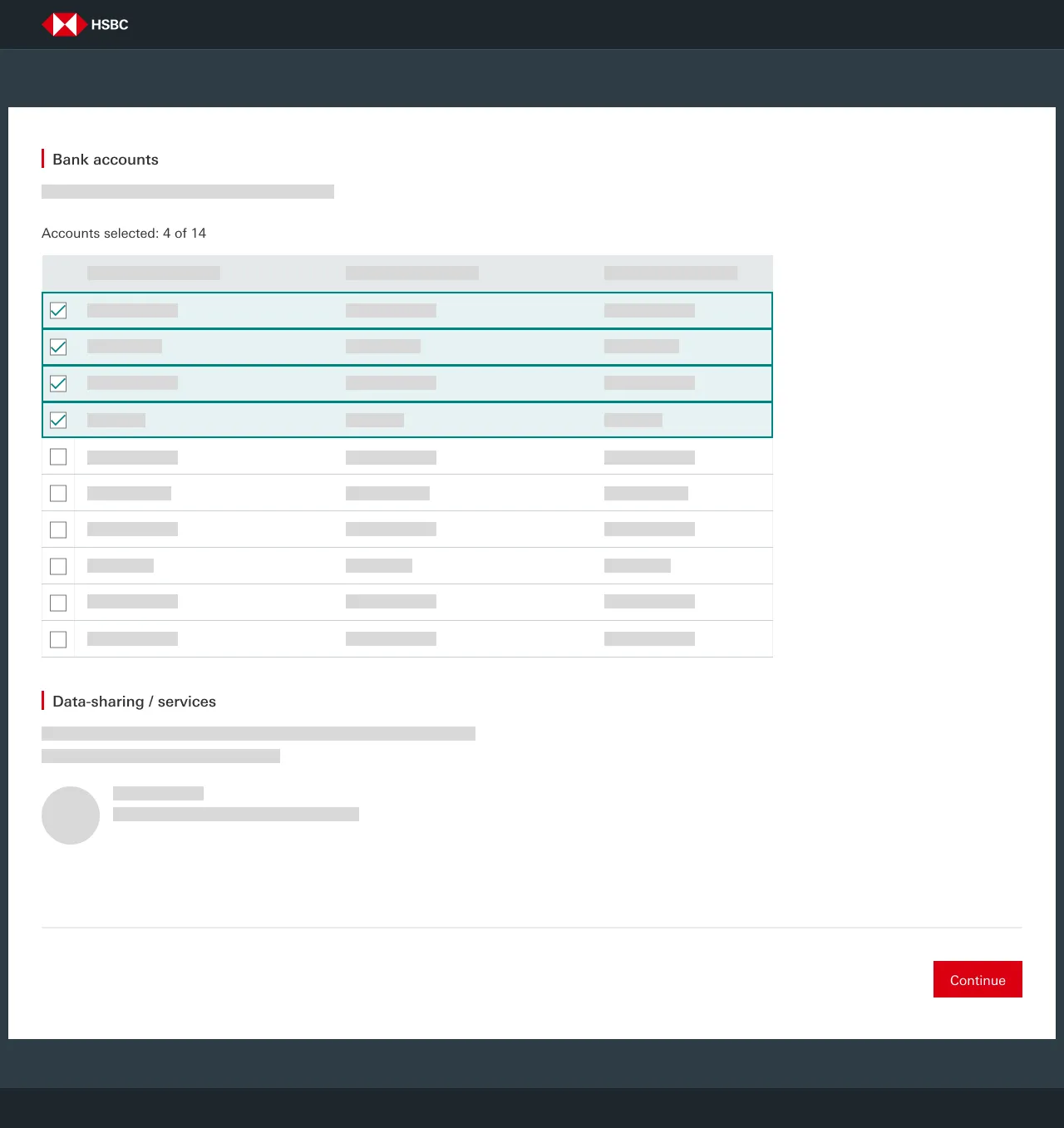
After you select the accounts, a review screen will appear. Once you've reviewed them and you are happy with your selections, please click the Confirm button.
After you authorize the accounts, a confirmation screen will appear. You can then return to the installation wizard.