Step 6: Install Bank SuiteApp
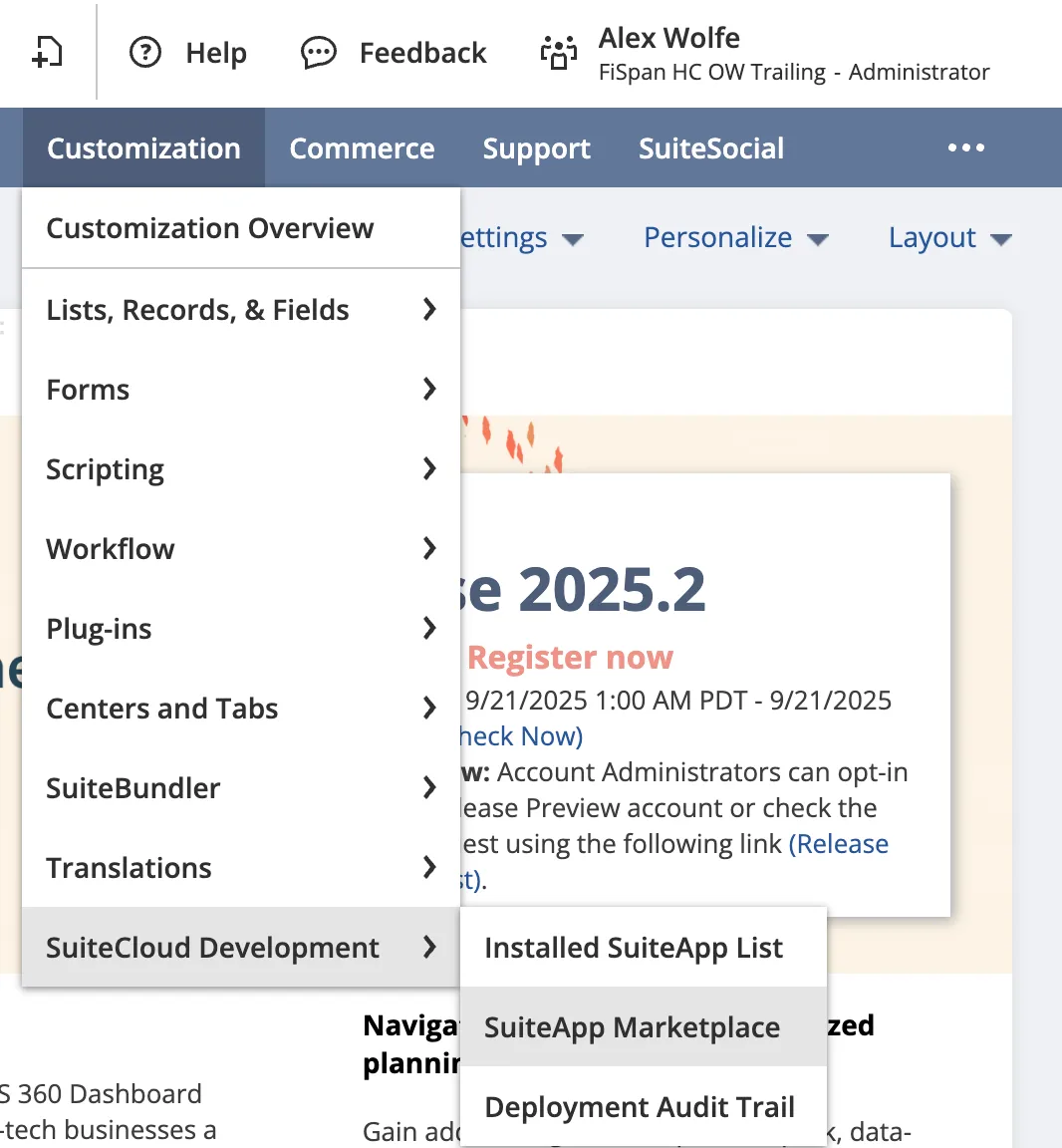
From NetSuite, start by navigating to Customization → SuiteCloud Development → SuiteApp Marketplace
Search for the SuiteApp
To search for the bundle, type " Goldman Sachs" in the Keywords box and select Search.
Install the SuiteApp
Select Install to review the SuiteApp, then select Install again to confirm.
Select Ok when the pop-up box appears and wait for the bundle to install (this may take a few moments). Once the bundle has been installed, the Goldman Sachs tab will appear on your NetSuite menu.
Then, head back to the installation wizard and select Next Step.
NOTE: If you will be using Accounts Payable, you will also need to install and configure the Entity Bank Details SuiteApp Refer to this article to install the bundle:
Or you can wait to install and configure the Entity Bank Details SuiteApp later, as described in: Step 14: Install Entity Bank Details SuiteAppStep 13