Check Delivery Methods (NetSuite)
To change the check delivery option for a vendor in NetSuite, follow these steps.
Navigate to the Vendor page. Click on Lists -> Relationships -> Vendors.
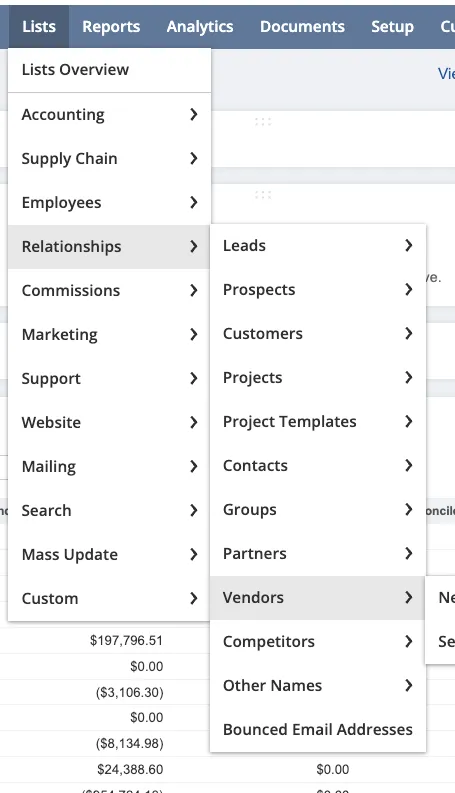
Navigate to the Vendor page
Select the vendor you would like to modify.
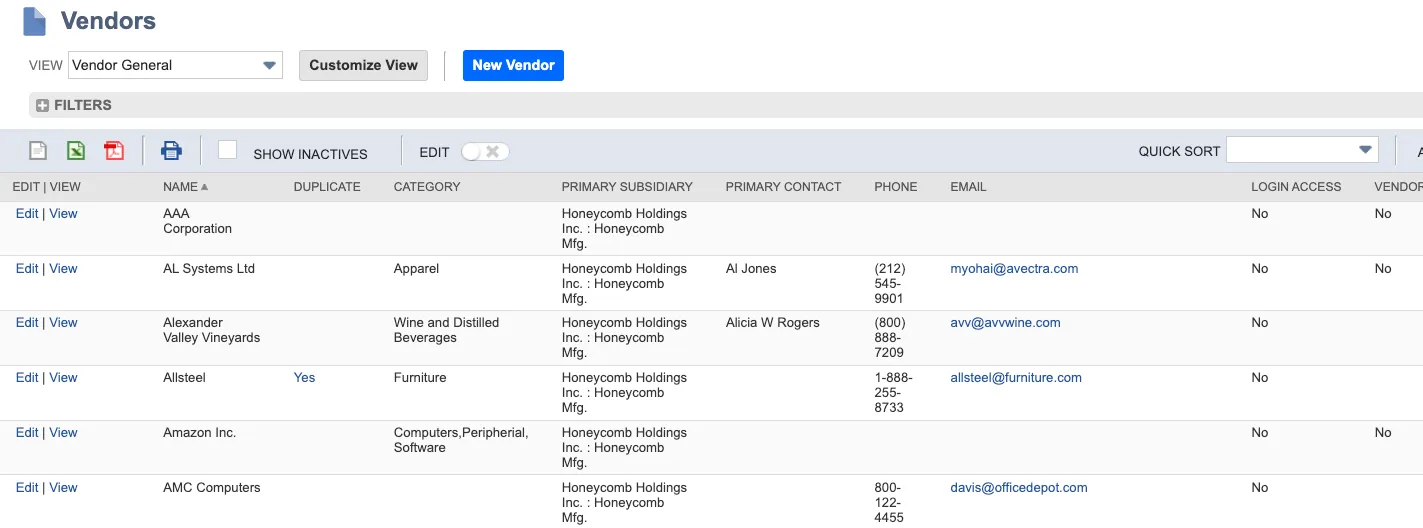
Select the Vendor
Select the Goldman Sachs tab. Click Edit.

Click Edit
Modify the dropdown to select the delivery method you would like.
The plugin currently supports the following options for Goldman Sachs:
- Bulk
- Courier