User Management via the Portal
The Users Tab provides a comprehensive view of individuals within your organization who are registered in the FISPAN Platform. This feature allows users to view, manage, and update user information and access settings.
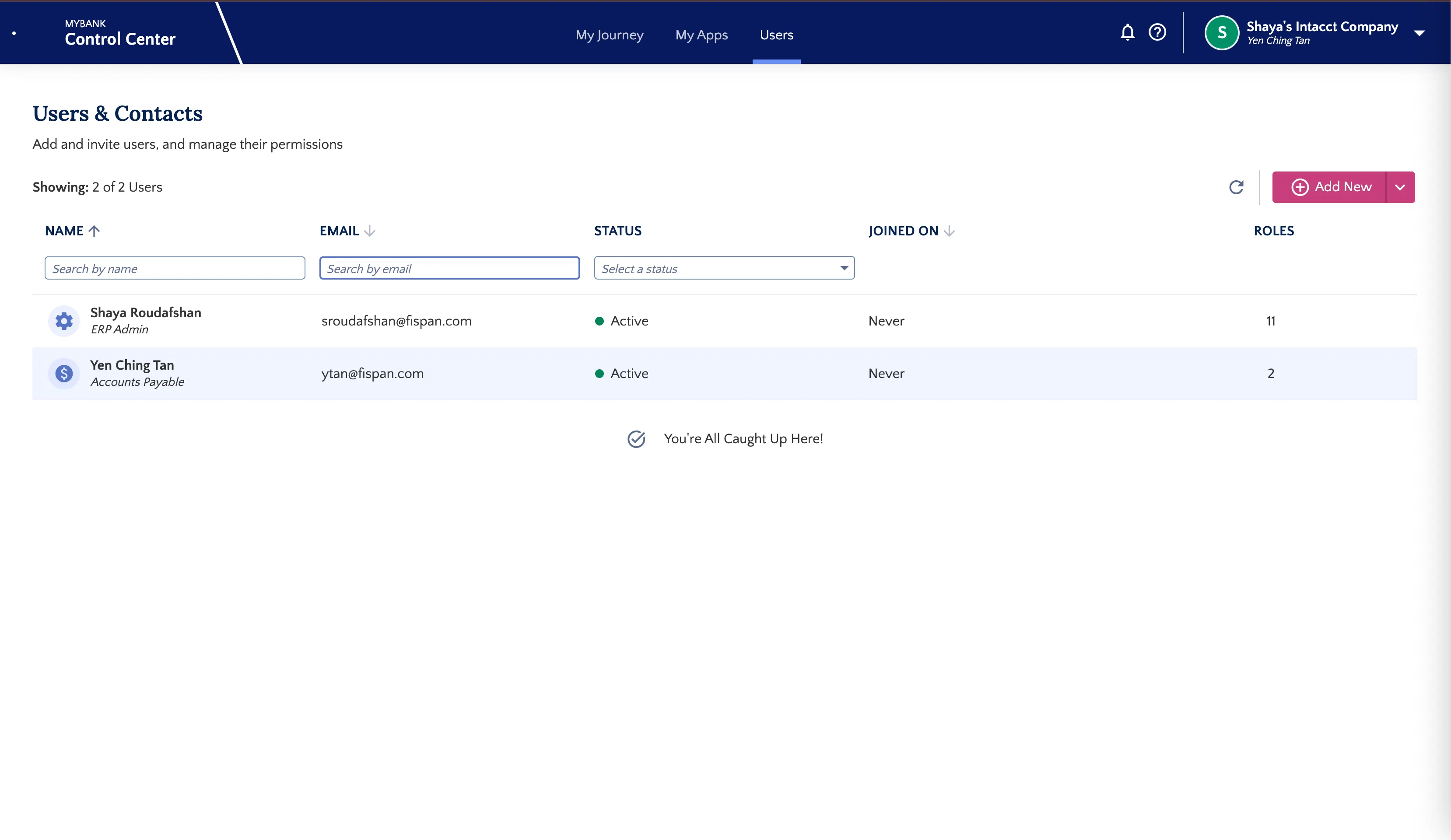
Viewing Registered Users
The Users tab displays a list of individuals associated who are registered in the FISPAN System. Each entry includes essential information about the user and their roles within the organization.
To view detailed information about a specific user:
Locate the desired user in the list.
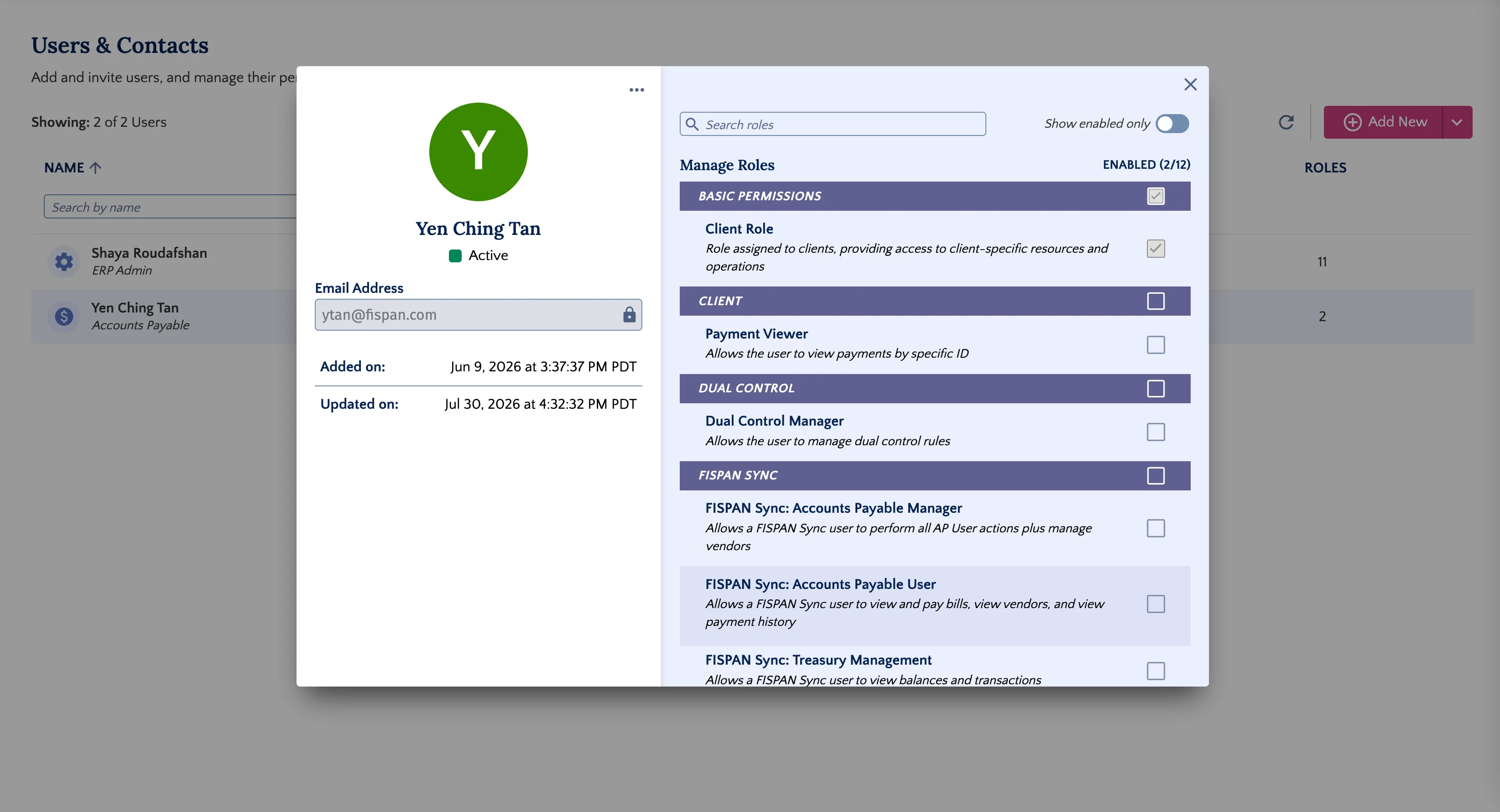
Select the user's name to open a pop-up window.
User Details
The pop-up window provides detailed information about the selected user, including:
- Contact Information: Email address and other relevant contact details.
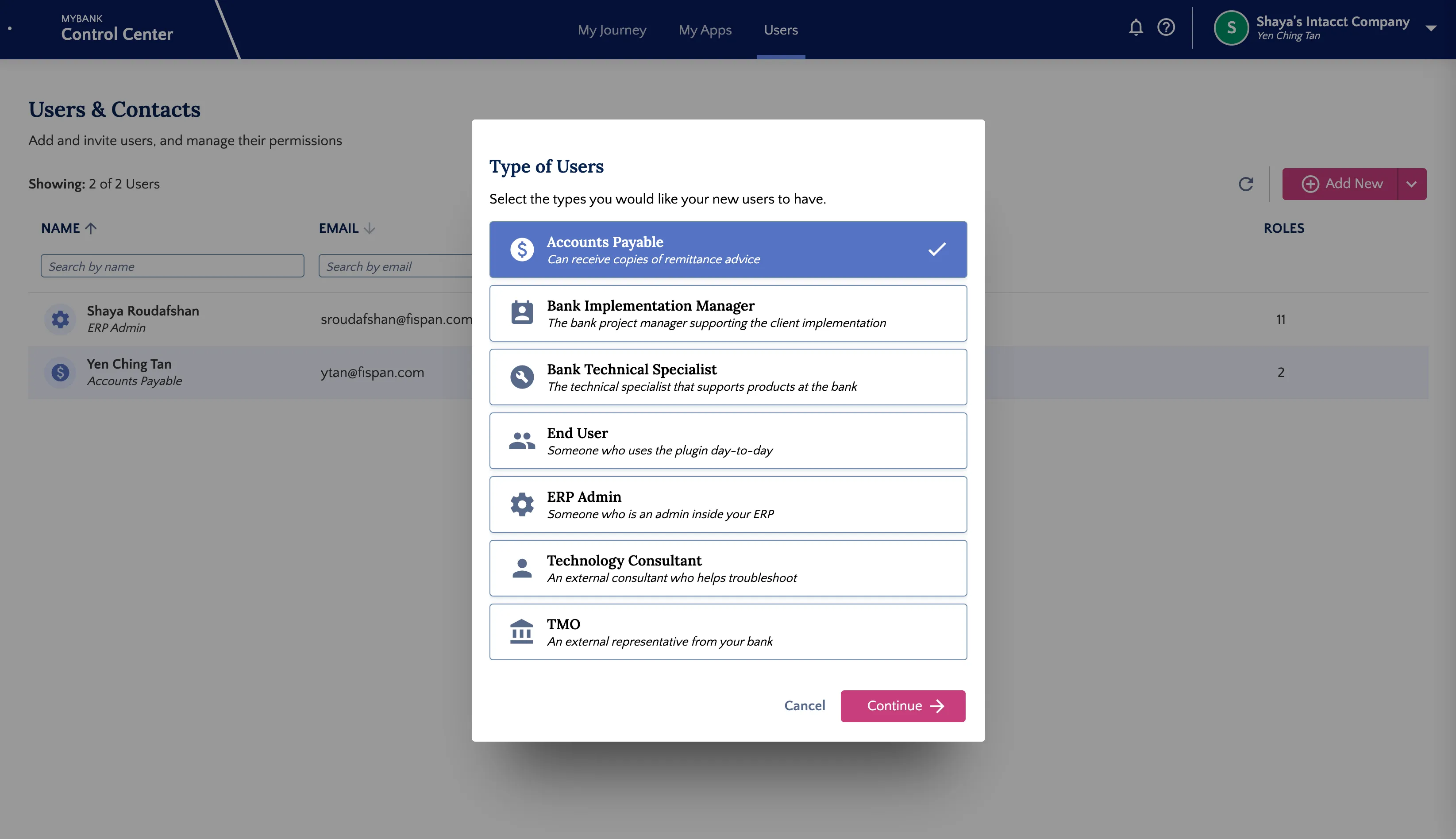
- Type of Users: The user type within the client’s organization.
- Roles and Permissions: These details can be updated depending on the access rights required by the user. Changes made to a user’s role(s) or contact information are reflected immediately within the system across all transactions.
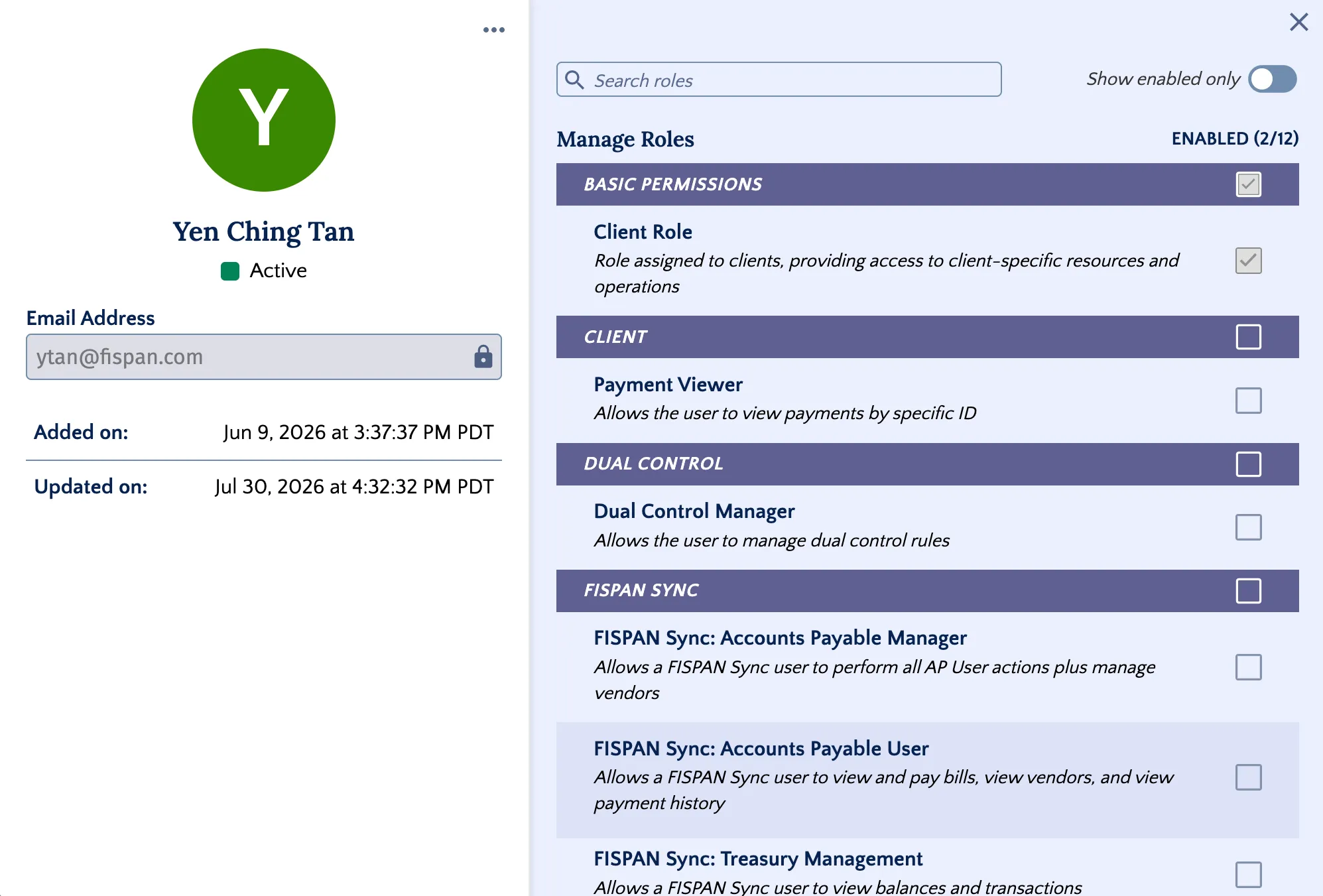
IMPORTANT: Some permissions may not be relevant to your Bank's Product Set (e.g., "User Can Approve Payments," which refers to the FISPAN Approval Portal).
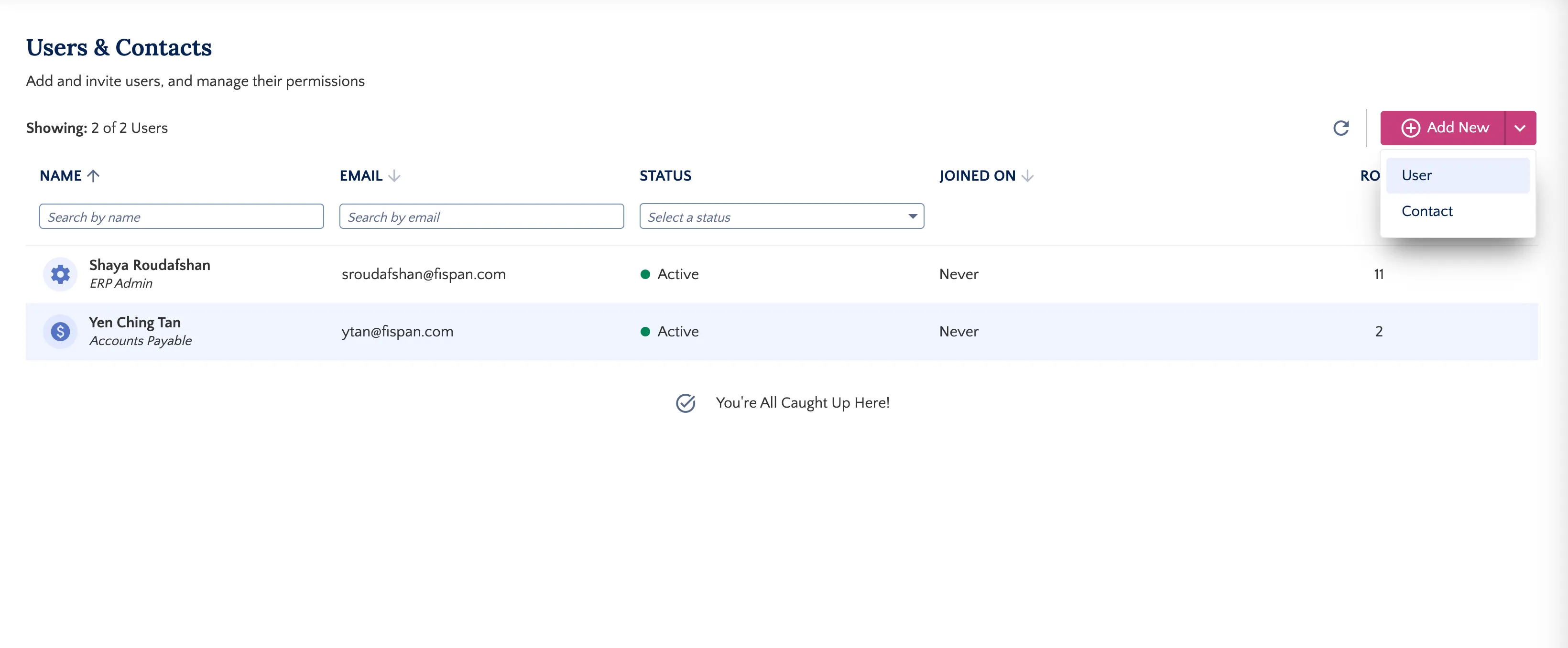
Adding New Users or Contacts
To add a new individual to the system, follow these steps.
Click Add New.
Choose one of the following options:
- User: A User is an individual registered with the Client, assigned specific roles and access rights in the FISPAN Portal. They will receive an invitation email to log in and manage the ERP Wizard Settings.
- Contact: A contact from the Bank or the Client's Organization used for communication. No invitation email or login access is provided to a Contact.
Fill in the required details for the selected option.
Save entry.
IMPORTANT: Users who are already registered for FISPAN Portal (even if for a different Client profile) will not receive a second invitation email. Instead, they will automatically gain access to the new profile the next time they sign in.