Step 9: Launch FISPAN Sync (QBO)
To launch FISPAN Sync from QuickBooks Online, type "My Apps" directly into the search bar at the top.
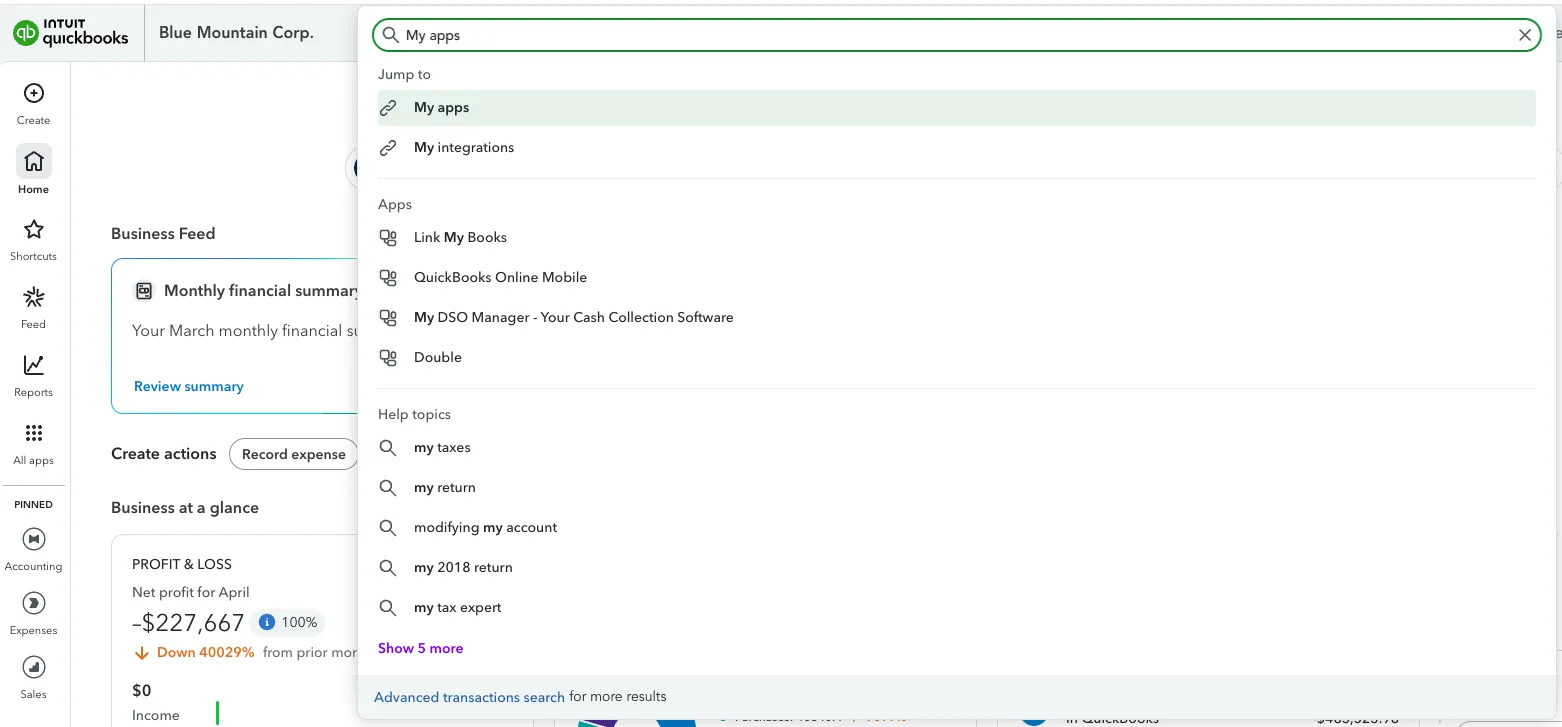
Once connected, your Customers Bank app will appear under Manage Integrations. You can now click Launch on your Customers Bank app.
You will now be redirected to the home page where you can login and access FISPAN Sync.
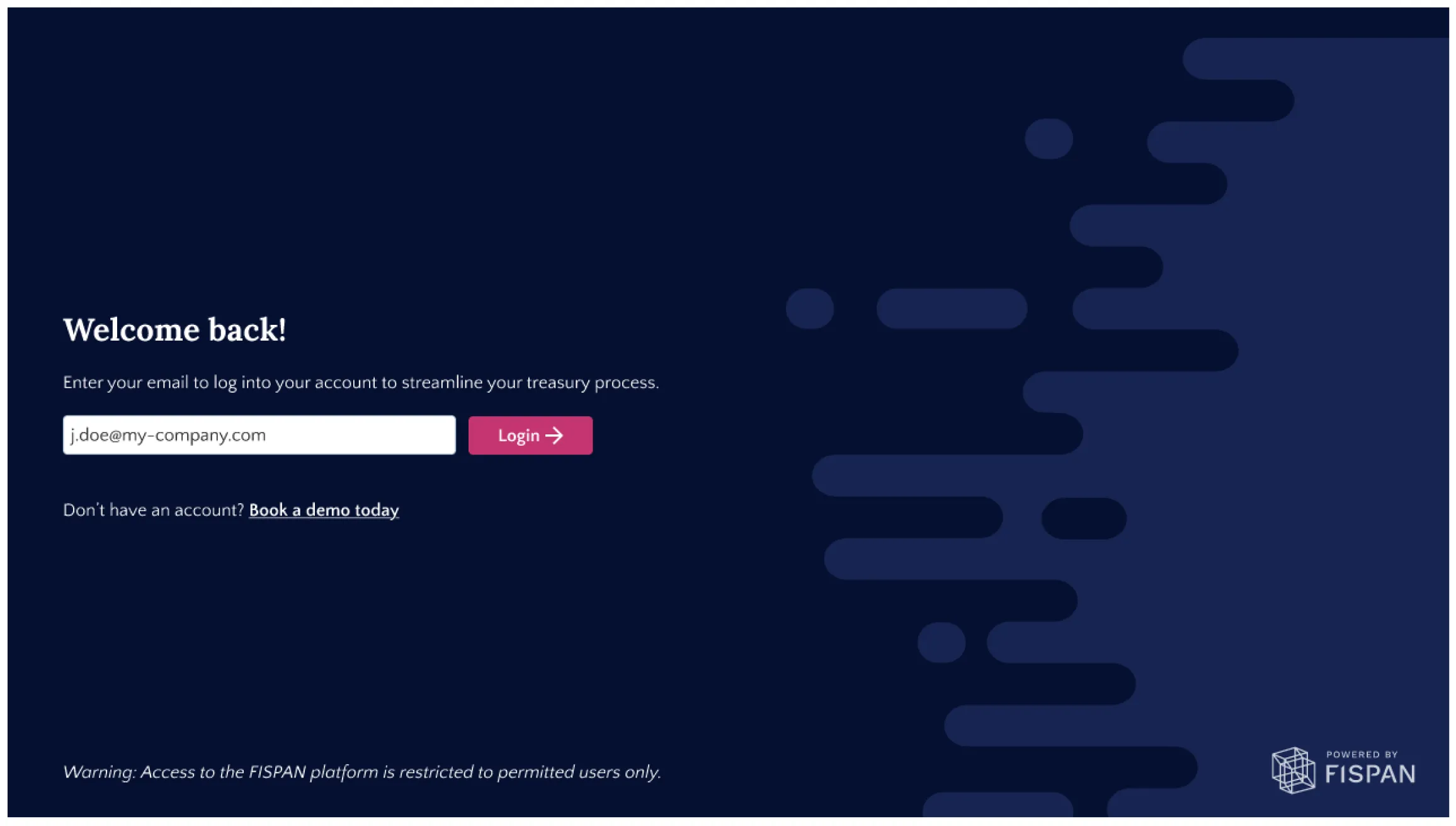
Click Login