Managing Bank Accounts
Access your bank account balances directly within FISPAN Sync, using the Cash Management Reporting features. Drill down into the details of every deposit, withdrawal, and transfer.
Viewing Balances & Transactions
View account balances and transaction details across all of your accounts, all within Workday FISPAN Sync.
Navigate to the Bank Accounts page.
From anywhere in FISPAN Sync, select Balances and Txns.
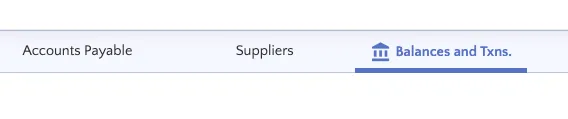
Here, you can view all of the bank accounts that you have connected with the plugin.
Select Account
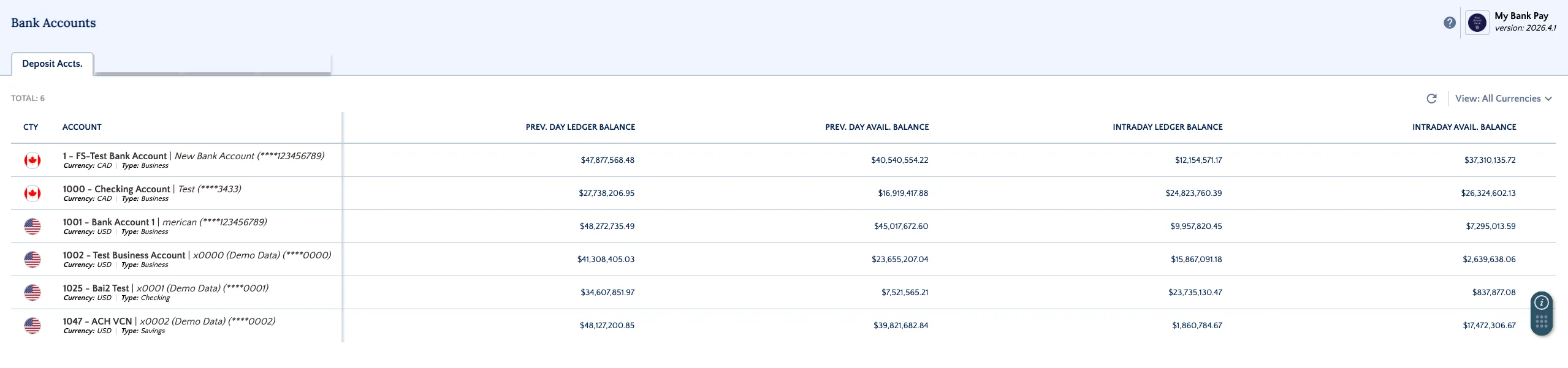
Click on any account's name to view the Intraday and Previous Day Balances.
- Intraday Balances (updated time bank dependent)
- Previous Day Balances (updated time bank dependent)
View Balances & Transactions
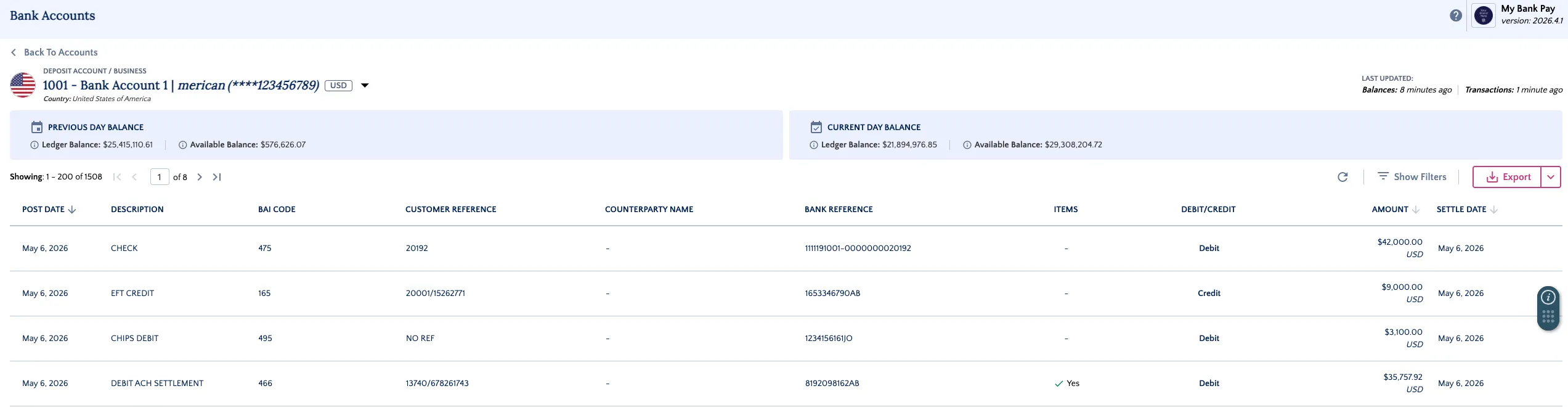
Bank Account Balances are displayed at the top of the page.
Bank Transactions that have been posted to your account are presented in the table further below. Use the date filters to help narrow your search.
You’ll see all settled transactions, debits, and credits for the account.
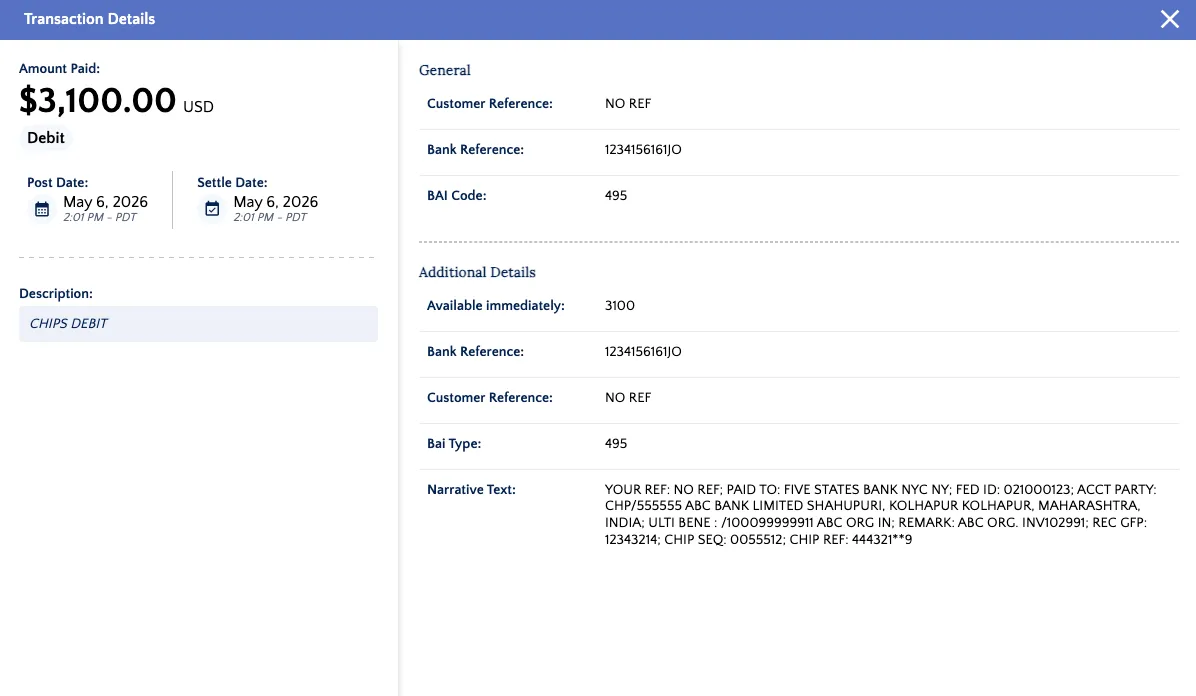
To see additional details about a specific transaction, click View under the Details column.
Export Balances
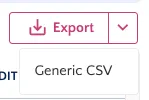
Balances can be exported in CSV file format by clicking Export.
NOTE: If the file does not download, make sure your pop-up blocker is disabled.