Step 6: Install Bank SuiteApp
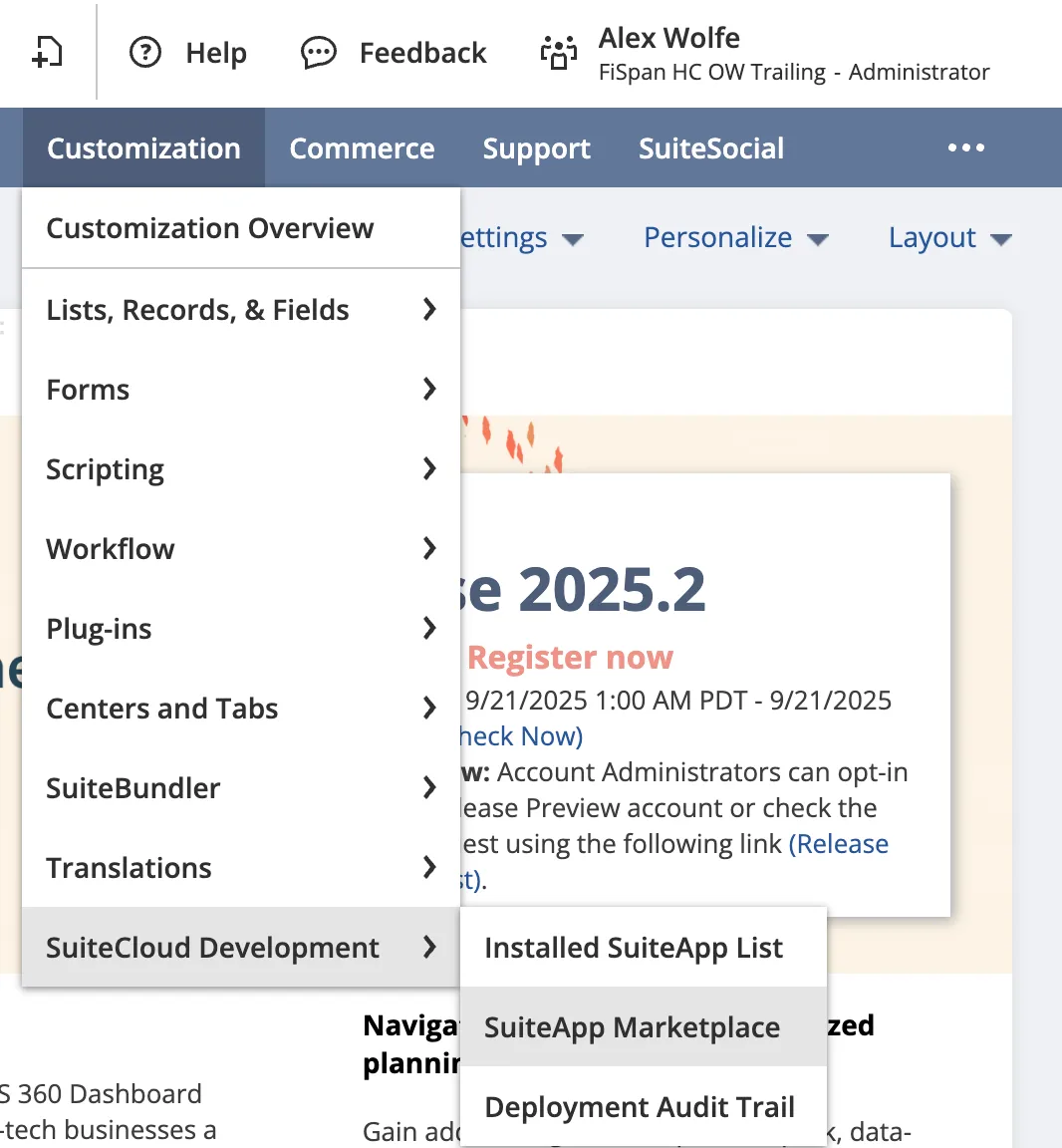
From NetSuite, start by navigating to Customization → SuiteCloud Development → SuiteApp Marketplace
Search for the SuiteApp
To search for the bundle, type " Columbia Bank Link" in the Keywords box and select Search.
Install the SuiteApp
Click on the SuiteApp. Select Install to review the SuiteApp, then select Install again to confirm.
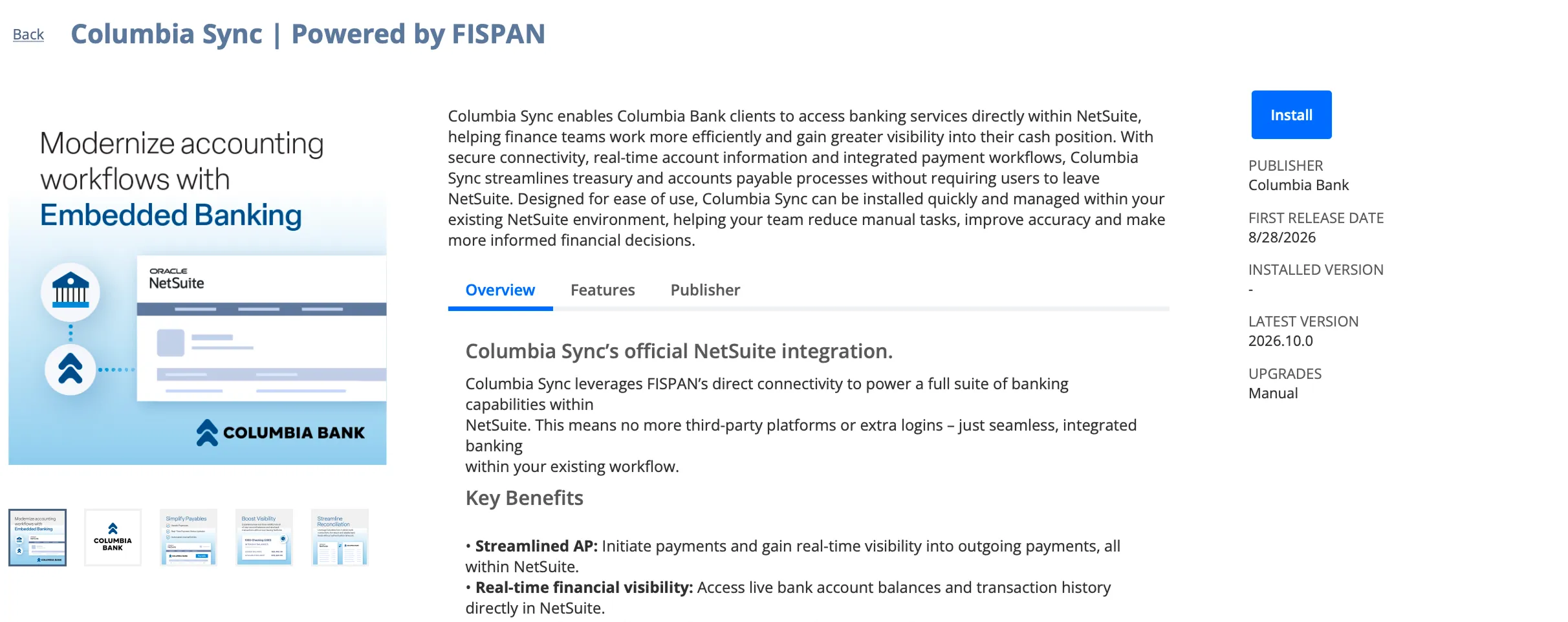
Once the SuiteApp has been installed, the Columbia Sync tab will appear on your NetSuite menu.
Then, head back to the wizard and select Next Step.
NOTE: If you will be using Accounts Payable, you will also need to install and configure the Entity Bank Details SuiteApp. Refer to this article to install the bundle: Entity Bank Details SuiteApp Installation & Setup (NetSuite)
Or you can wait to install and configure Entity Bank Details later, as described in: Step 15: Install Entity Bank Details SuiteApp