Voiding Bills (QBO)
If you need to void a payment in QuickBooks Online, you can follow the steps below.
Go to Expenses & Pay Bills
In QuickBooks Online, go to Expenses & Bills -> Expense transactions.
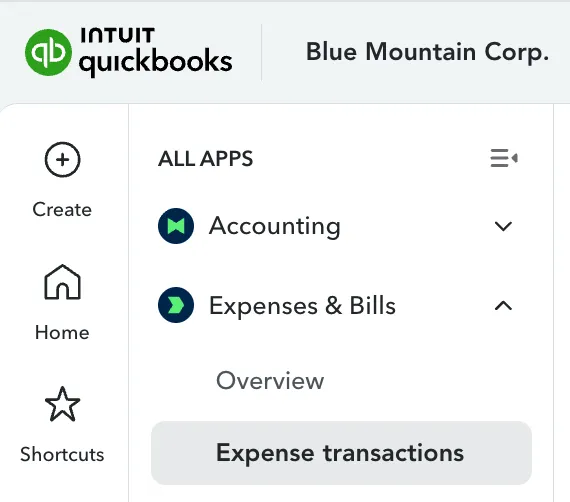
Go to Expense Transactions
Browse the list or use the filter tools to locate the specific Bill Payment you want to void.
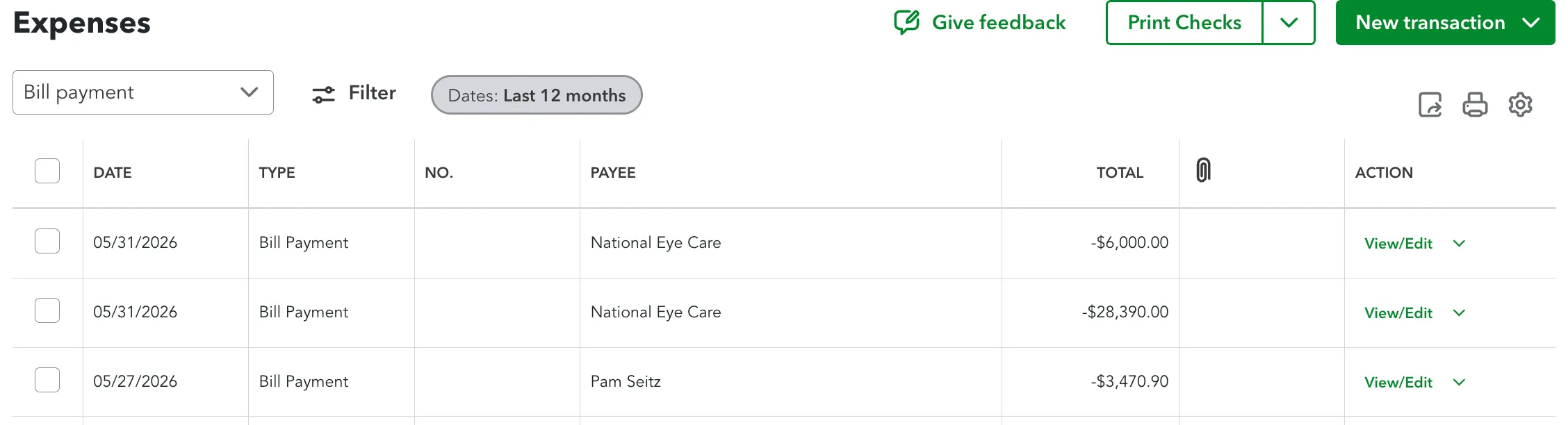
Filter by Bill Payment
Click on the transaction to open it.
Void the Bill
In the bottom menu, select More then select Void.
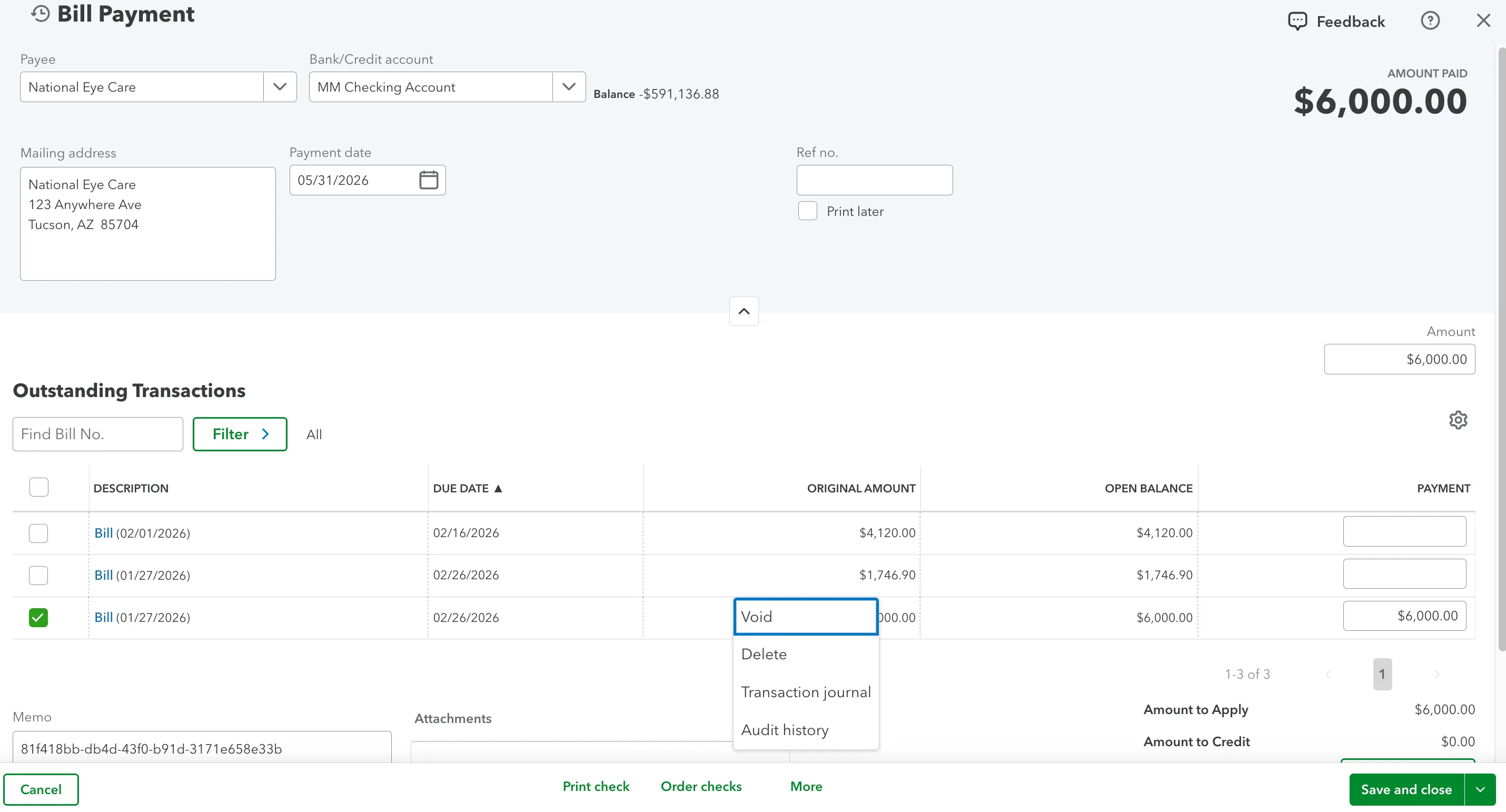
Select Void
Confirm that you would like to void the bill.
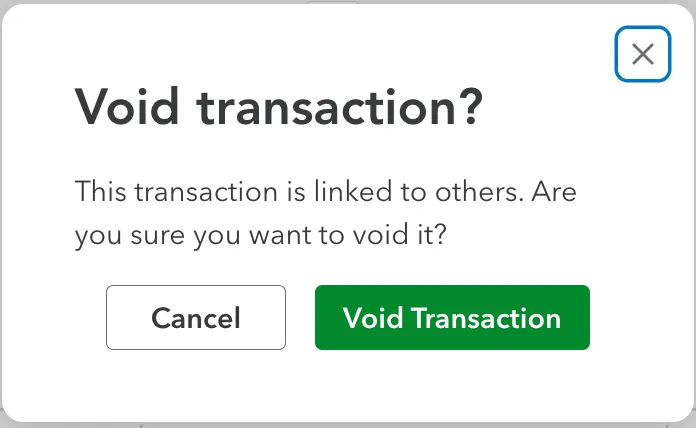
Confirm Void Transaction
QuickBooks Online will confirm that the bill has been successfully voided.
Repay the Bill
The bill is now reopened. Please navigate to the FISPAN Sync to pay the bill again.